Text to Image AI
Describe the image you want, choose a model and its available output settings, then generate and review the result.
Text to Image AI
Describe the image you want, choose a model and its available output settings, then generate and review the result.
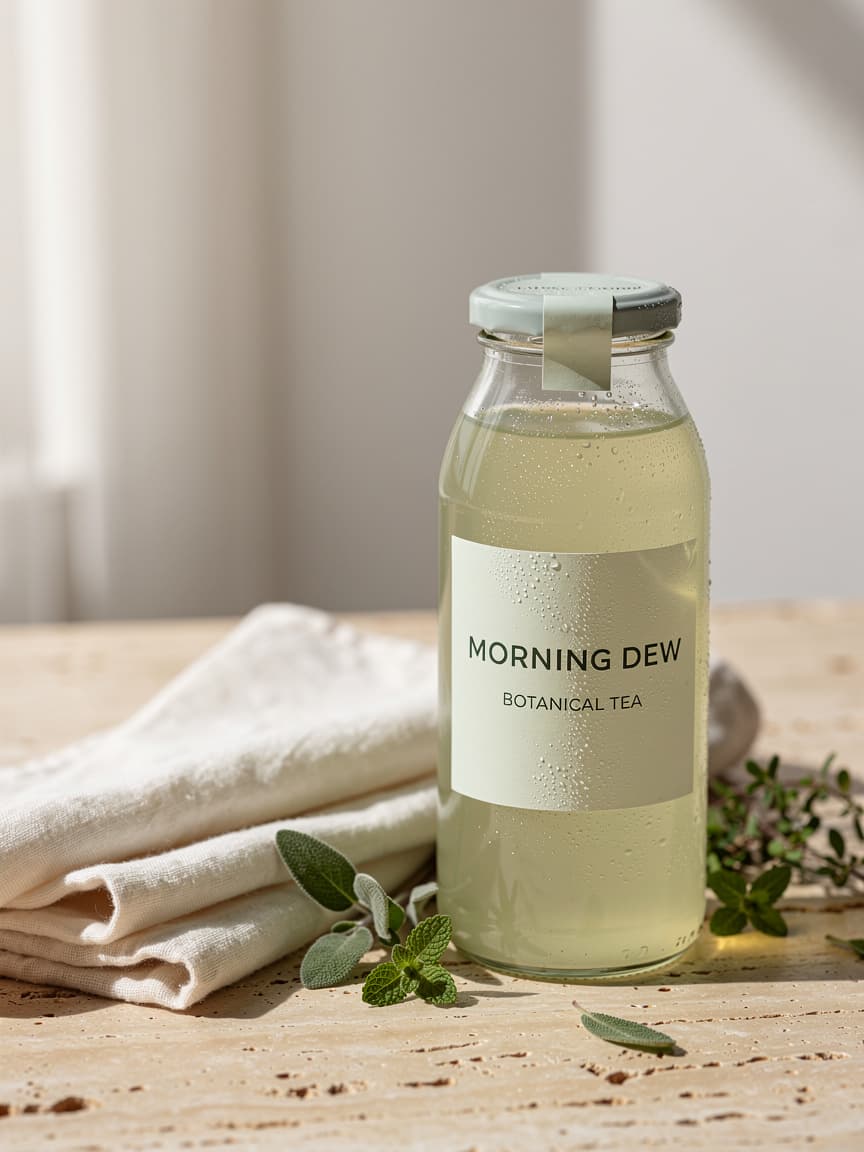
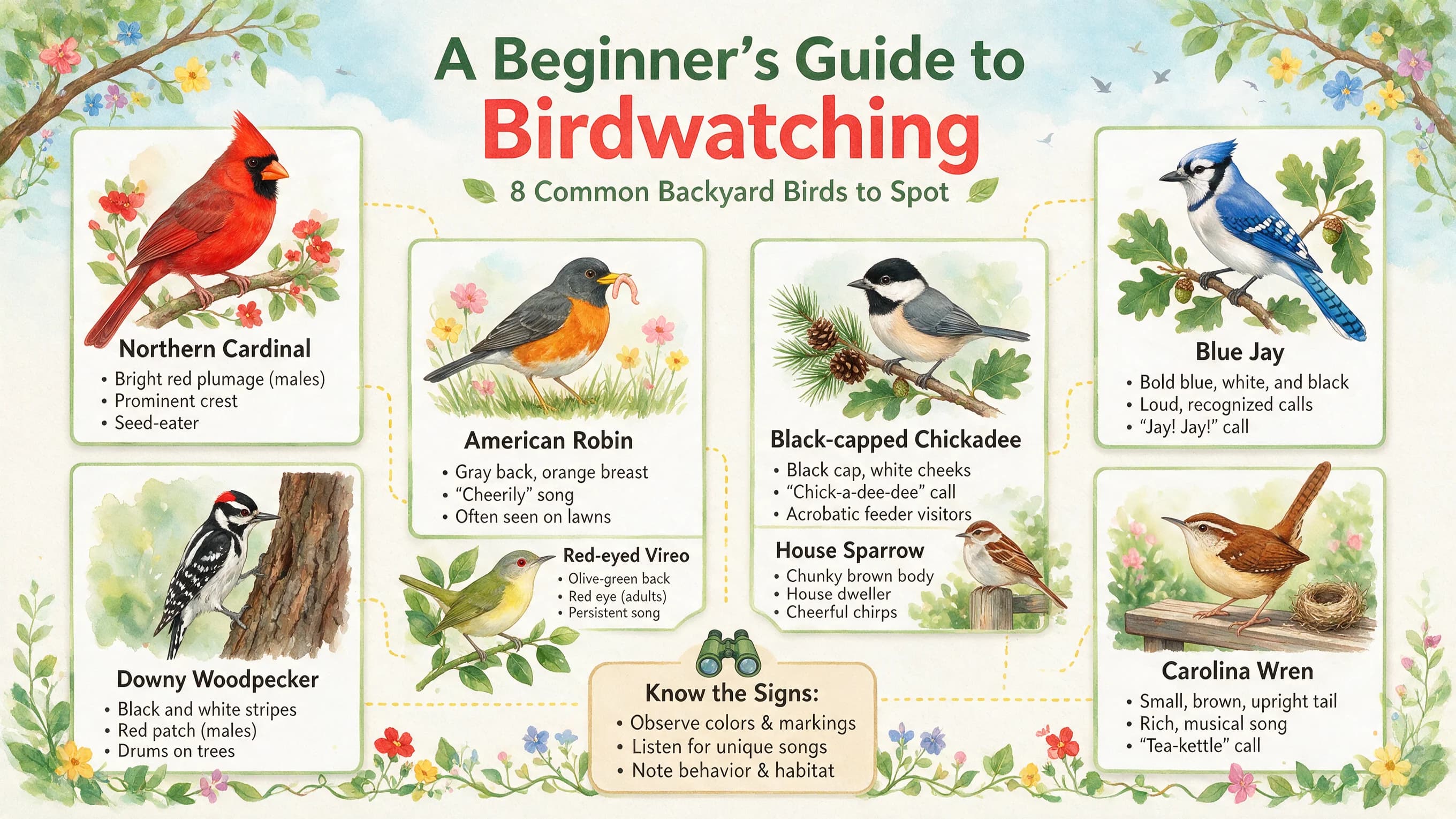
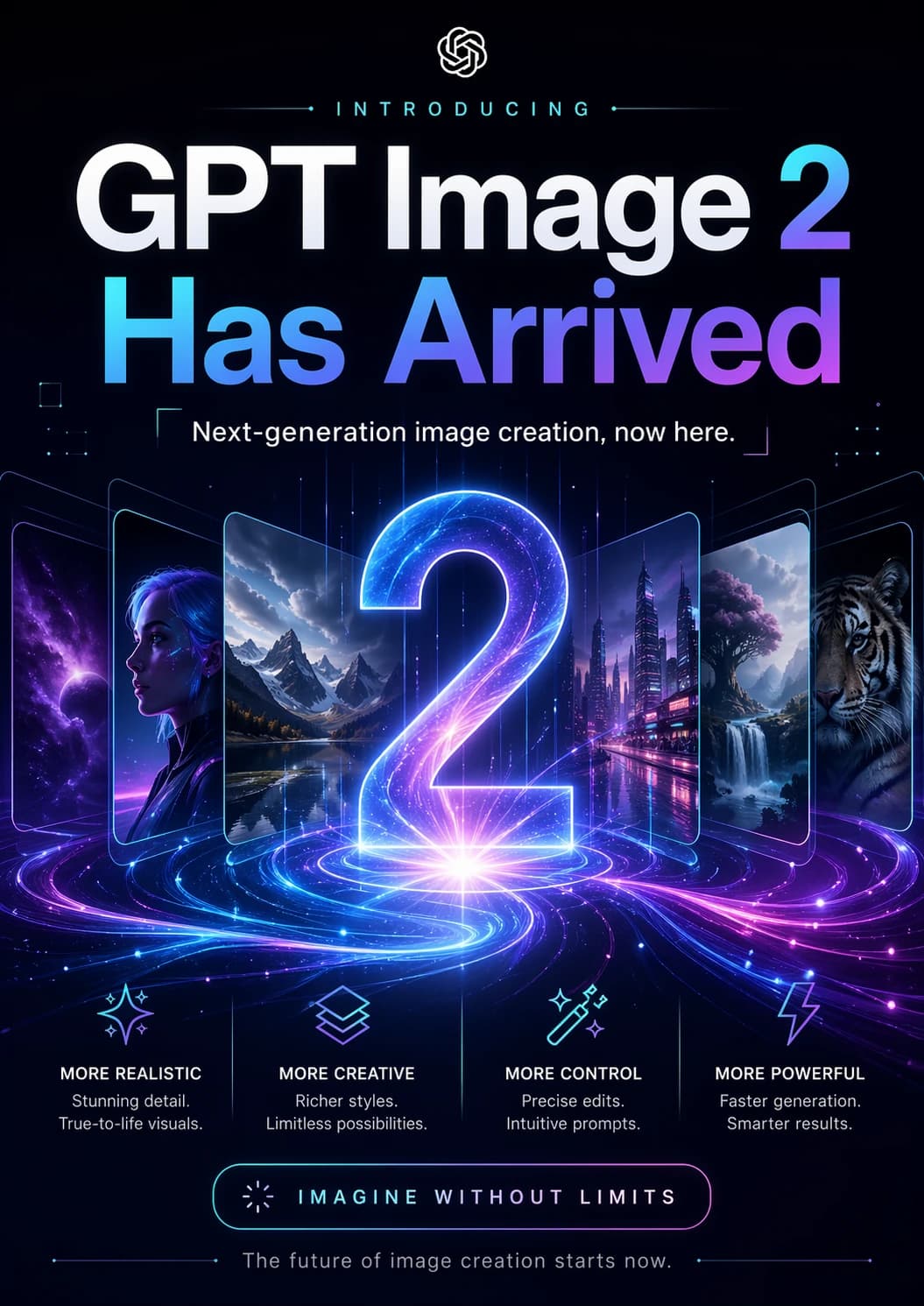
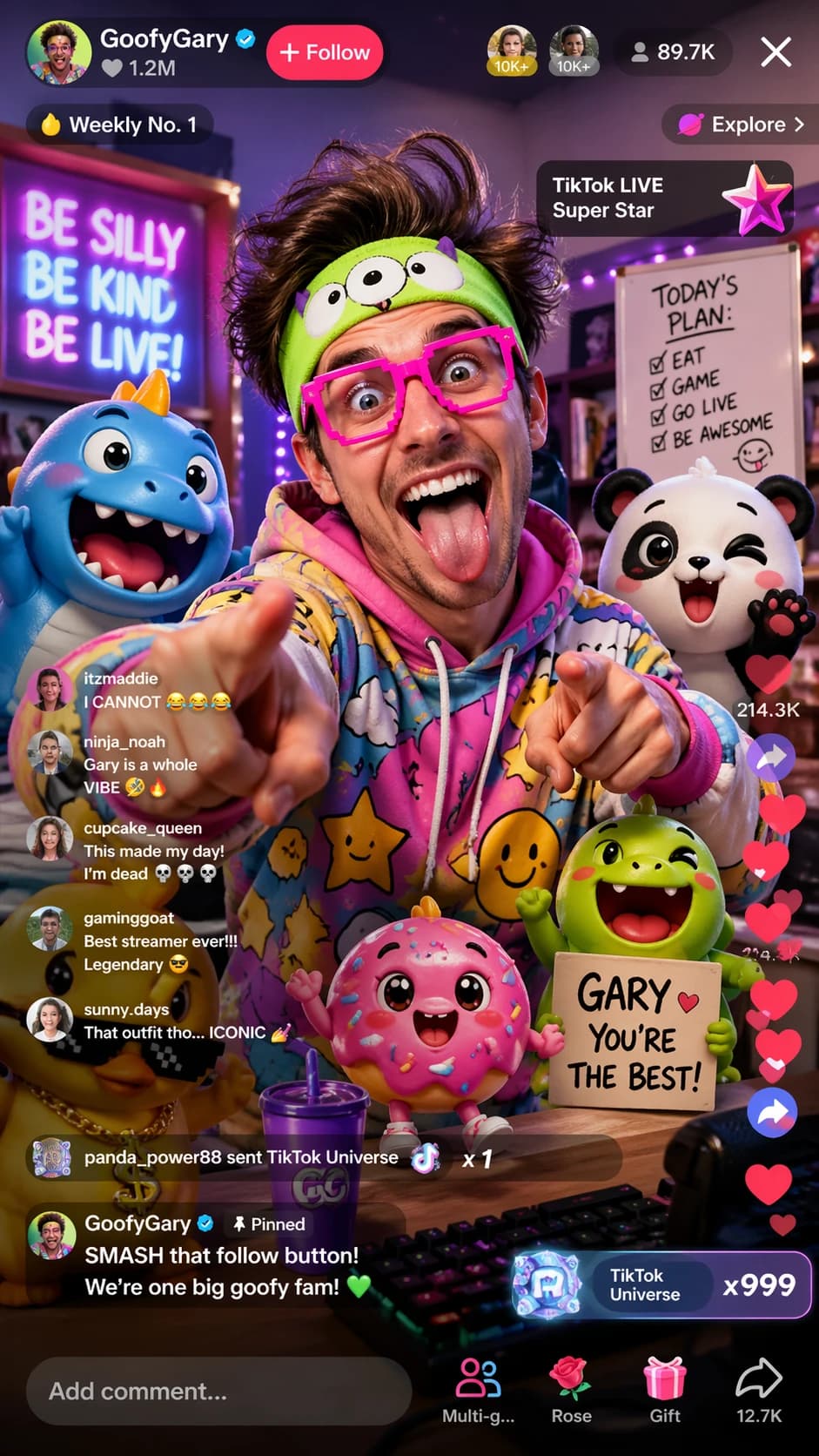
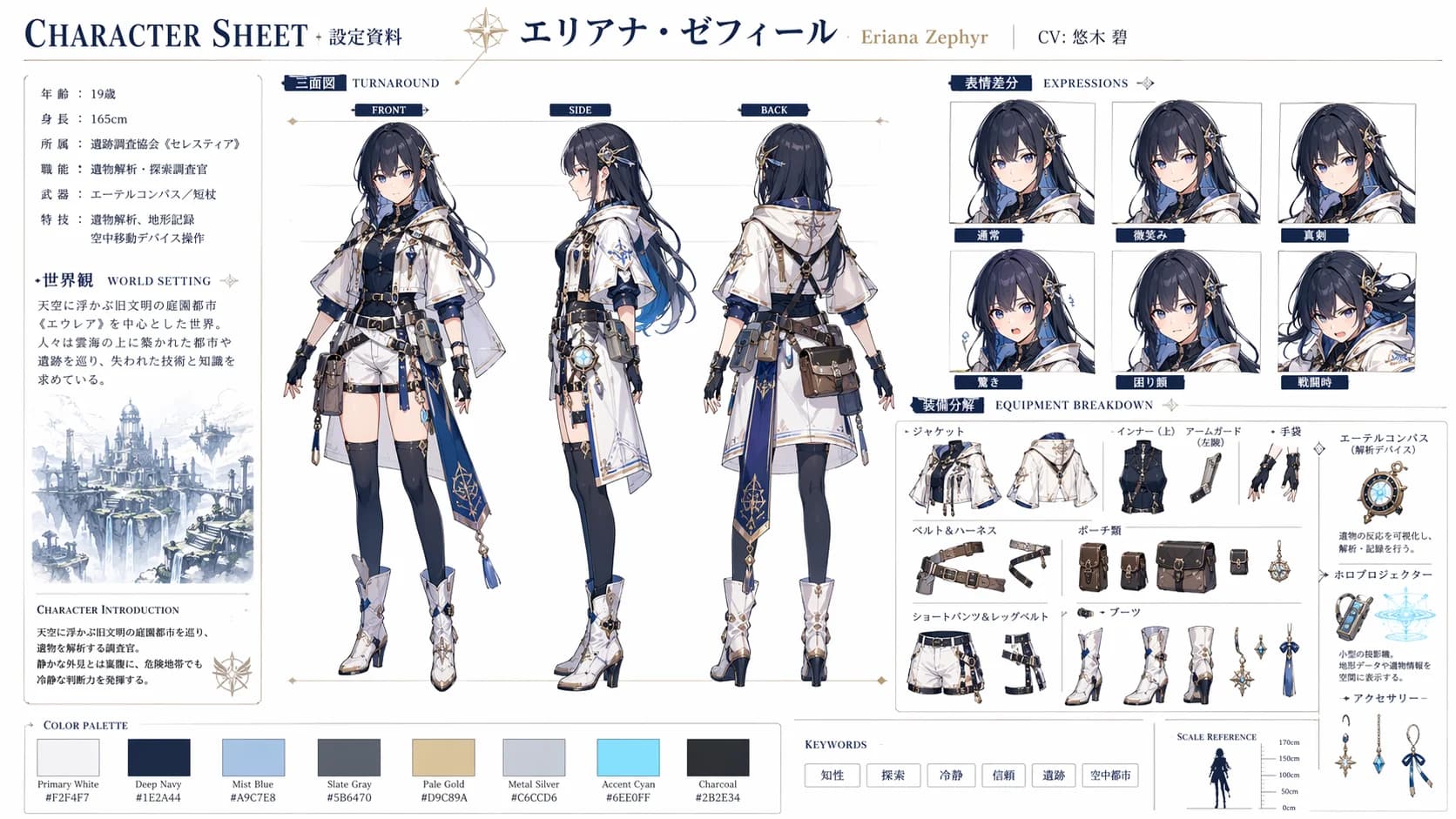
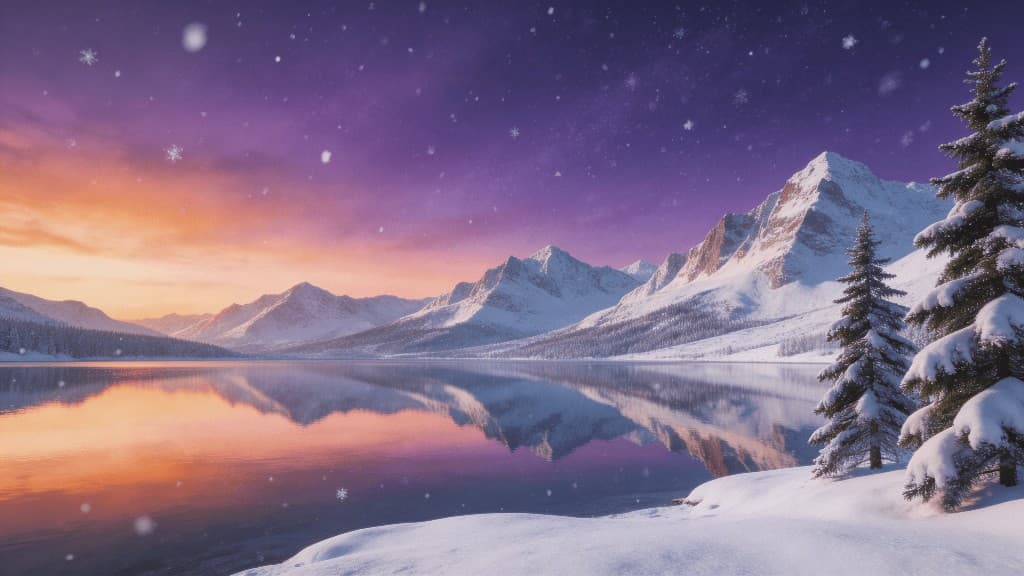
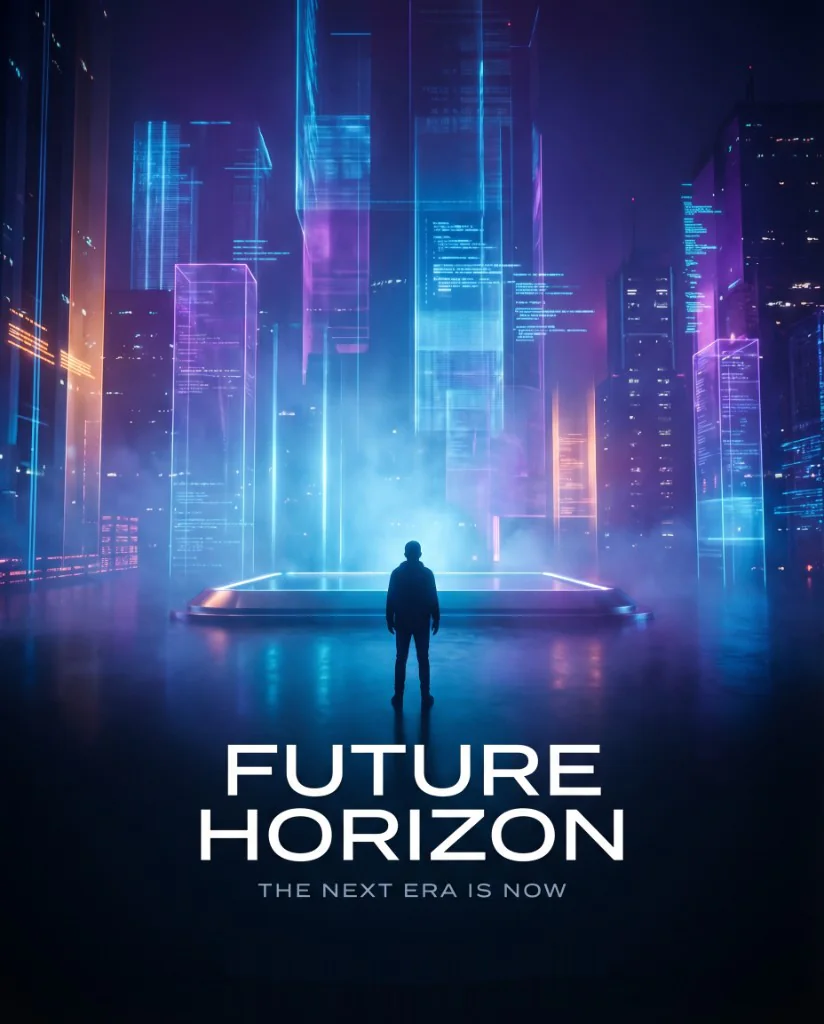
Choose a model for your image and output needs
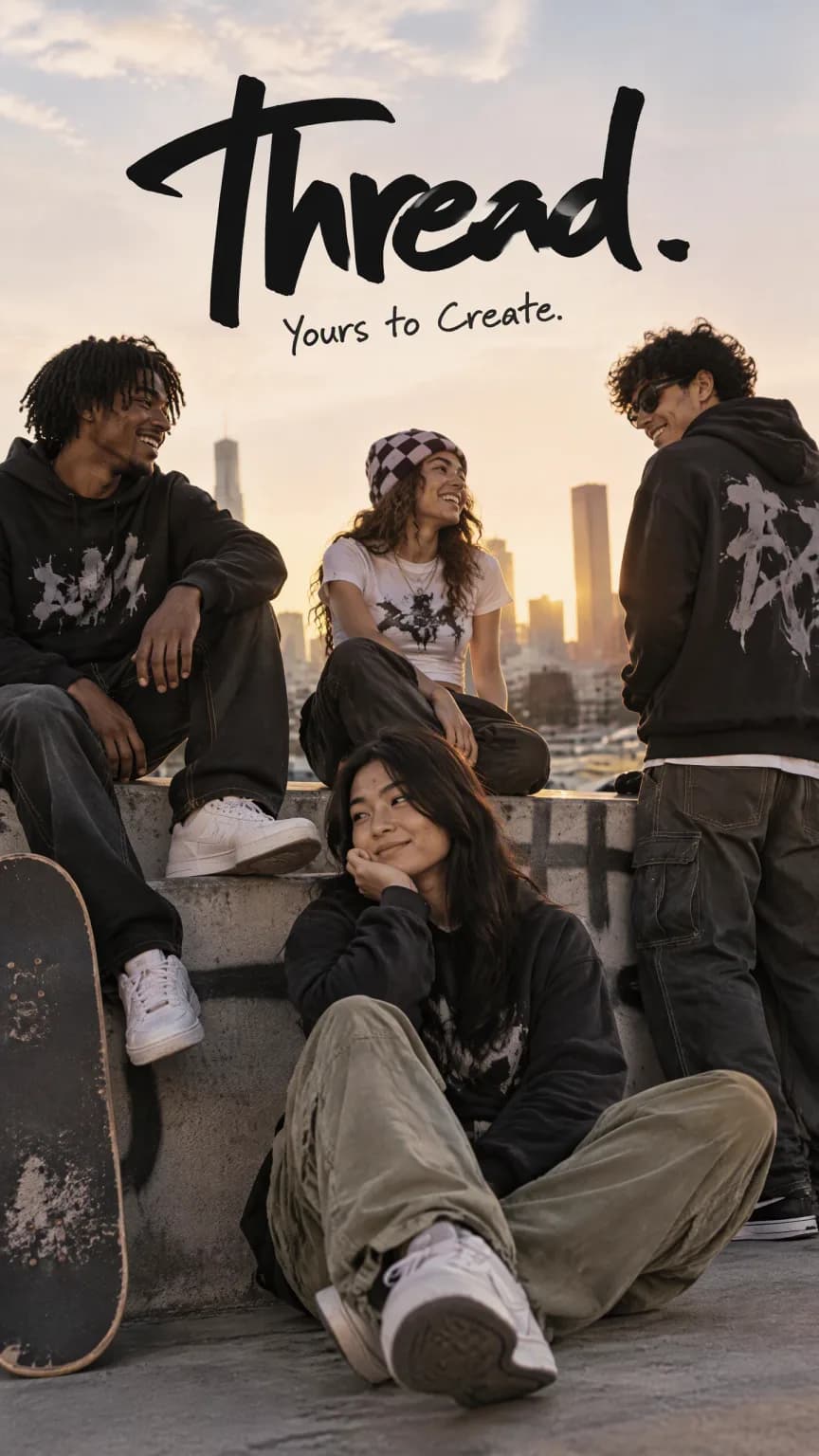
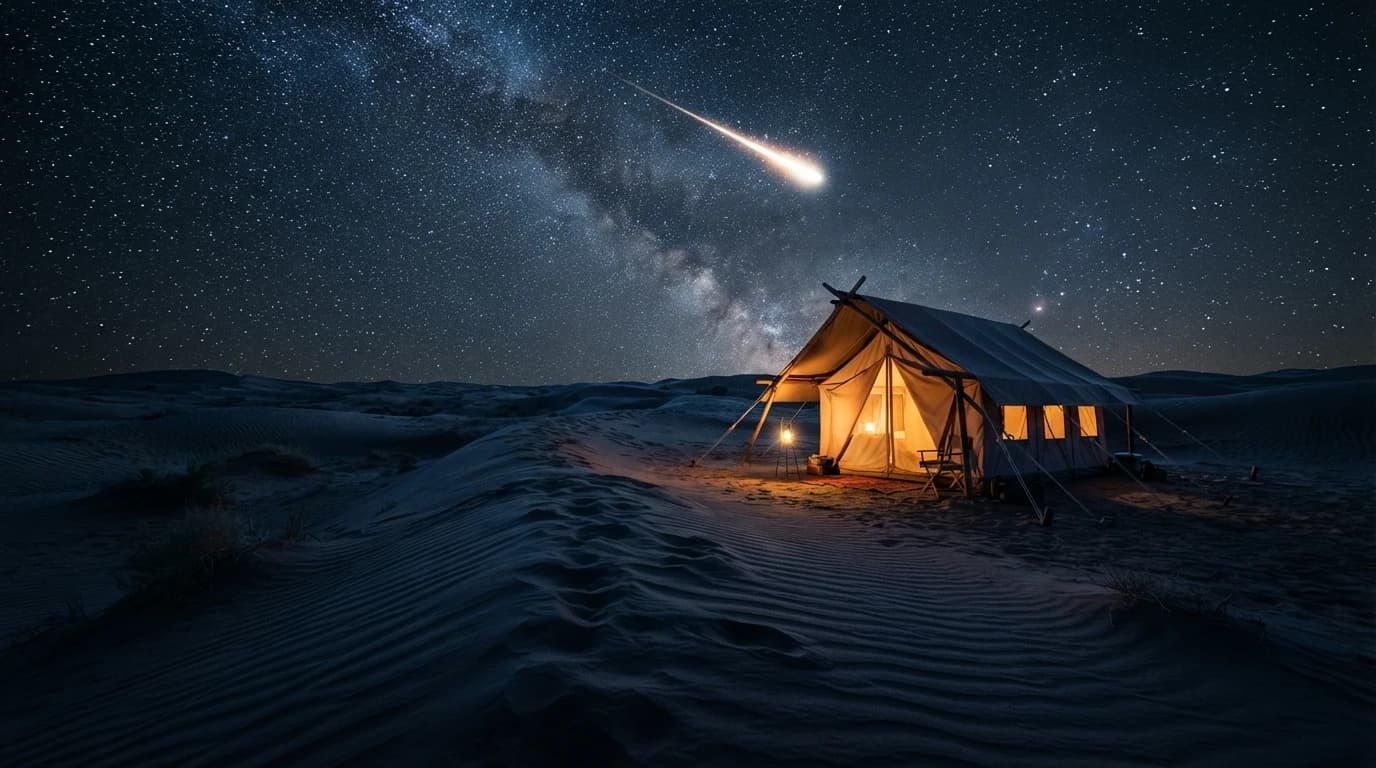
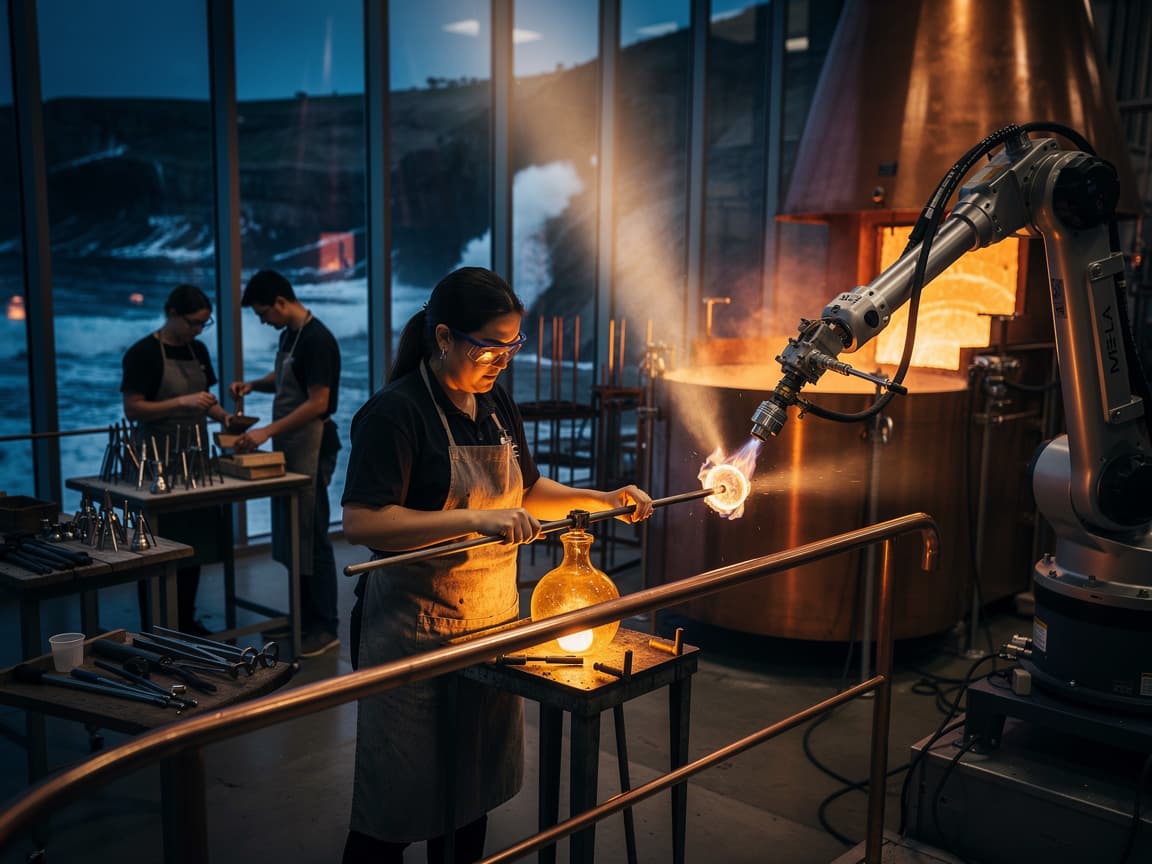
Use text to image AI to create illustrations, photo-style scenes or graphics for social posts. Start with the intended use, then choose a model with the aspect ratios and output options you need. The cards below link to each model's features and examples.
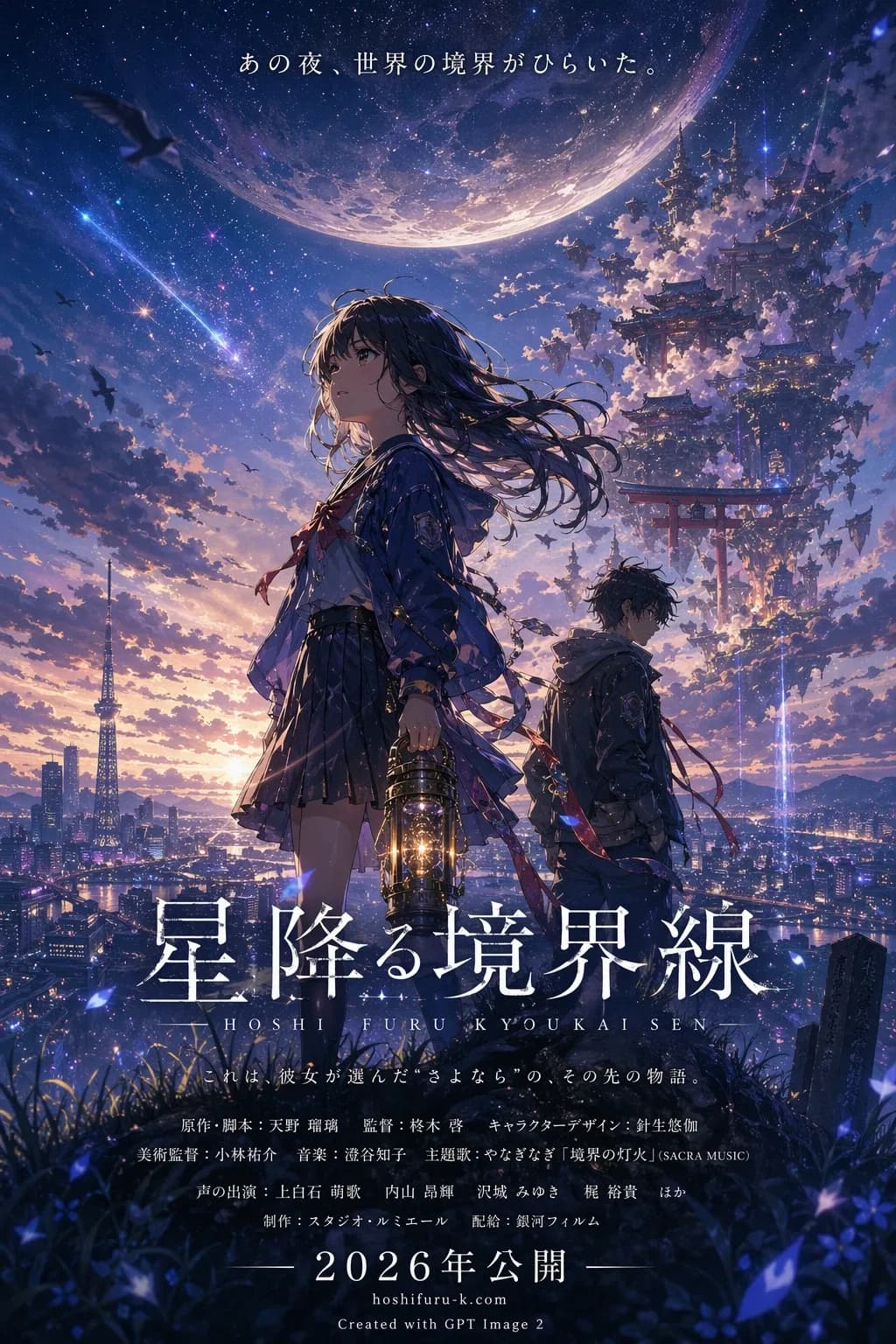
An anime-style poster made from a short prompt
This anime-style movie poster was generated with GPT Image 2 from the Japanese prompt shown below. The short input specifies a fictional anime film poster, leaving the characters and layout to the model. For a more specific design, add details about the lead character, setting, color palette and title placement.
Original prompt (Japanese)
架空のアニメ映画のポスターをGPT image2で作成。
Generated poster
How to create images from text
Describe your idea, choose the output settings, and refine the image for its intended use.
Step 1 — Define your goal and choose a model
Decide whether you need an illustration, a photo-style scene or a poster, then select a model with the output options you need. To edit an existing image or use a visual reference, open Image to Image.
Step 2 — Write the prompt and set the output
Describe the subject, setting, composition, style and lighting. Add any required lettering or elements to avoid. Choose the aspect ratio and any resolution, quality or format options the selected model provides, then check the credit estimate before starting generation.
Step 3 — Generate, refine and download
Follow the task status, then review the finished image's composition, lettering and key details. To adjust the result, revise the prompt with a specific change, such as placing the subject on the left or using warmer light, and generate again. Download the version you want to use.
Continue working with your image
Text to Image FAQ
What is text to image AI, and how is it different from image to image?
An AI image generator interprets a written description to create a new picture. On this page, you start with text rather than an uploaded image. For edits based on an existing picture, or work guided by reference images, use Image to Image. Those are separate inputs and workflows.
How do I choose a text to image model?
Match the model's available aspect ratios, resolution and formats to where you plan to use the image. To compare visual results, try the same clear prompt across models and keep output settings comparable where possible. The linked model pages explain each model's specific capabilities.
How do I write AI image prompts? Can you show an example?
Use this structure: subject, setting, composition, style or lighting, then any required text or elements to avoid. For example: A white ceramic mug on a light wooden table, placed on the left with empty space on the right. Soft window light, realistic product photography style, no text or logos. This teaching example is separate from the poster prompt above and has no paired sample image. Aim for clear instructions, not maximum length; the input limit varies by model.
Can I write prompts in languages other than English?
You can write prompts in English, Chinese, Japanese, Spanish or Portuguese; the poster example uses Japanese. Describe the subject and style in your preferred language. For words that should appear inside the image, specify their language and exact wording.
Is there a separate negative prompt field?
This page does not currently provide a separate negative prompt field. Include exclusions in the main prompt, such as no text or logos, and describe what you want to see, for example, a plain, unbranded mug. Unwanted details may still appear.
How should I choose aspect ratio, resolution and quality?
Start with the intended use: a vertical poster, a wide cover or a square post. Choose a matching aspect ratio from the available options, then set the resolution and quality offered by the model. Writing 4K or 8K in the prompt does not override those output settings.
Will text and logos in the image be accurate?
Exact text, spelling, logos and layout are not guaranteed. Put the desired wording in quotation marks and describe its placement, then inspect every letter and symbol in the result. For a design that needs exact typography or branding, finish those details in a suitable editing or design tool. This page does not provide editable text layers.
Will the same prompt reproduce an image or a character?
Repeating a prompt can produce a different image or change a character's appearance. This page does not offer a public seed control for reproducing results. If you want to work from an existing output, take it to Image to Image as a reference and describe what should stay or change.
Which image formats and background options are available?
Output choices depend on the selected model and may include PNG, JPEG or WebP. Some models offer a transparent background setting; choosing PNG alone does not make a background transparent. Check the model's controls, or use Background Remover afterward if needed. The page does not offer SVG, PSD or layered design-file export.
Can I use text to image AI for free?
Generation requires signing in and uses credits. Available bonus credits can be used when your balance covers the task. The displayed credit estimate reflects the selected model and settings. Each new generation, including another attempt with a revised prompt, uses credits. You can review charges and adjustments in your credit history.
How long does generation take, and what if it fails or looks wrong?
Generation time varies by task; follow its status for progress. If a task fails, use the error message to decide what to change before retrying. If it finishes but the image does not match your idea, make the relevant subject, composition or style instructions clearer and generate a new version.
How can I edit, upscale or animate the image afterward?
Use Image to Image to edit an existing picture, Image Upscaler to enlarge it, or Image to Video to create a clip from it. For background or watermark removal, open the corresponding tool. These tools run separately, with their own input requirements and credit rules.