Motion Control AI
Upload a character image and a reference video to generate a clip guided by the video's movements.
Motion Control AI
Upload a character image and a reference video to generate a clip guided by the video's movements.
Choose a Kling Motion Control model
Use AI motion transfer to animate a character image with movement from a reference video. Choose Kling 3.0 Motion Control or Kling 2.6 Motion Control, then select 720p or 1080p. Kling 2.6 currently uses fewer credits for the same resolution and reference length. Compare a short sample with your own material to decide which model suits your character and movement.
Compare the image, reference movement, and result
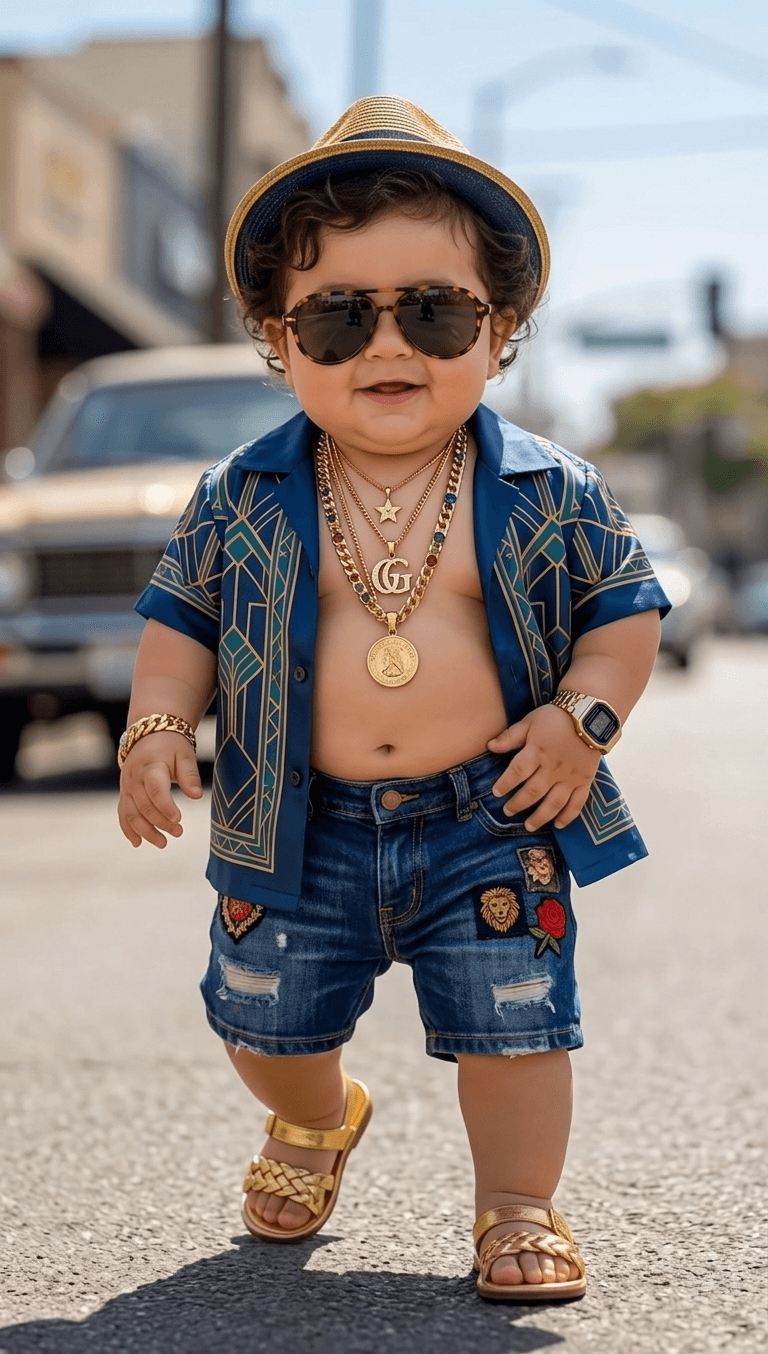
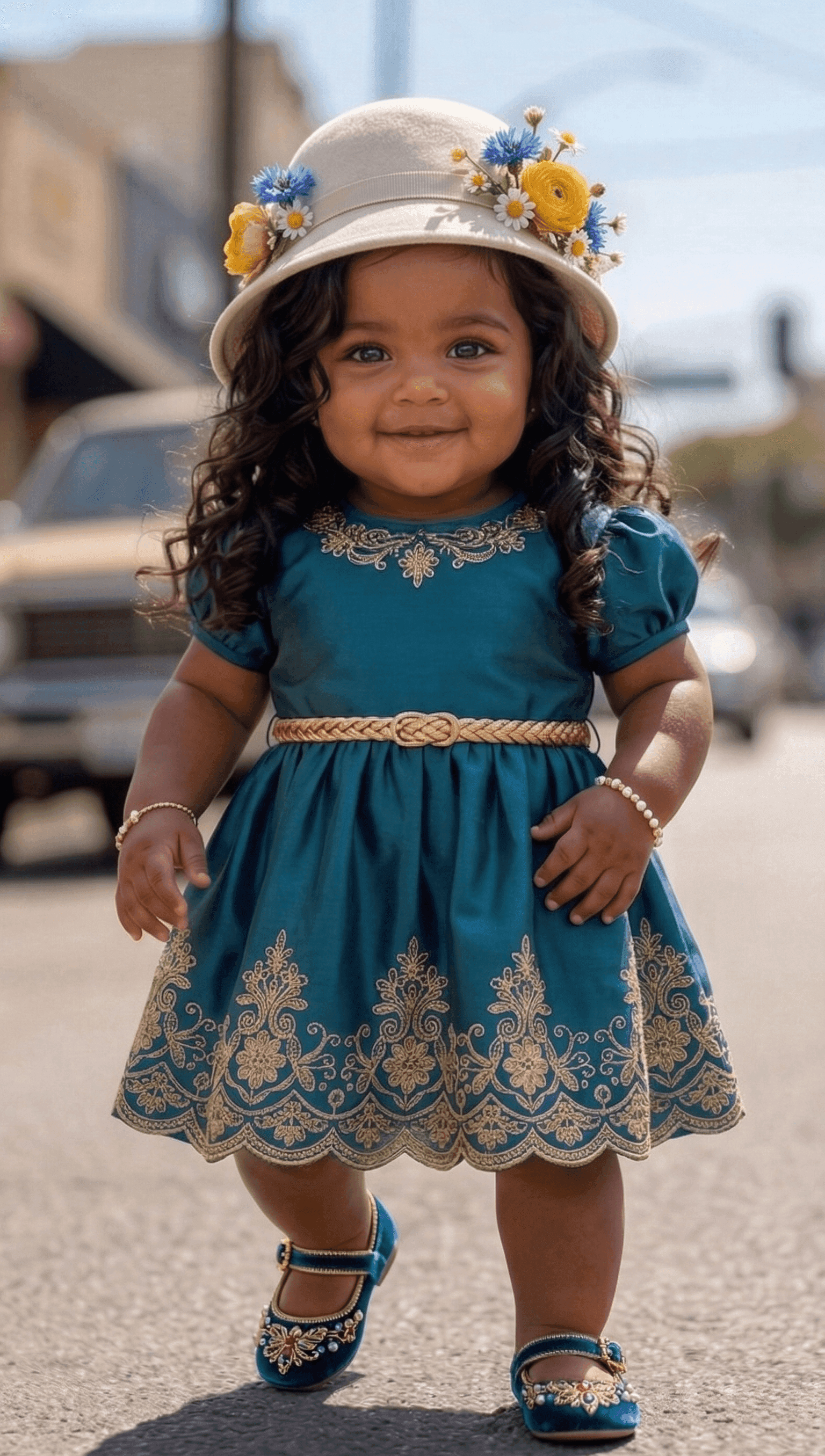
Start with the character image, play the reference video, then watch the generated clip. Compare when movements begin and end, how the body turns, and whether the hands, feet, and face remain coherent. Use the same checks when reviewing clips made with your own materials.
Character image and motion reference
Generated video
How to use Kling Motion Control
Prepare your inputs, choose the output settings, and review the complete clip before downloading.
Step 1 — Choose a model and upload your inputs
Upload one character image and one 3–30-second reference video. Match the framing: use a clear upper-body image for upper-body gestures, or keep the legs visible in both inputs for full-body movement.
Step 2 — Set the resolution and optional prompt
Choose 720p or 1080p. Add a prompt if you want to describe the scene, clothing, or lighting, while keeping it consistent with the reference action. Check the estimated credits before generating.
Step 3 — Generate, review, and download
When processing finishes, play the entire result and compare its timing, limbs, face, and occluded areas with your inputs. Download the result you want to use. Each new generation uses credits, so identify what to change before trying again.
Tools for other image and video tasks
Frequently Asked Questions
What is Motion Control AI, and how is it different from Image to Video?
Motion Control generates a new video from a character image and a reference video that guides the movement. This is also called AI motion transfer. Both inputs are required here. If you want to animate an image using a text description without a reference video, use Image to Video instead.
Should I choose Kling 3.0 or Kling 2.6 Motion Control?
Both are available in VidGen and offer 720p and 1080p. Kling 3.0 is the default selection; Kling 2.6 currently uses fewer credits at the same resolution and reference-video length. Compare the credit estimate and test a short sample with your own material. A model version alone does not guarantee a better result.
Which file formats, sizes, and dimensions are supported?
Use a JPG/JPEG or PNG image up to 10 MB and an MP4 or QuickTime MOV video up to 100 MB. For Kling 3.0, the provider also specifies image and video dimensions above 340 px and an aspect ratio from 2:5 to 5:2. Check these requirements yourself before uploading; the page does not check every dimension requirement in advance.
How long can the reference video be?
The current input range is 3–30 seconds for both models. For a longer recording, trim it to the movement you want before uploading. This page does not automatically split and stitch long videos. The range describes the reference clip's length, not how long generation takes.
How should I prepare the character image and motion reference?
Use one main person or a clearly recognizable humanoid character, with the head, shoulders, and torso visible. Match the framing between the image and video, and show the limbs needed for the action. Prefer steady framing and clear movement with few cuts, obstructions, or people crossing in front of the subject.
Is a Kling Motion Control prompt required, and what should I write?
The prompt is optional and accepts up to 2,500 characters. Use it to describe the scene you want, for example: “A full-body character dancing in a softly lit studio. Keep the outfit consistent throughout the shot.” This expresses a preference, not a guaranteed result. The reference video still supplies the movement and remains required.
Can I change the character orientation or edit joints and motion paths?
This page uses the reference video to guide character orientation. It has no switch to follow the image's orientation, motion brush, or joint and path editor. You can use an ordinary reference video without motion-capture equipment; the output is a generated video, not editable motion-capture data.
Can I animate a cartoon character dancing, walking, or gesturing?
You can try these movements with a recognizable human or humanoid character. Start with a short, clear reference to see how the model handles your design. Motion and appearance may differ from the inputs, especially during turns or occlusion. Frame-for-frame copying, an unchanged identity, and support for arbitrary animals or objects are not guaranteed.
Can I try Motion Control AI for free, and how many credits do I need?
Sign in to generate. If your account has signup credits available, you can apply them toward a task; they may not cover a complete generation. Required credits depend on the model, resolution, and reference-video length. Check your balance against the estimate before submitting. Each new generation, including a rerun, uses credits.
How long does processing take, and what if the result flickers or looks distorted?
Follow the task status; processing time varies and there is no fixed completion time. Review hands, feet, facial changes, and areas where the character is obscured. If needed, try clearer inputs with more closely matched framing, simpler movement, or a shorter reference within the 3–30-second range. Another generation may help, but improvement is not guaranteed.