AI Drunk Dance Video Generator
Upload one clear subject photo and create a playful drunk dancing video driven by a built-in motion reference.
AI Drunk Dance Video Generator
Upload one clear subject photo and create a playful drunk dancing video driven by a built-in motion reference.
AI Drunk Dance Video Generator for drunk dancing clips
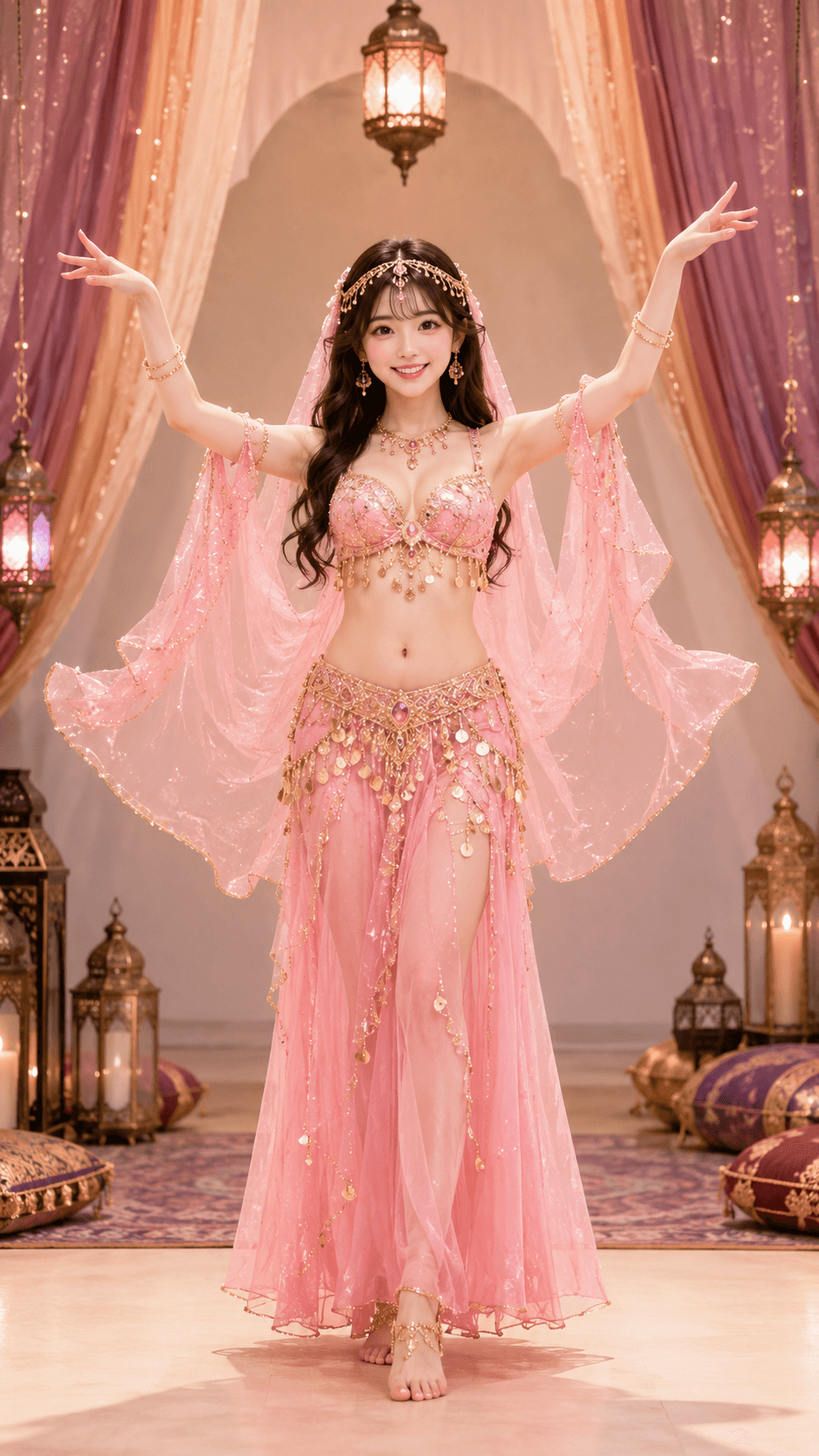
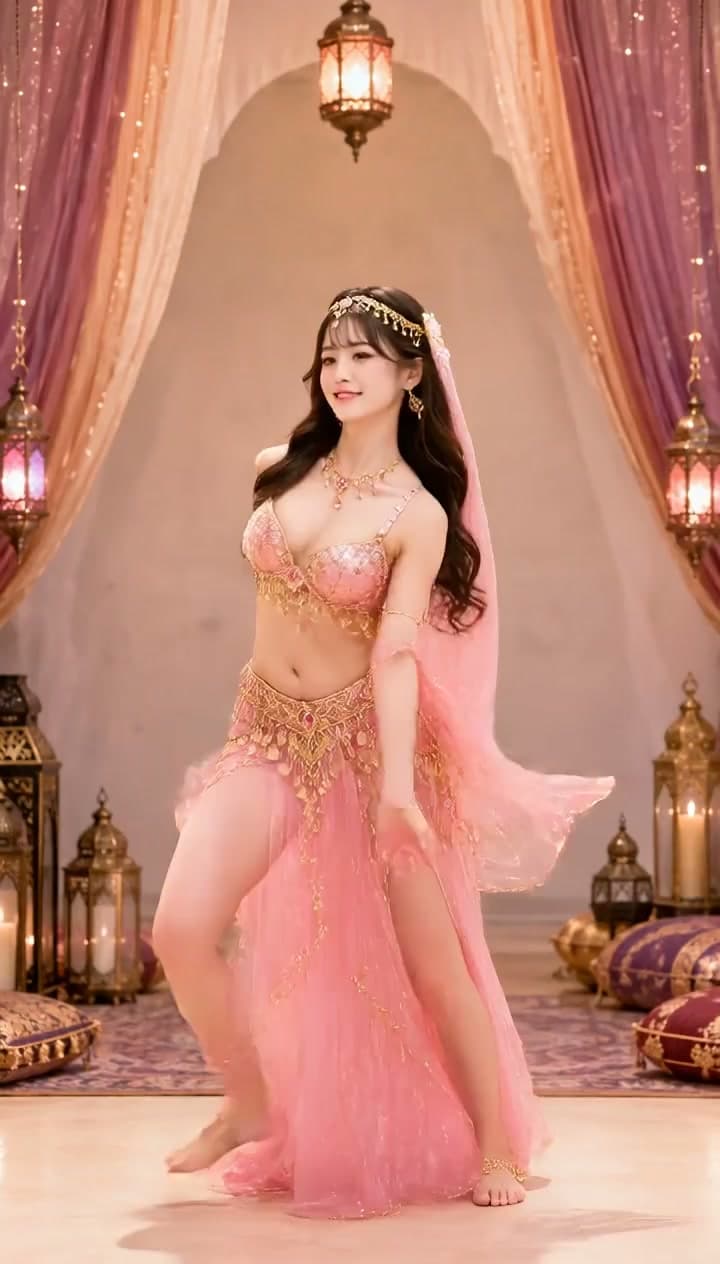
VidGen turns one clear subject photo into a playful drunk dancing video. This page is focused on drunk-dance motion rather than broad dance styles, creating exaggerated sway, stumble, and party-style movement.
See a photo become an AI drunk dancing video
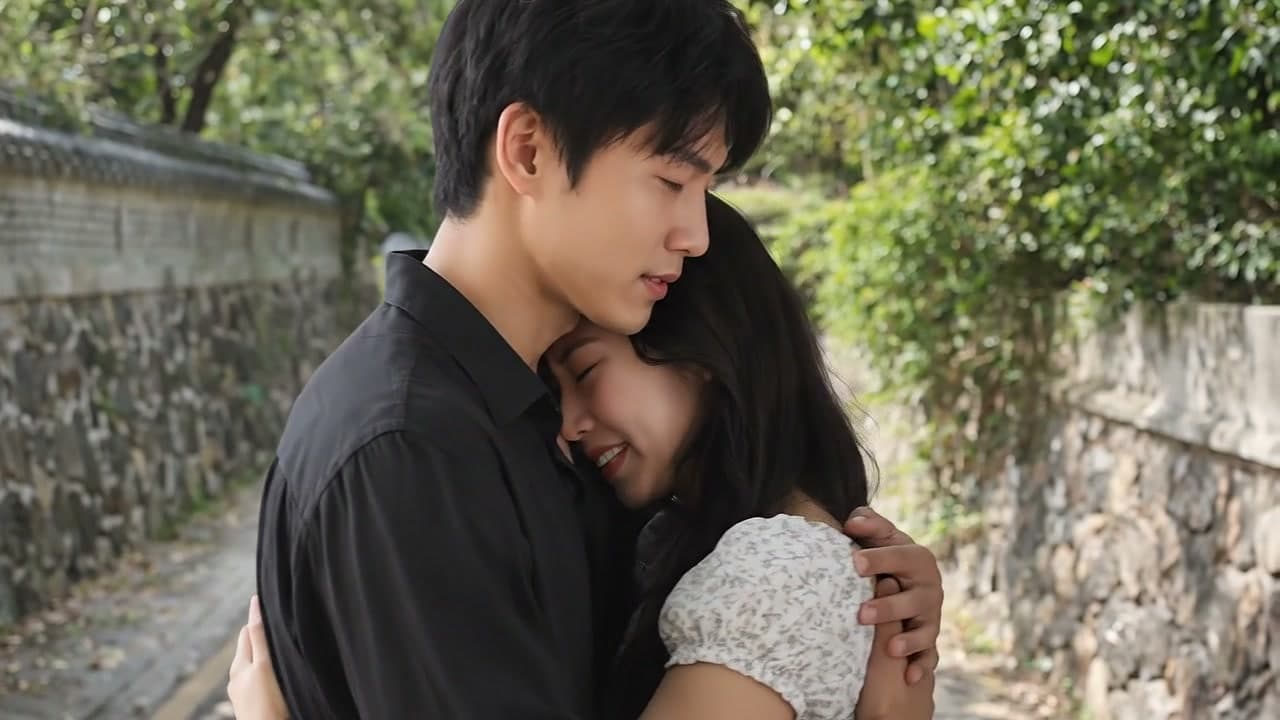
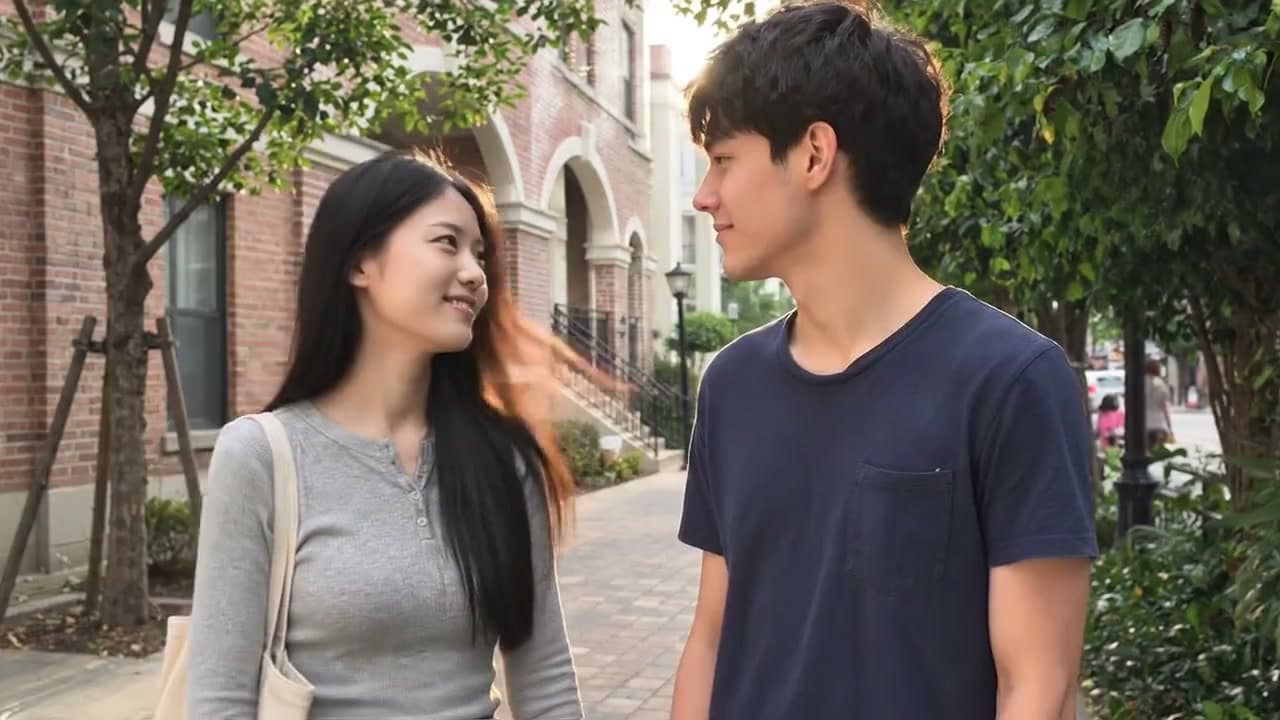
This example shows how one static subject image can become a short drunk dance video while keeping the subject recognizable.
Input photo
Drunk dancing video
How to make an AI drunk dance video from a photo
Use these steps to upload one image and generate a funny drunk dancing video without writing a custom prompt.
Step 1 - Upload a clear subject photo
Choose a JPG, PNG, or WebP image with one visible person. Full-body or half-body photos with clear arms, legs, and a simple background usually create the most stable drunk dance moves.
Step 2 - Generate the drunk dance video
Click Create AI Drunk Dance Video. VidGen animates the subject into a playful drunk dancing video, with each generation using 120 credits.
Step 3 - Preview and download the video
Open the finished result, preview the motion, rerun if you want another take, and download the final video for meme-style posts, group chats, or short social clips.
Explore more AI video tools
AI Drunk Dance Video Generator FAQ
What is an AI Drunk Dance Video Generator?
An AI Drunk Dance Video Generator turns one uploaded photo into a short video with playful drunk dance motion. It is built for funny drunk dancing videos, meme-style clips, and social posts.
Does AI Drunk Dance output a video?
Yes. The result is a video, not a still image or GIF. You can download the generated drunk dancing video after the task finishes.
Can I use it as a drunk dance GIF generator?
The page creates video output. You can use the result like a GIF-style short video in social posts, but it is not a GIF generator.
How is this different from broad dance video tools?
This page is dedicated to the AI Drunk Dance style. Instead of covering every dance style, it focuses on exaggerated drunk dance moves with strong sway and stumble motion.
What kind of photo works best?
Use one clear full-body or half-body subject photo. Visible limbs, natural posture, simple clothing, and an uncluttered background usually help the drunk dancing video stay more stable.
Can I generate multiple versions with the same photo?
Yes. You can run the same photo multiple times. Each run produces a new drunk dancing video. If you want a different take, click Create again, with each generation using 120 credits.
How many credits does AI Drunk Dance use?
Each AI Drunk Dance generation uses 120 credits. You can rerun the same photo if you want a different version of the drunk dance video.
Can I make funny drunk dancing videos for social media?
Yes. The tool is designed for short, playful videos that work well as funny drunk dancing clips, meme-style posts, and casual social content.