AI Headshot Generator
Create professional headshots from your photo for LinkedIn, resumes, and business profiles.
AI Headshot Generator
Create professional headshots from your photo for LinkedIn, resumes, and business profiles.
Create Professional AI Headshots Online
Use VidGen AI Headshot Generator to create professional headshots from one clear portrait photo. It is built for AI headshots, LinkedIn profiles, resumes, company team pages, and polished business profile photos without asking users to configure a complicated portrait editor.
Professional Headshots Examples
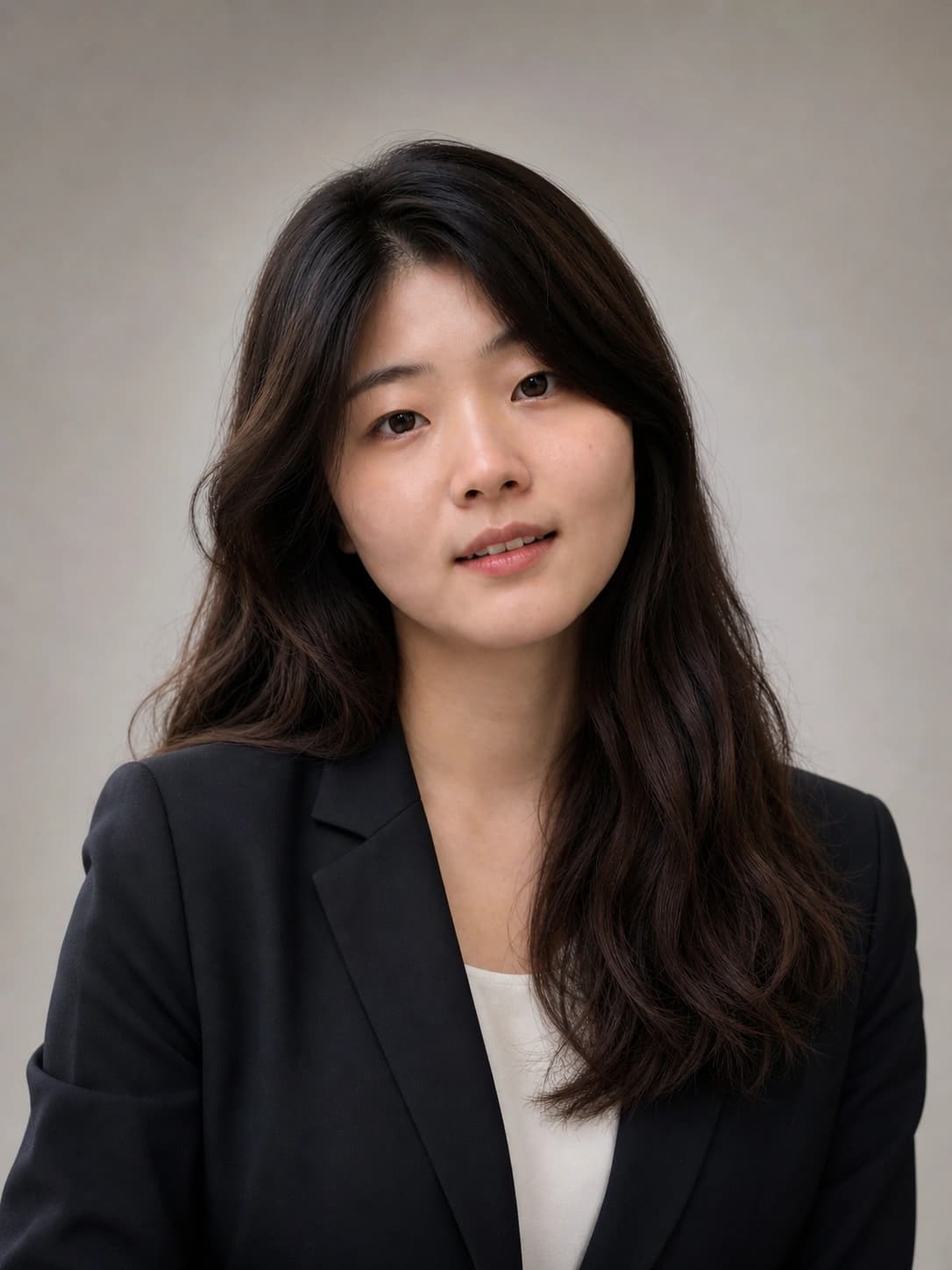
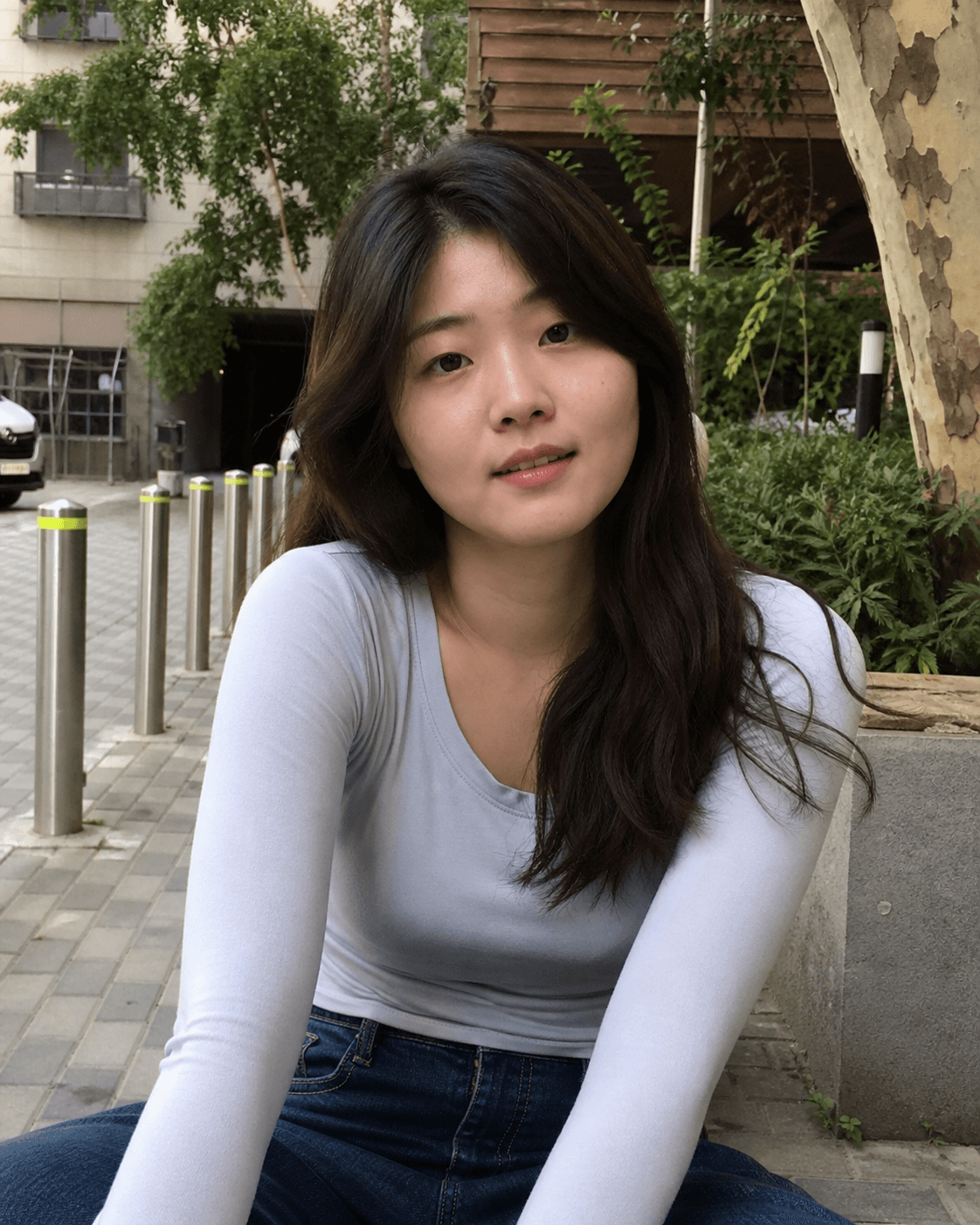
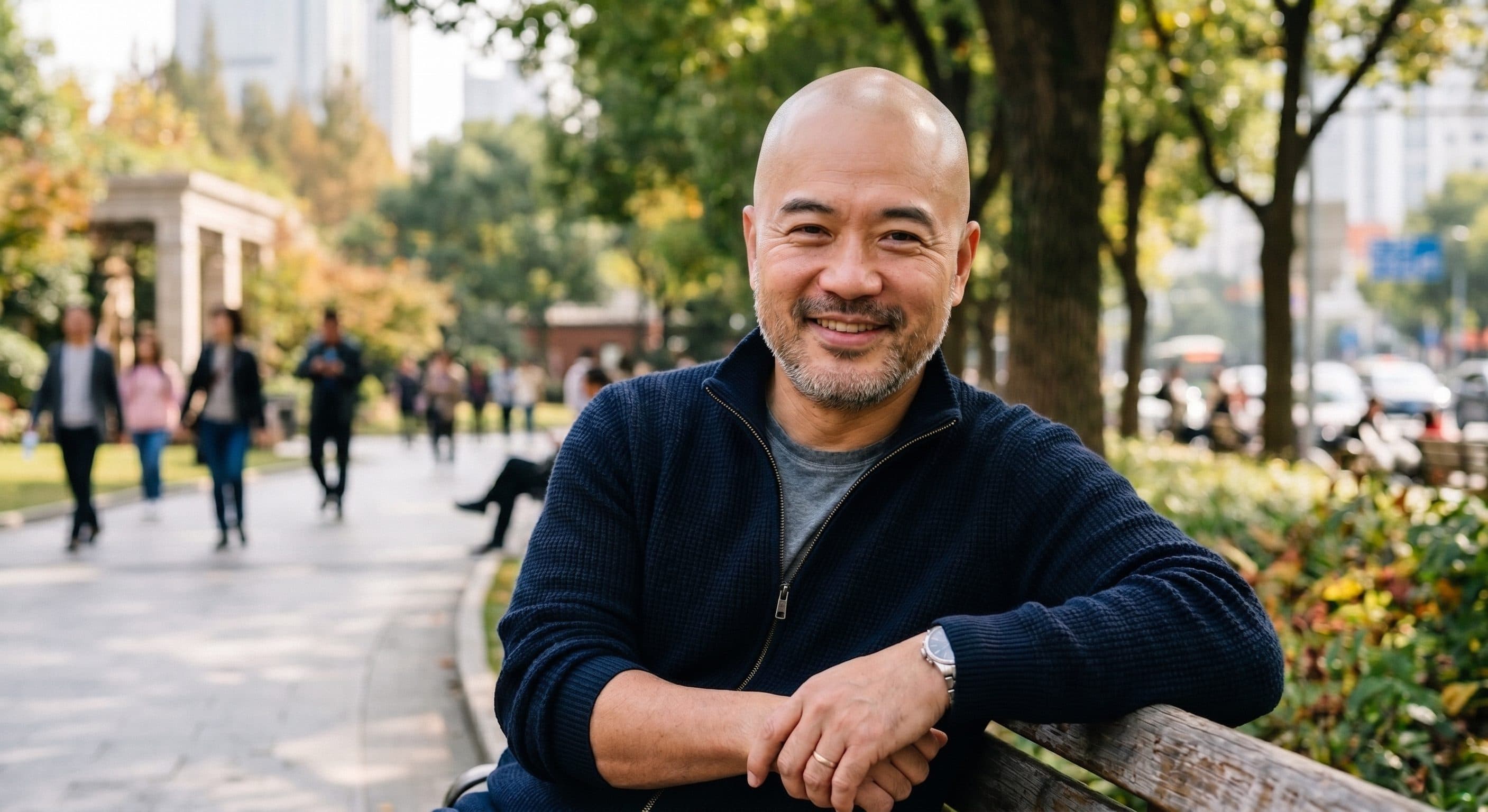
Professional headshots should look polished, realistic, and usable in a business context. Start with a clear portrait, choose 3:4 for a classic head-and-shoulders result or 1:1 for profile photos, then use the optional custom prompt to guide background, outfit, or expression details.
Input portrait
Professional headshot
LinkedIn Headshots Made from Your Photo
Create LinkedIn-ready headshots and business profile photos in a short image-to-image workflow.
Step 1 — Upload a clear portrait
Choose a JPG, PNG, or WebP image with the face clearly visible. A simple background, even lighting, and a natural expression usually help the AI headshot generator preserve identity while improving the overall presentation.
Step 2 — Choose 3:4 or 1:1
Use 3:4 for professional headshots that feel closer to studio portraits, resumes, and team pages. Choose 1:1 when you want a square profile photo for LinkedIn or other business profiles.
Step 3 — Add optional direction and generate
Use the custom prompt only when you want extra control, such as a studio gray background, clean white backdrop, business suit, smart casual outfit, natural smile, or confident executive style.
More AI Tools for Profile Photos
AI Headshot Generator FAQ
What is an AI headshot generator?
An AI headshot generator turns a portrait photo into a cleaner professional headshot. VidGen focuses on realistic, business-ready headshots for LinkedIn, resumes, company team pages, and profile portraits.
Can I use it as a free AI headshot generator?
New users can start with free credits, so you can try the AI headshot generator before creating more versions. The page is designed to be lightweight: upload an image, choose an aspect ratio, and optionally add a short custom prompt.
What makes the best AI headshot generator?
The best AI headshot generator should preserve your likeness, improve lighting and framing, keep skin texture natural, and avoid an over-edited look. A good professional headshot generator should make the image look more polished without making you look like a different person.
Can I create AI headshots for LinkedIn?
Yes. Choose 1:1 for a square LinkedIn profile photo or 3:4 for a more classic professional portrait. A clear face, natural expression, and simple prompt direction help produce more usable AI headshots for LinkedIn.
Can I use AI generated headshots for LinkedIn?
Yes, as long as the result still looks like you and fits your professional context. AI generated headshots for LinkedIn work best when they look natural, have clean lighting, and avoid heavy retouching or unrealistic backgrounds.
What to wear for professional headshots?
For professional headshots, simple business or smart casual clothing usually works best. Solid colors, clean collars, blazers, and neat tops tend to generate better business profile results than busy patterns or very casual outfits.
What to wear in professional headshots for LinkedIn?
For LinkedIn headshots, choose clothing that matches your industry. A suit, blazer, button-down shirt, blouse, or polished smart casual outfit usually works well. Avoid logos, heavy patterns, and accessories that distract from the face.
How much do professional headshots cost?
Traditional professional headshots often require a studio session, photographer time, retouching, and multiple deliverables, so costs vary widely by city and package. An AI headshot generator is usually faster and cheaper for quick profile-photo needs, especially when you already have a clear portrait.
Are AI headshots good enough for business profiles?
AI headshots can work well for business profiles when the input photo is clear and the final image stays realistic. They are especially useful for resumes, internal team pages, email signatures, and profile updates where you need a polished photo quickly.
What makes a good professional headshot example?
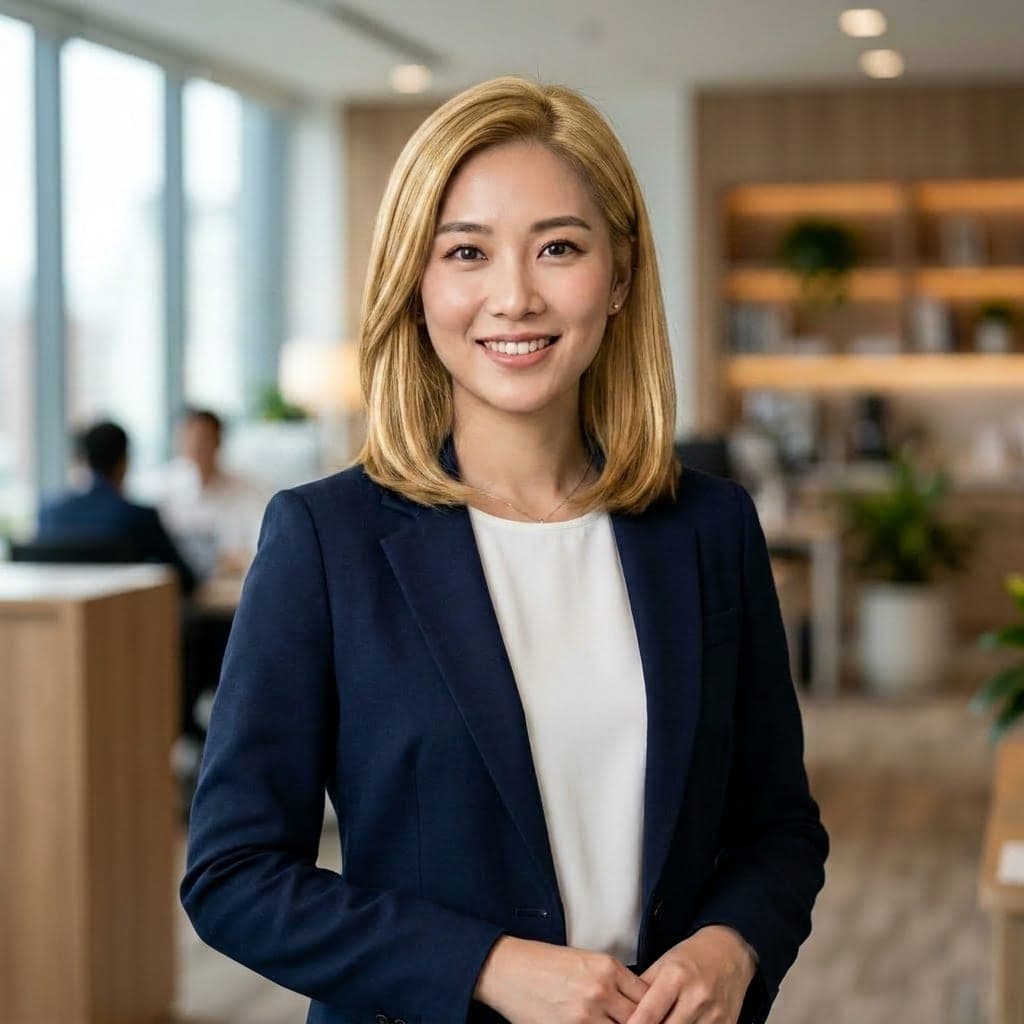
A good professional headshot example has a clear face, natural skin texture, realistic lighting, tidy framing, and a background that does not distract from the person. The result should look polished but still believable.
What is the difference between a headshot and a profile portrait?
A headshot is usually more professional and business-focused, often used for LinkedIn, resumes, company pages, and public profiles. A profile portrait can be broader and more personal, including social media avatars, creative portraits, and casual account photos.
Can I customize the background, outfit, or expression?
Yes. Use the optional custom prompt to add light direction, such as studio gray background, clean white backdrop, business suit, smart casual outfit, natural smile, or confident expression. Short, specific instructions usually work better than long prompts.