About VidGen
VidGen is a multimodal AI creative workspace for creators and teams. It brings video generation, image creation, avatars, effects, editing tools, and leading AI models into one browser-based production flow.
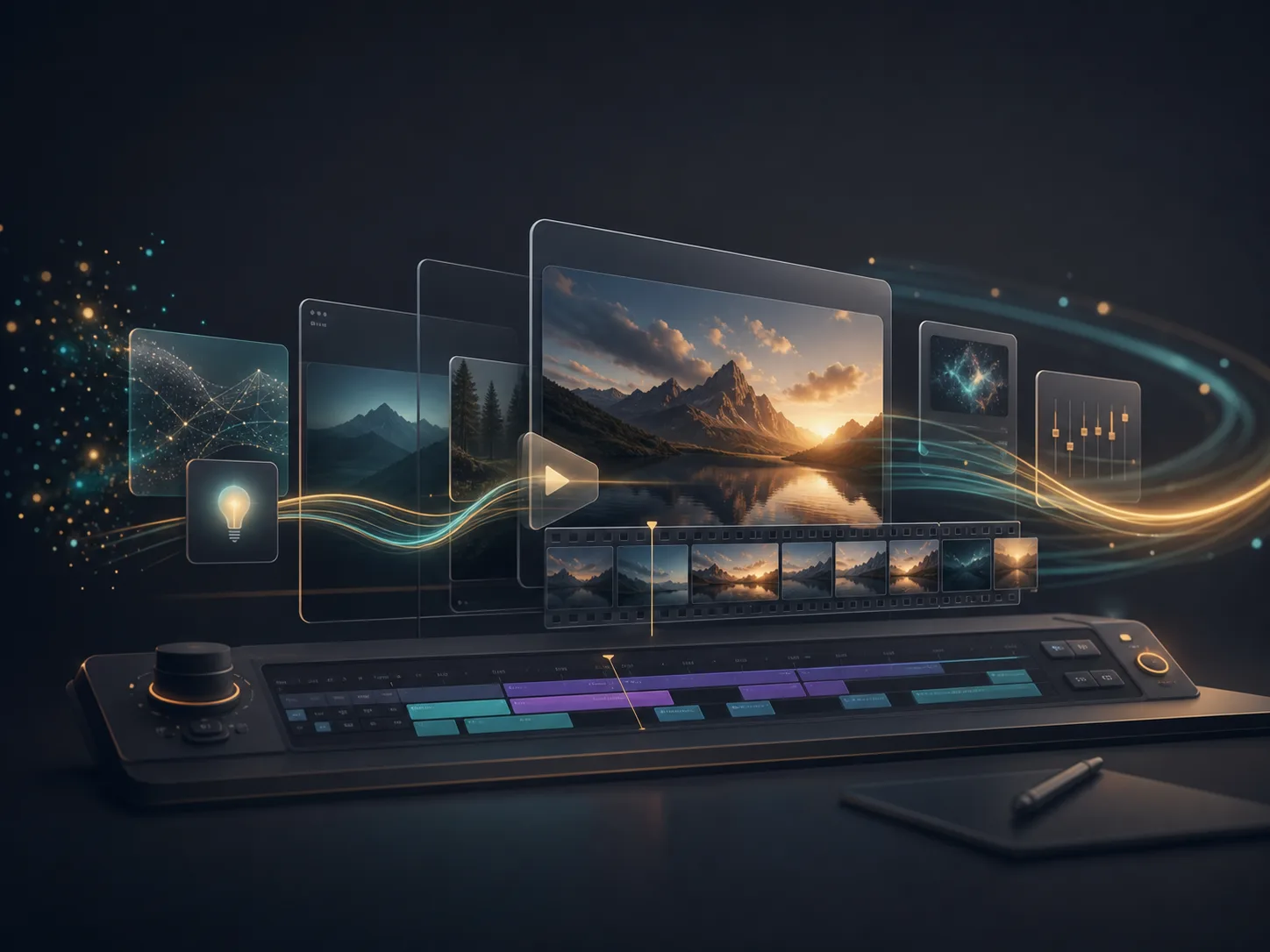
A multimodal AI studio in one workspace
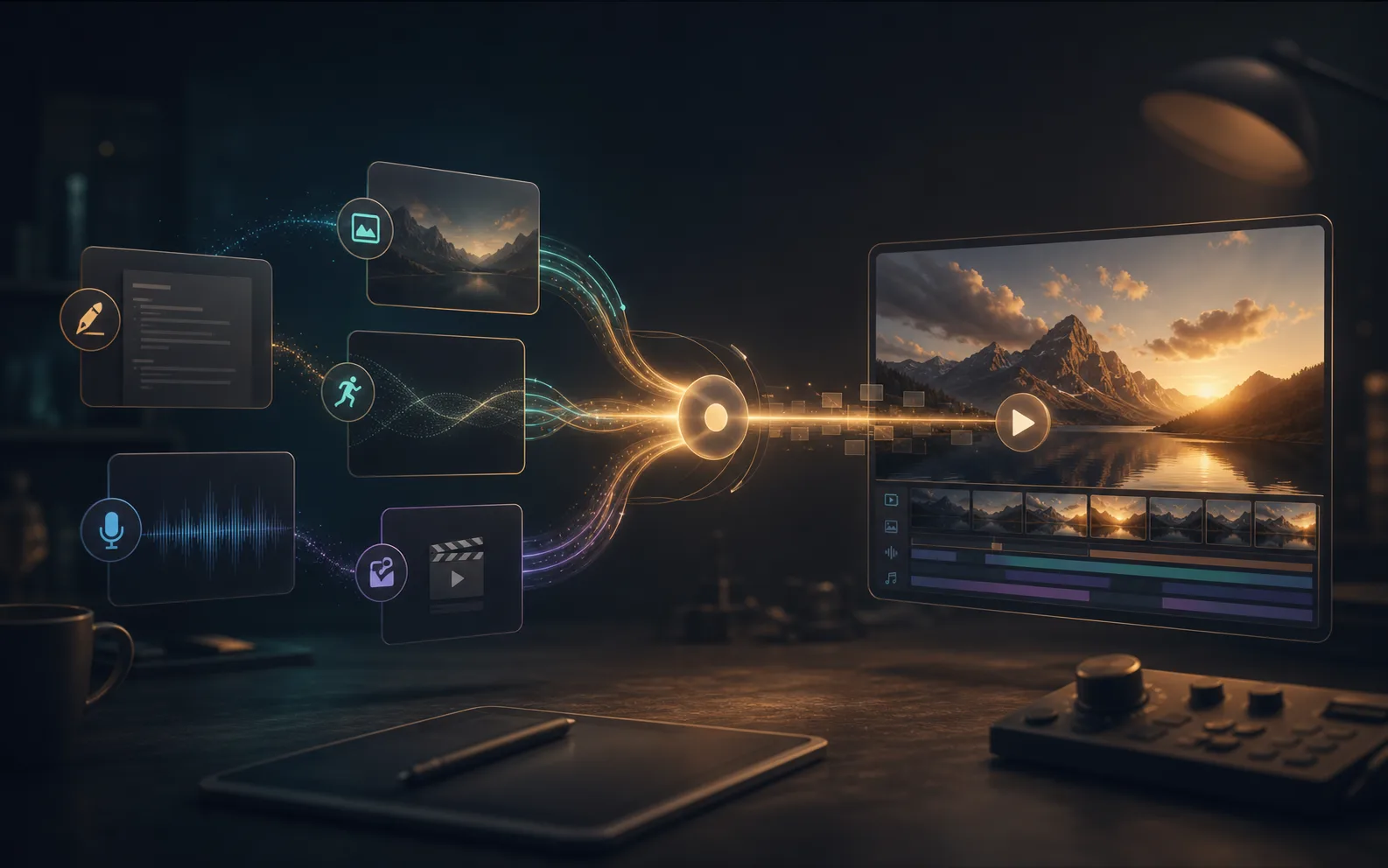
Move from prompt, image, audio, or existing media to publishable creative assets without jumping between disconnected tools.
Why we built VidGen
Creative work now spans more formats than ever. A single campaign may need short videos, product visuals, image edits, talking avatars, effects, cleanup, and export-ready assets.
We built VidGen to make that path shorter. Creators can start from text, images, audio, or files they already have, explore AI models for different jobs, and keep more of the production process in one place.
What you can create with VidGen
VidGen is built as a practical AI production system, so one idea can become motion, visuals, effects, and polished assets inside the same workflow.
AI video generation
Generate clips from prompts, images, reference assets, and guided effects for social posts, product scenes, explainers, and short campaigns.
Image generation and editing
Create images, transform photos, upscale assets, cut out backgrounds, and explore multiple visual directions without a separate design suite.
Avatars and lip sync
Bring your own audio to create talking avatars and lip-synced videos for complete video stories.
Guided effects and utilities
Use focused AI tools for common creator tasks, from stylized effects and image cleanup to fast production helpers.
Leading model access
Explore video and image models in one place, compare outputs, and choose the best fit for each creative job.
Unified creative workspace
Use the VidGen workspace to turn briefs, prompts, and assets into a clearer path from idea to final media.
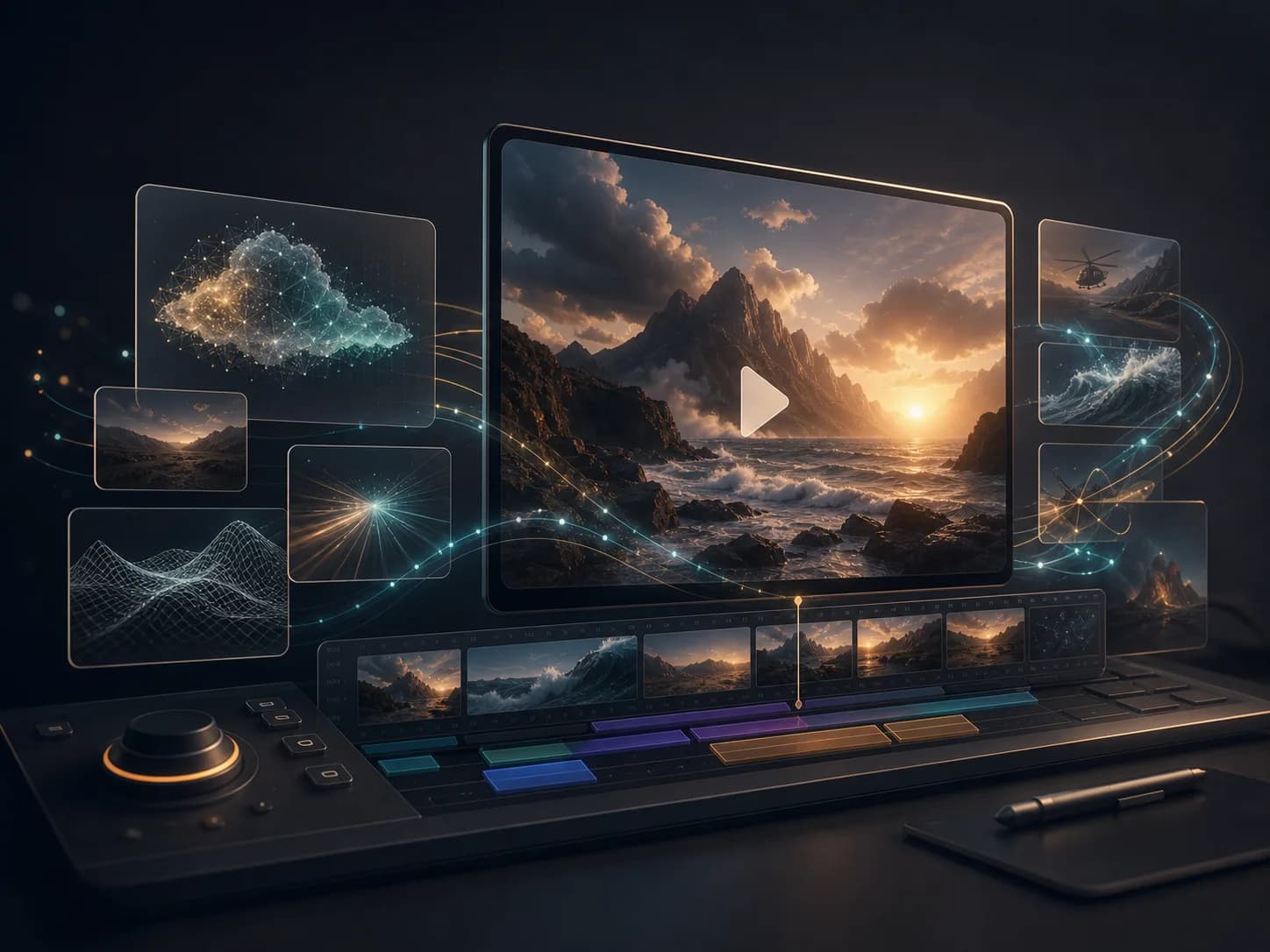
How the media layers connect
Video and motion
Turn the core idea into motion first, then support it with matching visuals and reusable assets.
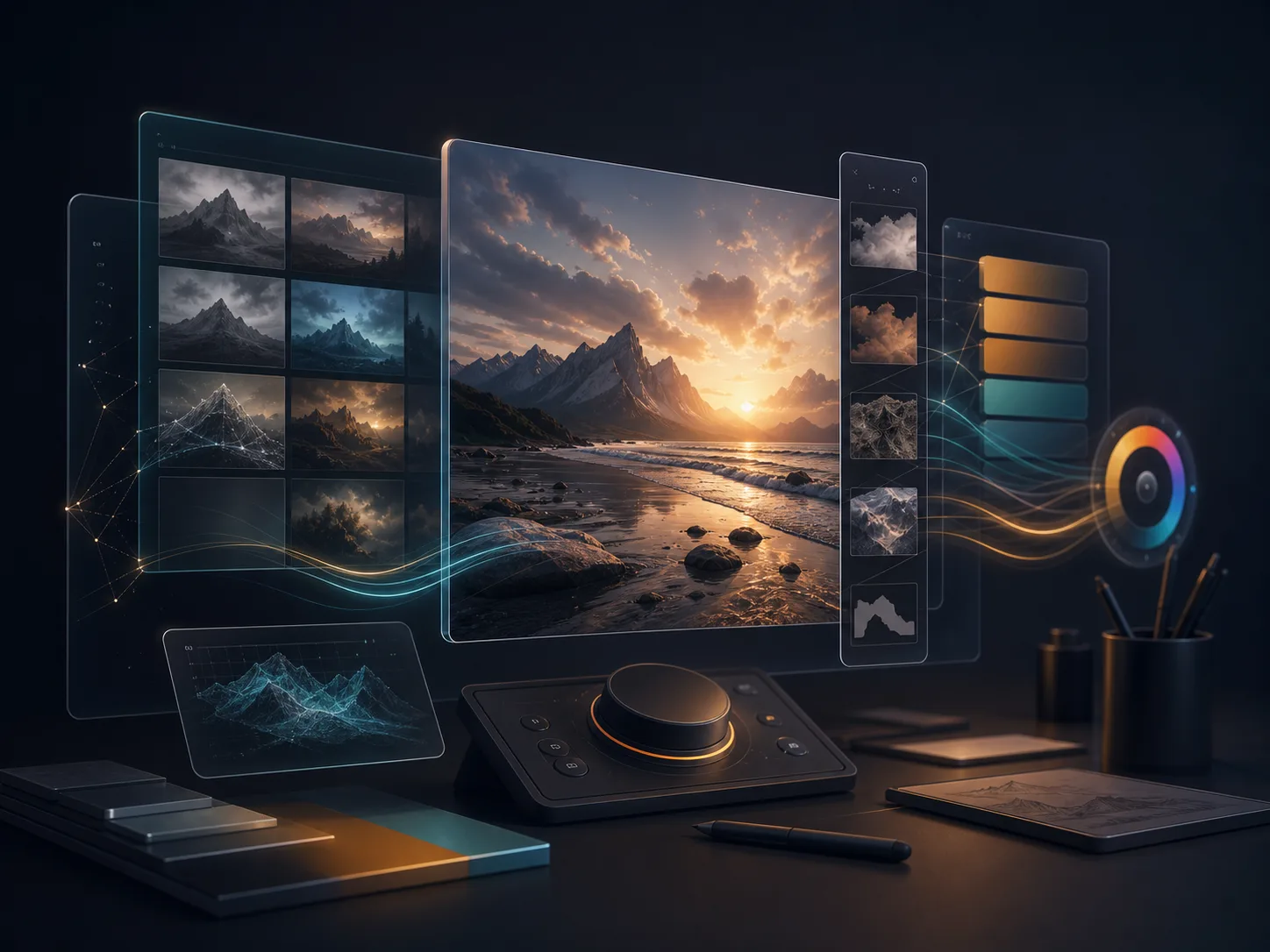
Image and design
Build the visual direction around the video: product images, references, edited photos, thumbnails, and design-ready assets.
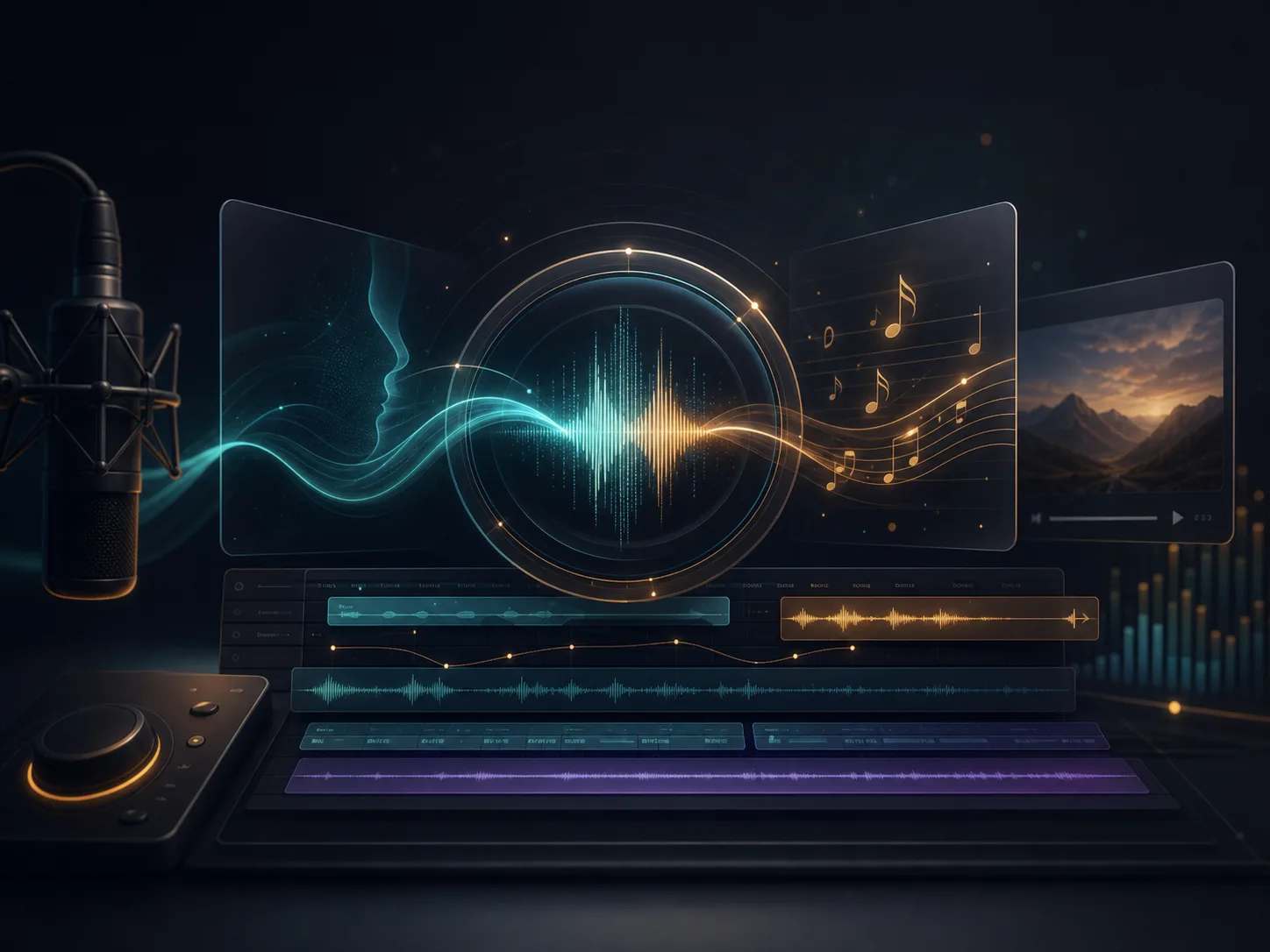
Avatars and lip sync
Bring your own audio and add a presenter to the scene with avatar and lip-sync workflows when the story needs one.
What guides us
Make creation accessible
VidGen is designed for creators, marketers, educators, founders, and teams who need strong creative output without heavy production overhead.
Build for real output
We focus on workflows people actually need: social clips, product visuals, explainers, avatars, image edits, and quick campaign assets.
Earn trust clearly
We keep policies, support channels, and company details visible so users know who operates VidGen and how to reach us.

Company information
- Service
- VidGen
- Operator
- Nexantis Technologies Limited
- Address
- Unit 05, 12/F, The Cloud, No.111 Tung Chau Street, Tai Kok Tsui, Hong Kong
- [email protected]
- Website
- vidgen.pro
Ready to create with VidGen?
Start with a prompt, an image, or a file you already have. VidGen helps you move from idea to usable content faster.