AI Action Figure Generator
Upload one clear subject photo and create your own action figure display image.
AI Action Figure Generator
Upload one clear subject photo and create your own action figure display image.
AI action figure generator for collectible display images
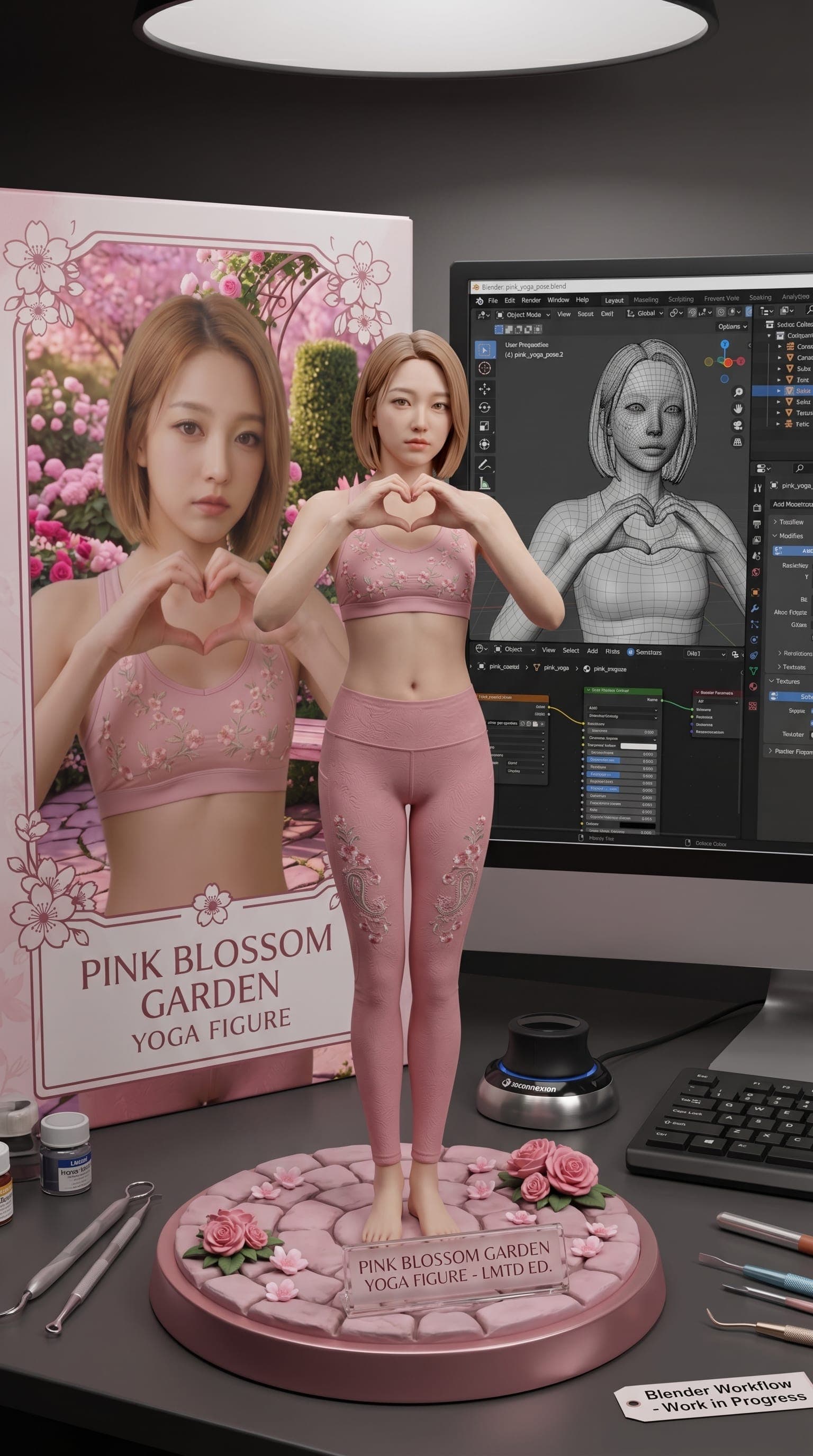
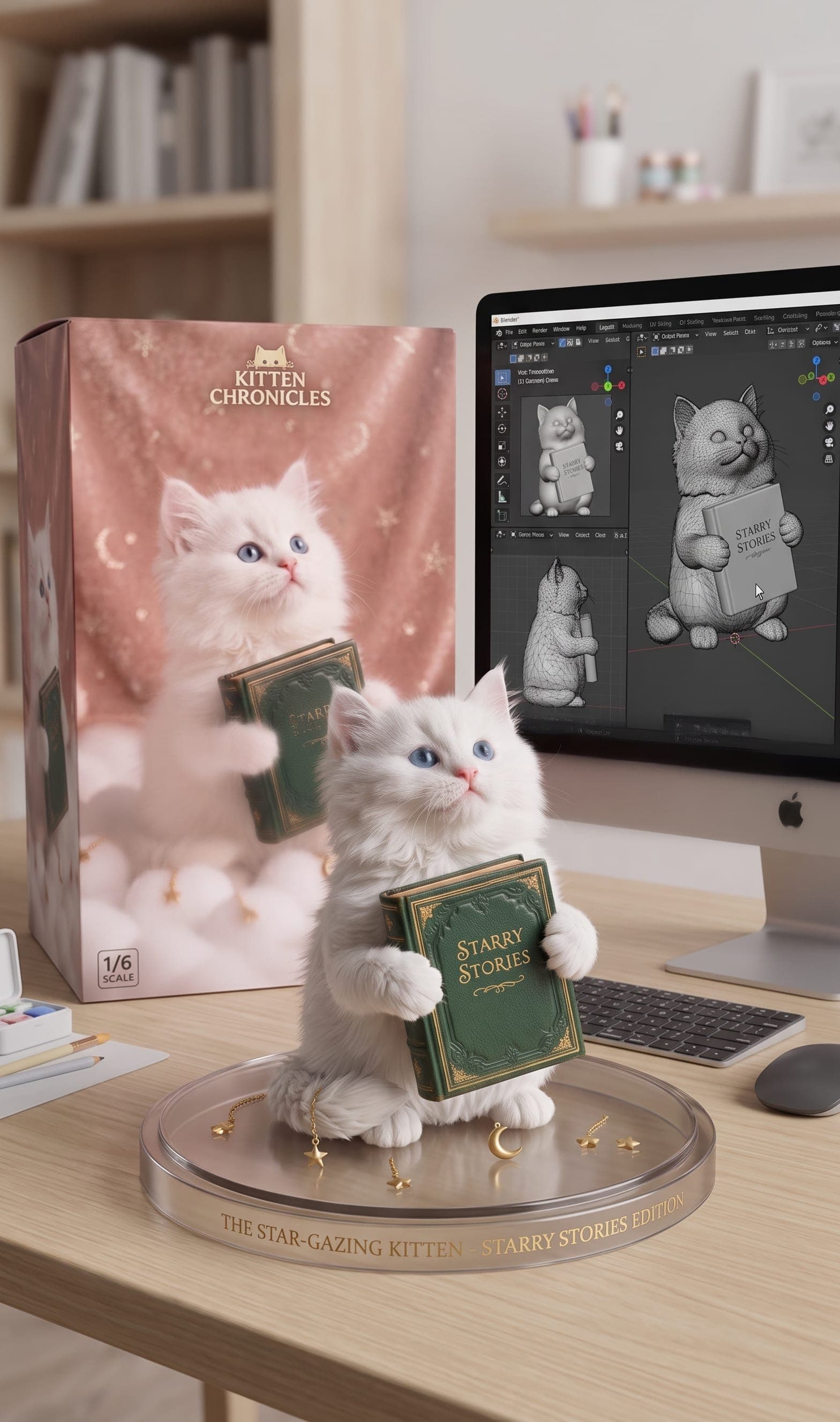
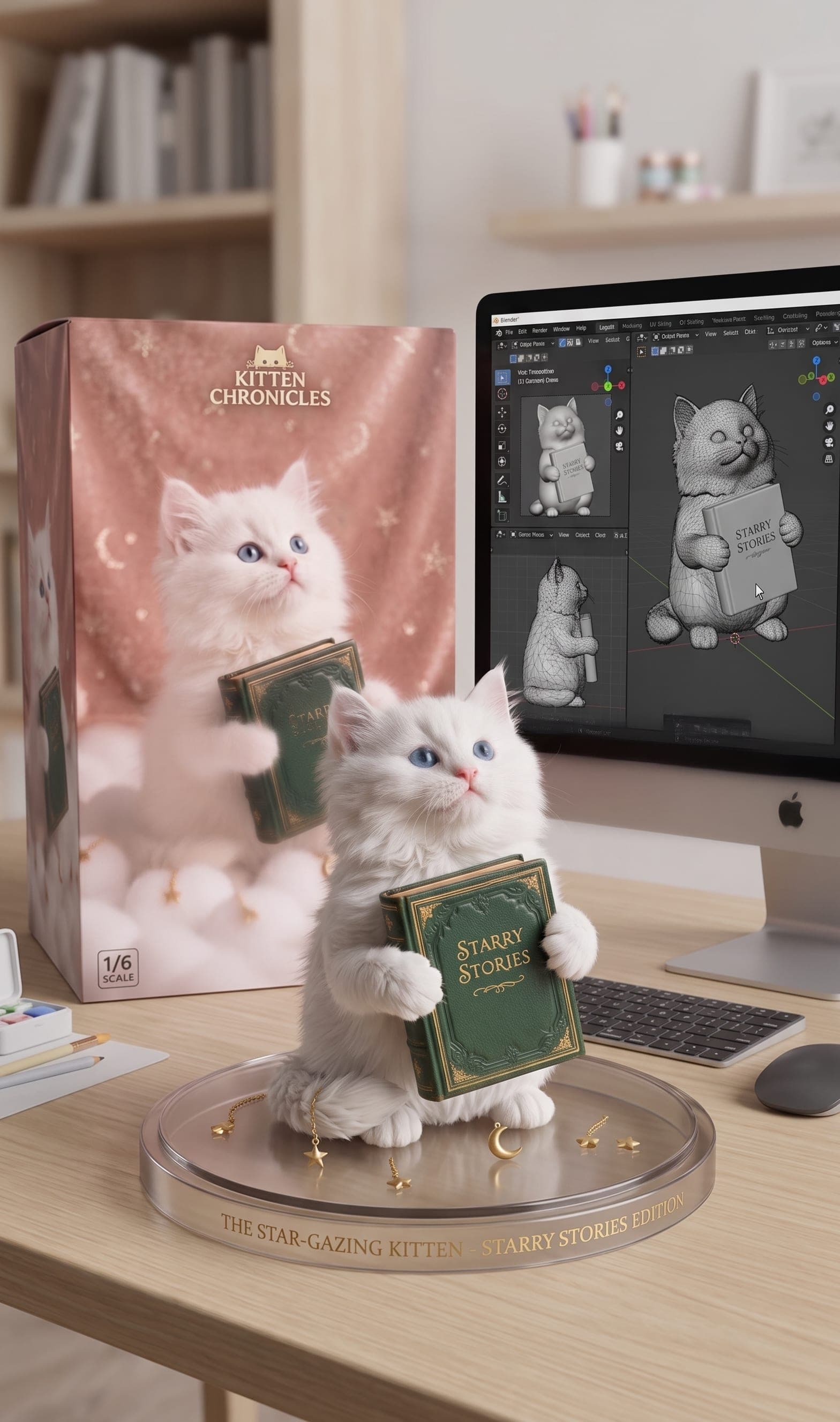
VidGen lets you create your own action figure display from one clear photo. This page is built for still image output with box art, a round base, and a Blender-style desk scene, making it a better fit for figure display images than moving trend videos.
See an AI action figure generator before-and-after example
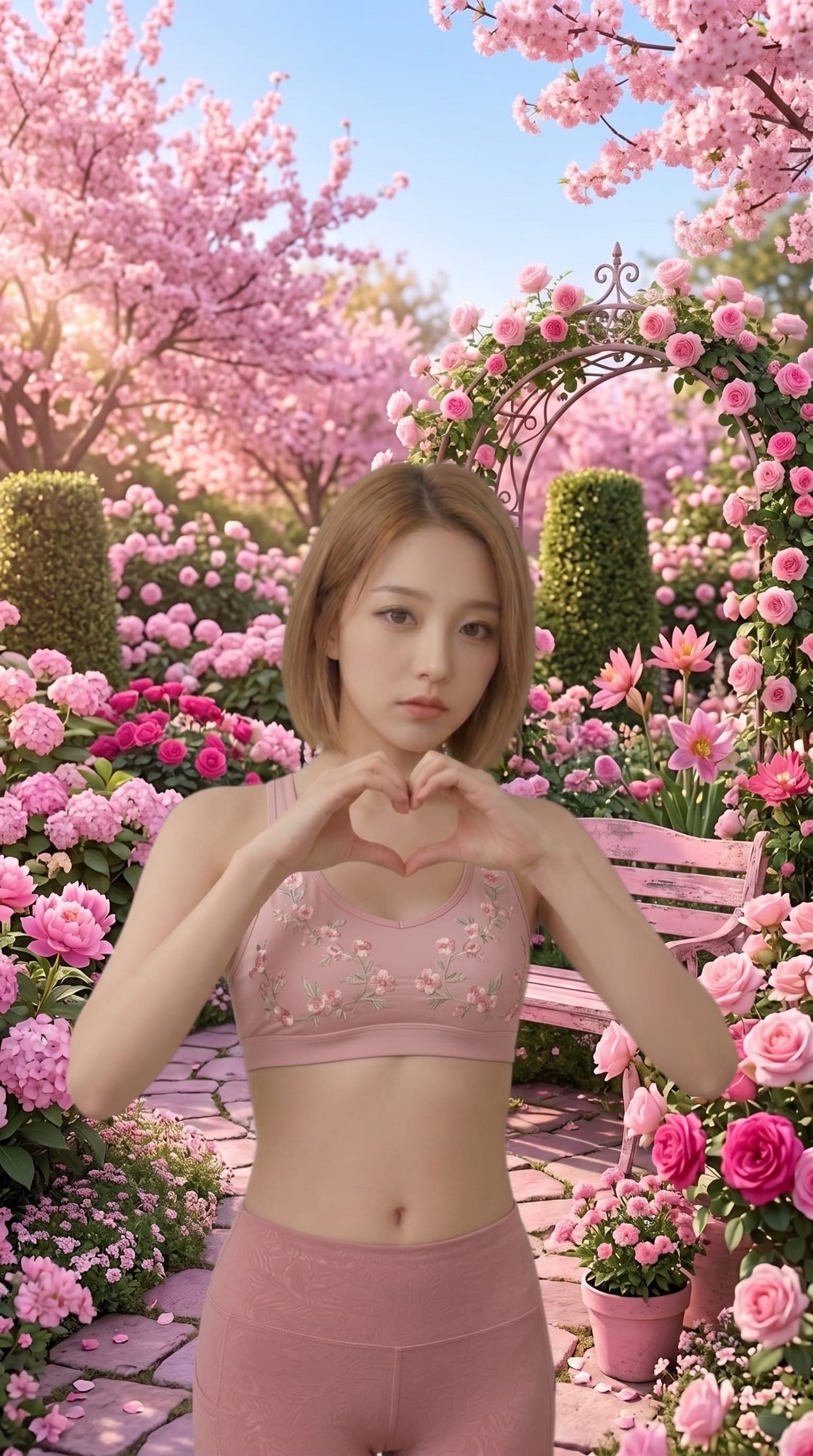
This example shows how one clear portrait can become a static figure display image with packaging, a round base, and a desktop modeling setup.
Input photo
Figure display image
How to create your own action figure display from a photo
Use these three steps if you want to make your own action figure image without building a full prompt or editing the scene by hand.
Step 1 — Upload one clear subject photo
Choose a JPG, PNG, or WebP file with one clear person, pet, or object as the main subject. Visible face, outfit, pose, or object details usually lead to a more recognizable figure display.
Step 2 — Generate the figure display image
Click Create and let the tool keep the subject while changing the presentation into a still display scene with box art, a round base, and a Blender-style monitor setup.
Step 3 — Review, rerun, and download
Compare the output with your source photo, rerun with another image if needed, and download the version that gives you the strongest collectible-style display.
Explore more AI image and video tools
Frequently Asked Questions
What is an AI action figure generator?
An AI action figure generator turns a source photo into a still figure display image. Instead of making a moving clip, it builds a boxed collectible-style scene with a base, packaging, and a modeled display setup.
How do I create my own action figure from a photo?
Upload one clear subject photo, click Create, and wait for the display image to render. VidGen handles the figure scene styling automatically, so you do not need to compose the layout by hand.
Can I make my own action figure without writing a long prompt?
Yes. This page is built to work from the uploaded photo and an internal figure-display workflow, so you do not need to write a long custom prompt for each image.
Does this work for pets or objects too?
Yes. The tool works best with one clear main subject, whether that is a person, pet, or object. As long as the subject is easy to identify, the result can usually adapt it into the figure display format.
Will the result keep the subject's face, outfit, and pose?
The goal is to preserve the subject's identity, major colors, outfit, pose, and recognizable details while changing the presentation into a collectible figure scene. Image clarity and composition still affect the final result.
Is this different from the Action Figure AI video effect?
Yes. This page creates a still figure display image, while the Action Figure AI effect is built for moving reveal videos with Picked Up or Arc Shot camera motion.
Can I use a ChatGPT action figure prompt here?
You can, but you do not need to. VidGen already applies a figure-display workflow automatically, so the page is designed to work without requiring a long external prompt.
Can I rerun the same photo until I like the display?
Yes. You can rerun the same source photo, compare different results, and keep the display image that best matches the look you want.