
Action Figure
Upload one clear subject photo and turn it into a short action figure trend video. Choose Picked Up or Arc Shot for a moving reveal.
Action Figure
Upload one clear subject photo and turn it into a short action figure trend video. Choose Picked Up or Arc Shot for a moving reveal.
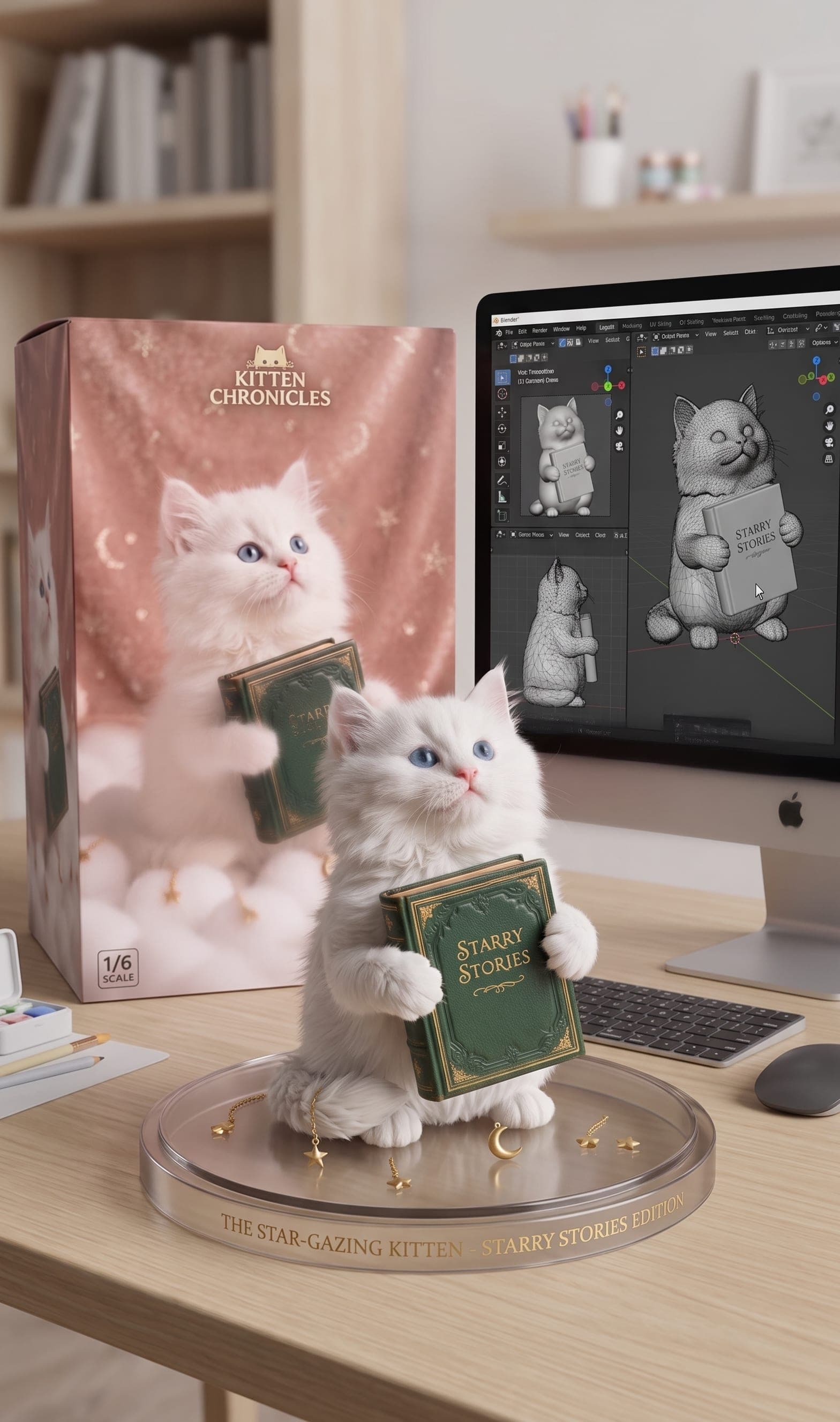
Action figure video effect for trend-style reveals
VidGen turns one clear image into a short action figure video made for trend posts and shareable reveal clips. This page is built for motion output, camera movement, and fast photo-to-video generation rather than static box-art scenes.
See an action figure trend video example
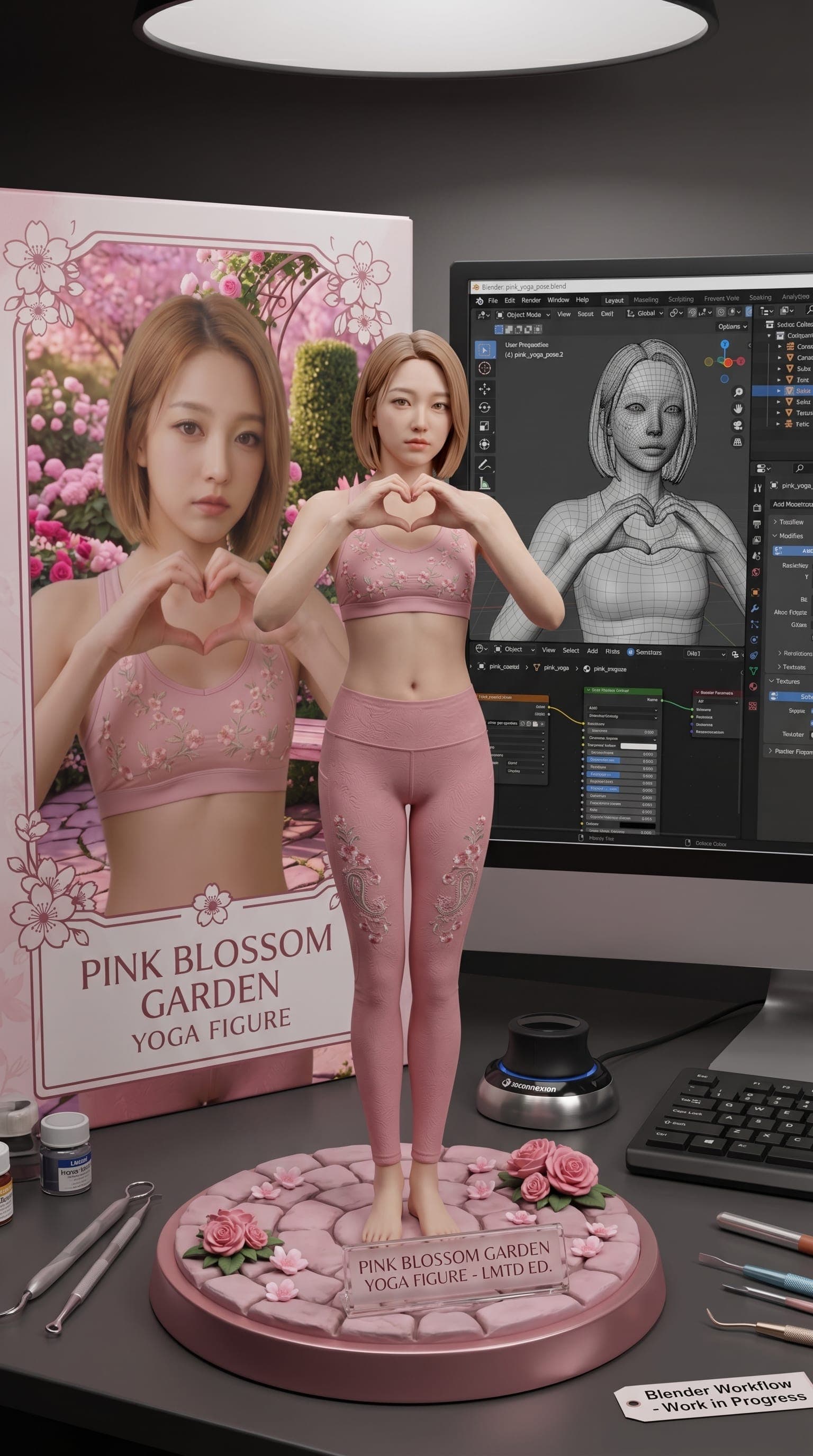
Start from one subject photo, then generate a short reveal video. This example highlights Arc Shot with a smooth orbit around the figure.
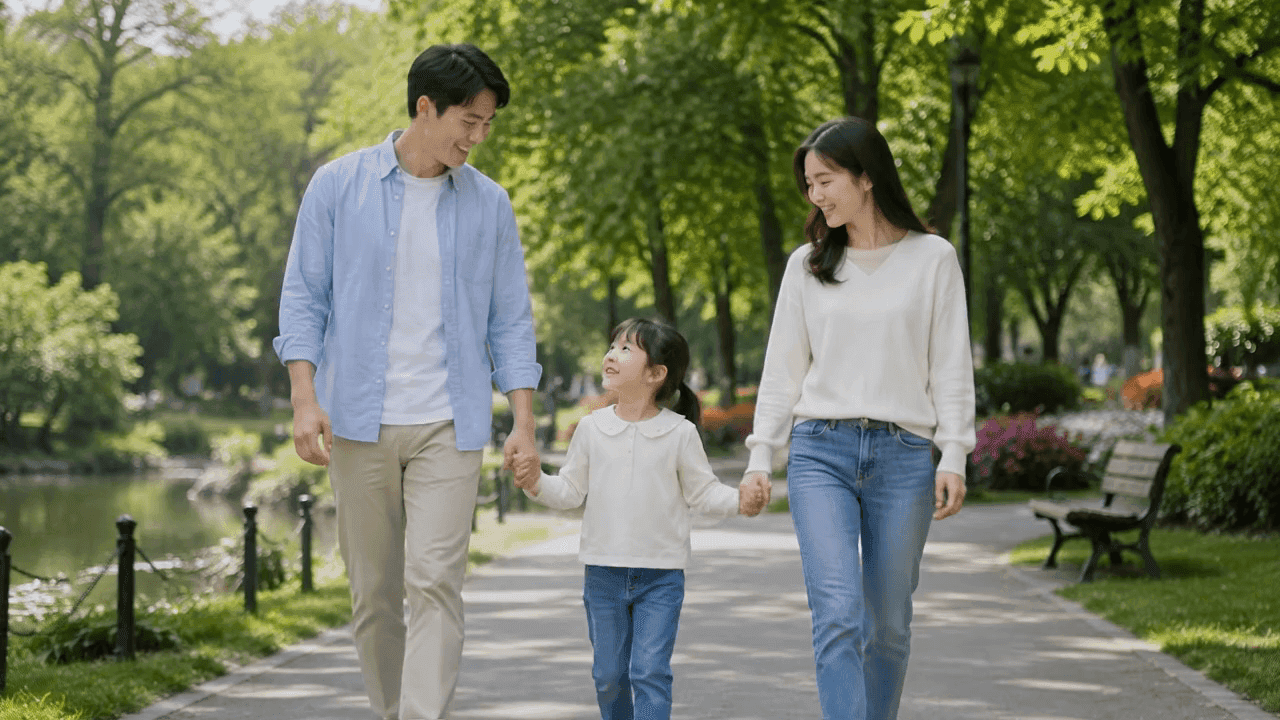
Input photo
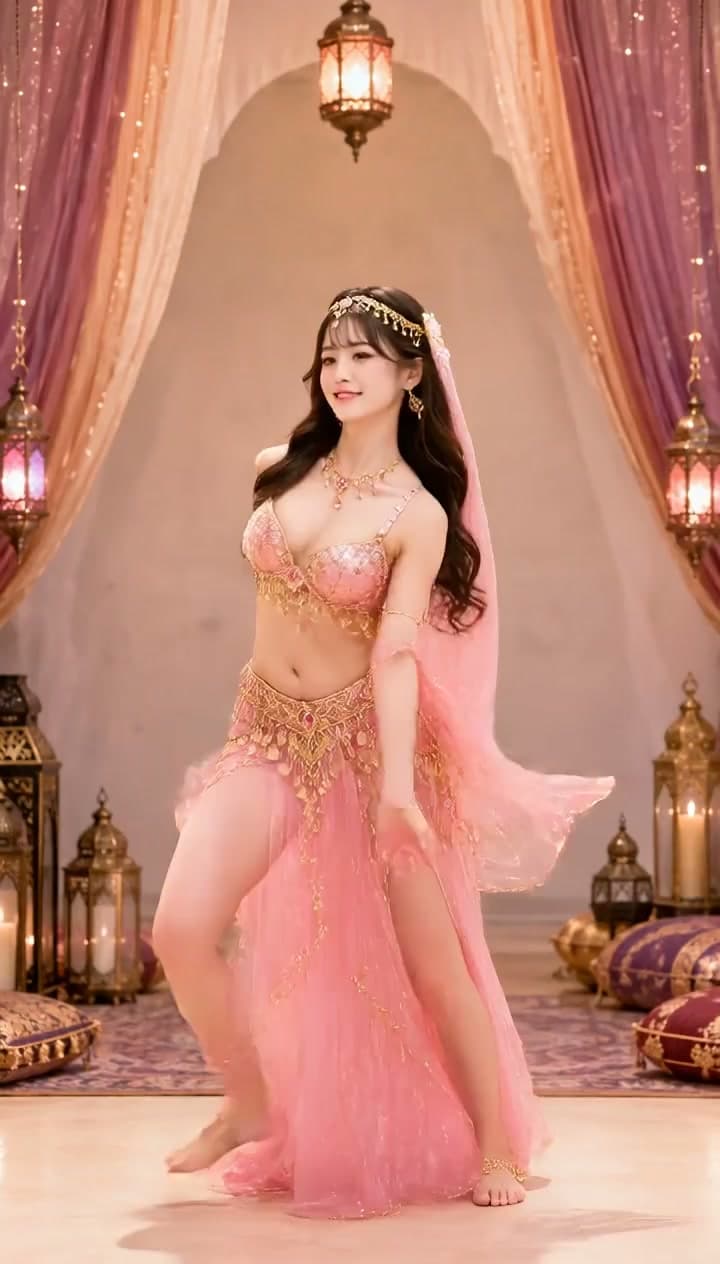
Action figure video
How to make an action figure trend video from a photo
If you want a moving action figure reveal for social content, these three steps are the quickest way to turn your own image into a short video.
Step 1 — Upload one clear subject image
Choose a JPG, PNG, or WebP file with one person, pet, or object as the main subject. Clean backgrounds and visible subject details usually lead to a stronger moving action figure result.
Step 2 — Choose Picked Up or Arc Shot
Picked Up makes the figure feel like it is being lifted and shown to camera. Arc Shot creates a smooth orbit-style move around the figure for a more cinematic reveal.
Step 3 — Generate and download your video
Click Create and wait for your action figure video to finish. You can compare both modes, rerun with another photo, and download the version that fits your trend post.
Explore more AI photo and video tools
Frequently Asked Questions
What is an Action Figure AI effect?
An Action Figure AI effect turns a source photo into a short collectible-style video. Instead of making a static toy image, this workflow adds motion, camera movement, and a polished reveal from one image.
How do I make an action figure trend video from my own photo?
Upload one clear subject photo, choose Picked Up or Arc Shot, and generate the result. That is the simplest way to make an action figure trend video on VidGen without editing by hand.
How are people making action figure reveal videos of themselves?
Most people start with a selfie or portrait, then use an action figure video effect to restyle the subject and add presentation movement. VidGen is built for that exact short-form reveal workflow.
What is the difference between Picked Up and Arc Shot?
Picked Up feels more tactile, like someone lifts the figure to show it off. Arc Shot focuses on a smooth orbit-style move around the figure, which is often better if you want a cinematic action figure reveal.
Can I use pets or objects, not just people?
Yes. The tool works best with one clear main subject, whether that is a person, pet, or object. As long as the subject is easy to identify, the action figure effect can usually adapt it into the collectible format.
Is this page for static images or video?
This page is for video output. If you want a still figure display image with box art, a round base, and a Blender-style scene, use VidGen's AI Action Figure Generator page instead.
Will the result keep the subject's likeness?
The effect is designed to preserve major colors, recognizable features, and signature details from the source image while restyling the subject into an action figure format. Results can vary depending on image clarity and composition.
Do I need editing skills to use this video effect?
No. You only need a clear source image and one effect choice. VidGen handles the workflow in the browser, so you can create and download the result without editing software.
Can I rerun the same photo with both modes?
Yes. You can run Picked Up and Arc Shot on the same source photo, compare the pacing and camera movement, and keep the version that fits your post.