
AI Video Watermark Remover
Upload a video to clean up visible watermarks, text or logos, then review the result before downloading.
AI Video Watermark Remover
Upload a video to clean up visible watermarks, text or logos, then review the result before downloading.
Remove visible watermarks from your video
Use VidGen's AI video watermark remover to clean up visible logos, date stamps and other text overlays in a video. Upload one file and start automatic processing. AI estimates the covered area, so the result can differ from the original scene, especially around faces, fine textures or moving marks. Use videos you own or have permission to edit.
Compare the original and processed video
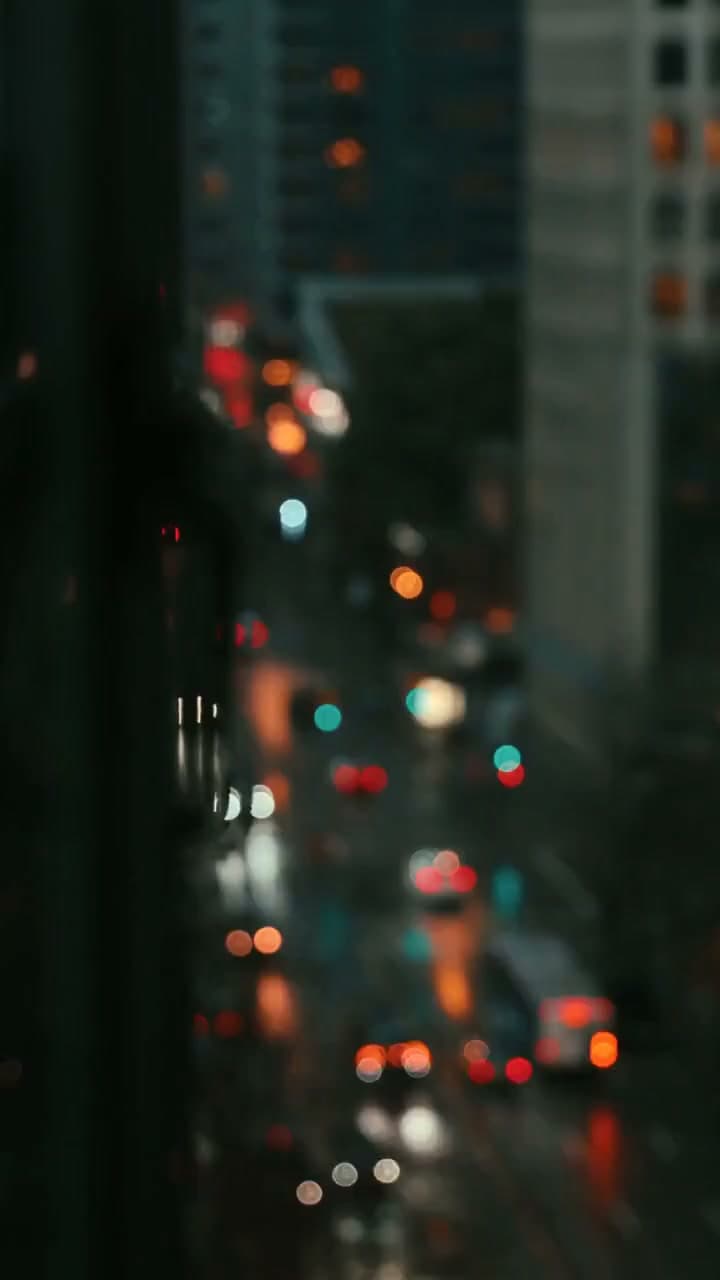
Use this night-scene example to compare the area around the original watermark. Watch the building edges and moving parts of the scene in both clips, and check whether the edited region stays consistent during playback.
Original video
Processed video
How to remove a watermark from a video
Upload a file, confirm the processing cost, and review the finished clip.
Step 1 — Upload your video
Upload one MP4 or QuickTime MOV file up to 100 MB and 10 minutes long. Use a clear original where possible, since heavy compression can make reconstruction harder.
Step 2 — Check credits and start removal
Sign in and check the credits shown for your video before starting. Submit the file for automatic watermark removal, then follow the task status while it is processed.
Step 3 — Preview and download
Play the whole result and compare it with the original. Check the edited area for flicker, soft patches or changes to faces and important text, then download the version you want to use.
Tools for your next video edit
Video watermark removal FAQ
How can I remove a watermark from a video online?
Upload a supported video, confirm the required credits and start processing. VidGen automatically processes the file; when the task finishes, preview the clip and download the result.
Which video formats, sizes and durations are supported?
Upload one MP4 or QuickTime MOV video up to 100 MB and 10 minutes long. If your file exceeds either limit, prepare a smaller or shorter copy before uploading.
Do I need to select the watermark manually?
No. This page processes the video automatically. It does not offer a brush, mask or protected region for selecting individual overlays, so review any text or details that you want to keep.
Can I remove text or logos from a video?
This video text remover can attempt to clean up visible logos, date stamps and captions burned into the picture. Results vary when an overlay covers faces, fine patterns or moving objects. Review the surrounding details as well as the removed text.
Can I remove a moving watermark from a video?
The model can attempt to remove moving overlays. Their changing position makes consistent reconstruction more difficult, so play the whole result and check for flicker or traces along the watermark's path.
Can I remove a watermark from video without blur?
AI attempts to rebuild the covered area using the visible content around it. This does not guarantee a sharp or exact reconstruction: soft patches, altered textures or other artifacts can remain, particularly when much of the scene is hidden.
Can I process videos exported from Sora or Kling?
You can try supported files that you own or have permission to edit. Results depend on the visible watermark and the footage; the platform a video comes from does not guarantee successful removal.
Do I need an account, and can I try it with free credits?
An account is required to start processing. New accounts receive starter credits. Whether your balance covers a video depends on its duration and the current processing cost. Check the displayed credit requirement before starting.
How long does video watermark removal take?
Processing time varies with video length, resolution, scene complexity and service availability. Follow the task status and wait for completion before reviewing the result; there is no fixed completion time for every clip.
What should I do if the result has traces or flicker?
Try a clearer original if one is available, and inspect the areas covered by large marks or complex motion. A repeat run may produce a different result, but missing detail cannot always be reconstructed convincingly. Each new run consumes credits.