Image to Image AI
Choose a model, upload a source image or references, and describe what to change and what you want to keep.
Image to Image AI
Choose a model, upload a source image or references, and describe what to change and what you want to keep.
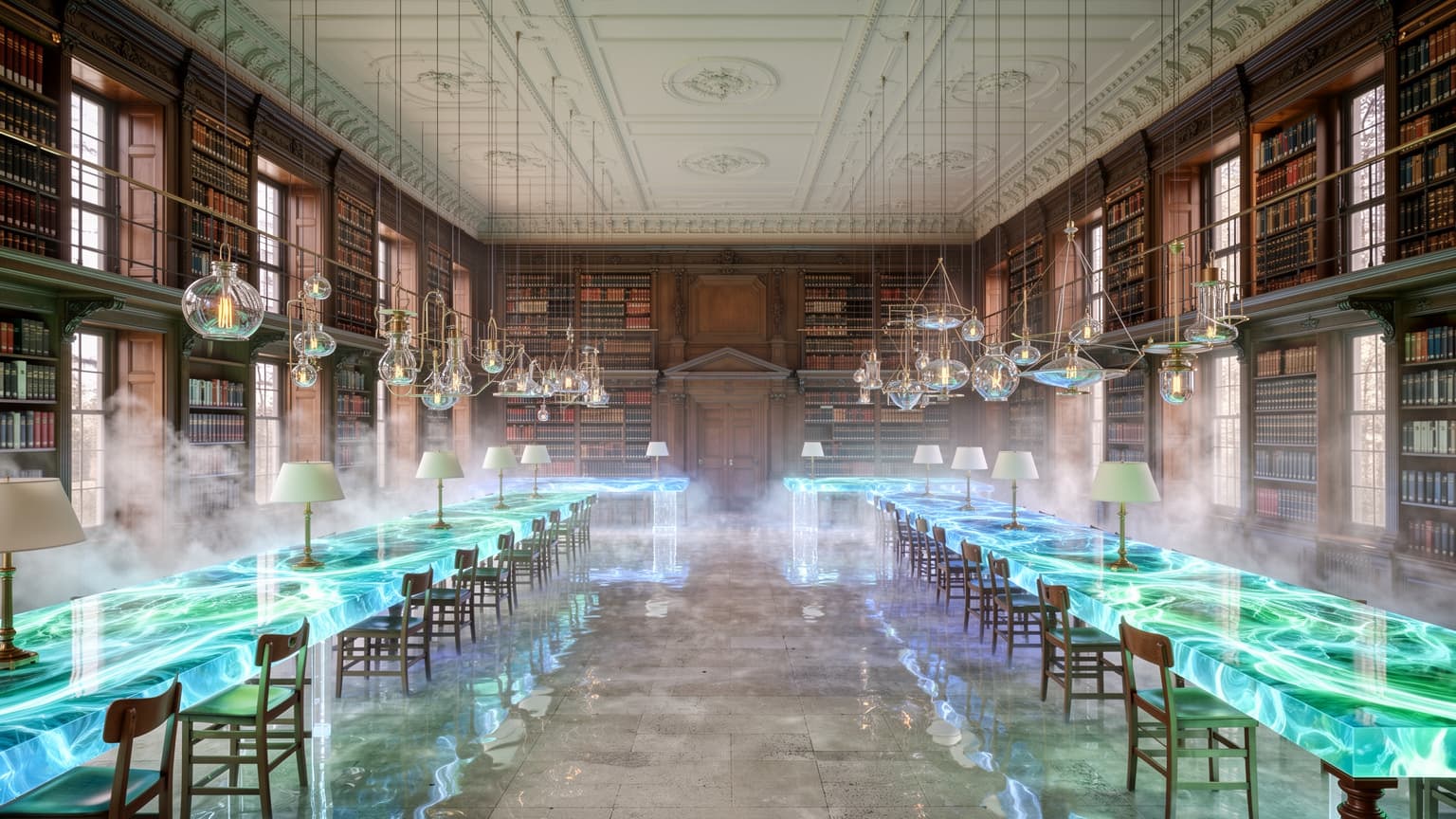
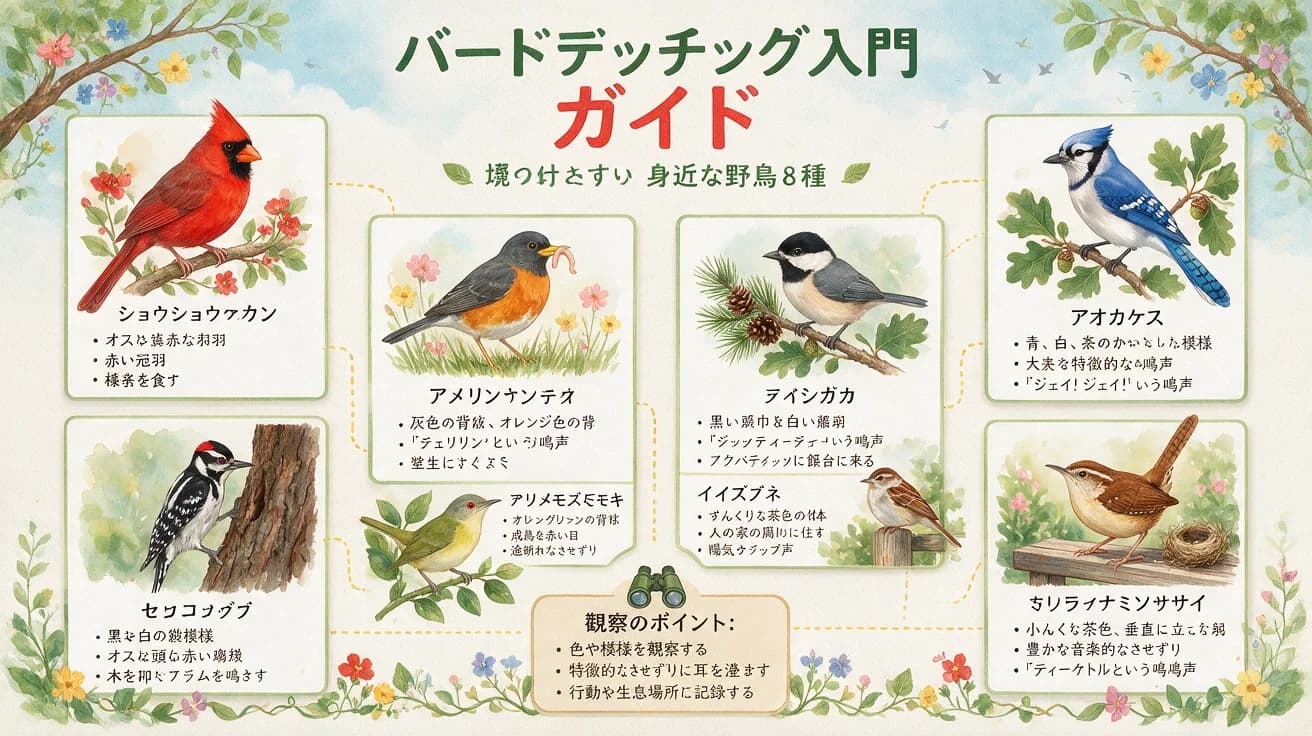
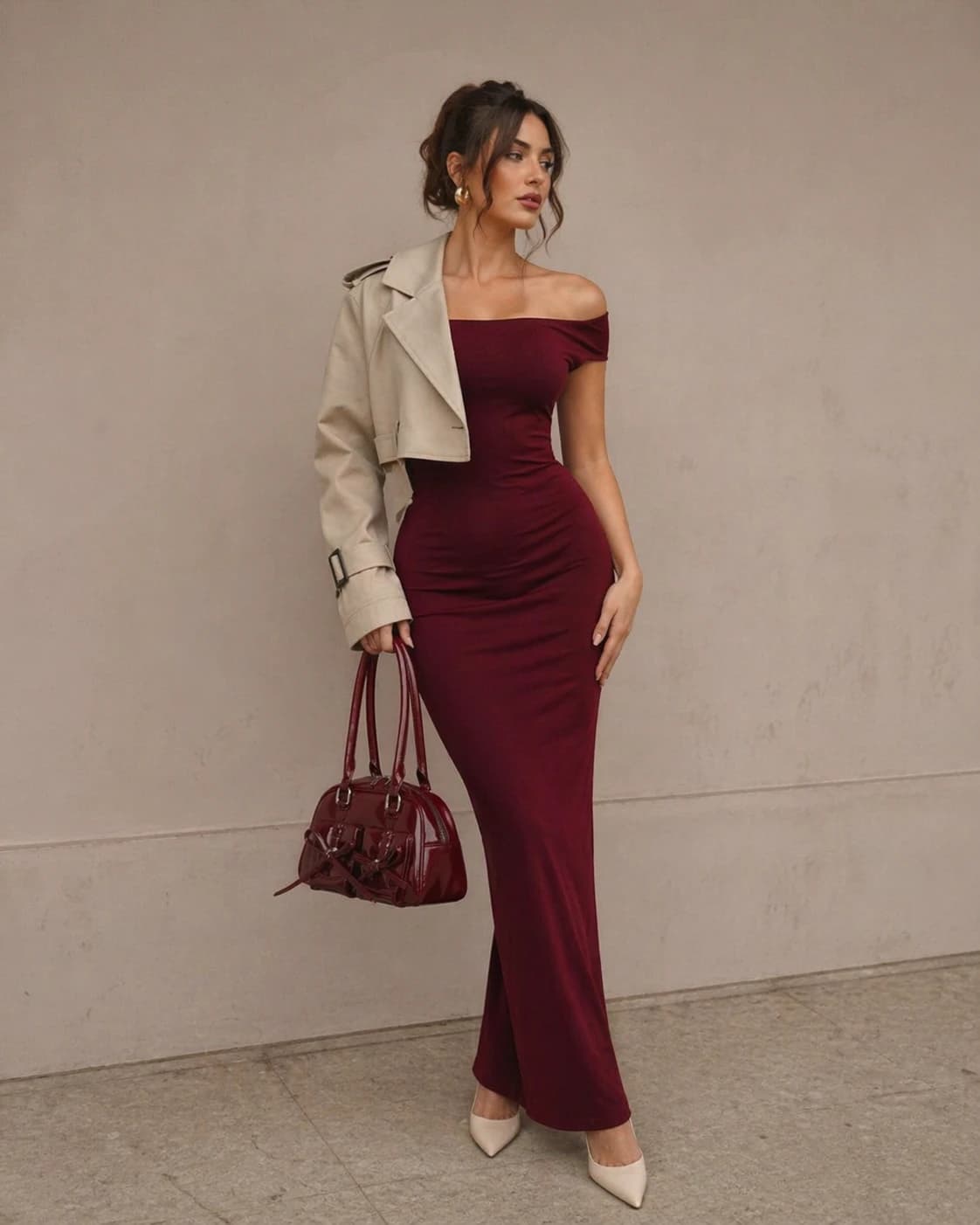
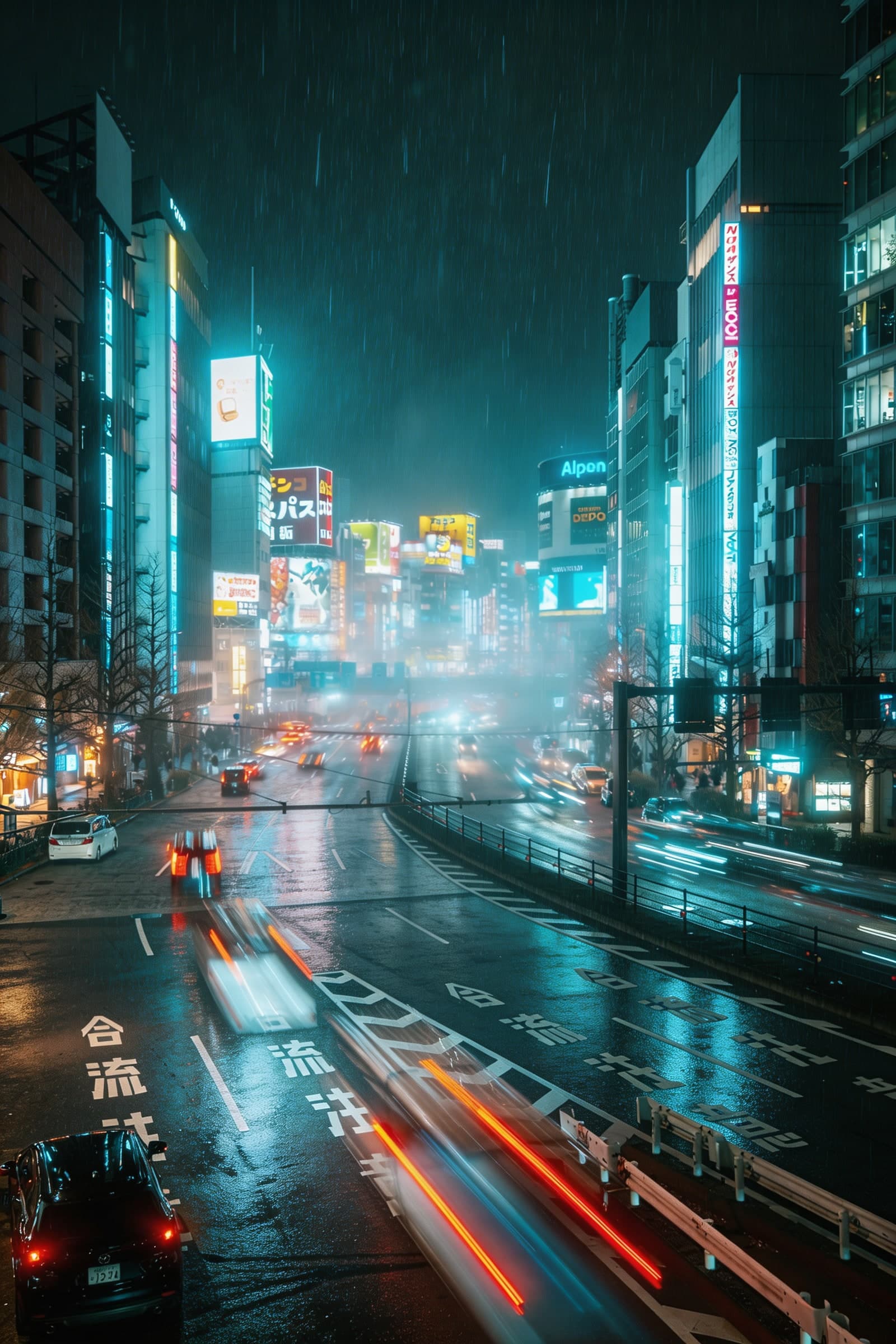
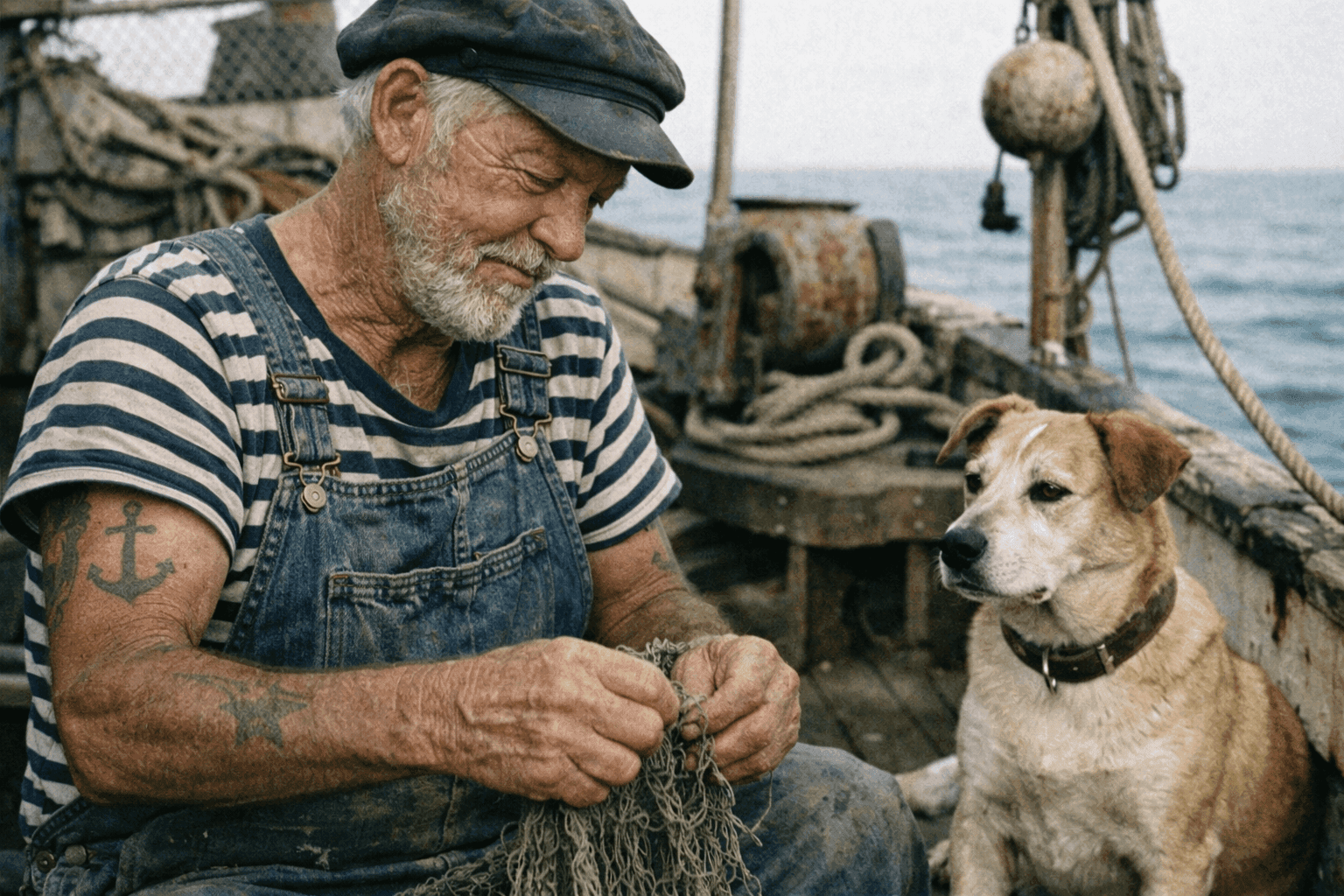
Choose an image to image AI model for your edit
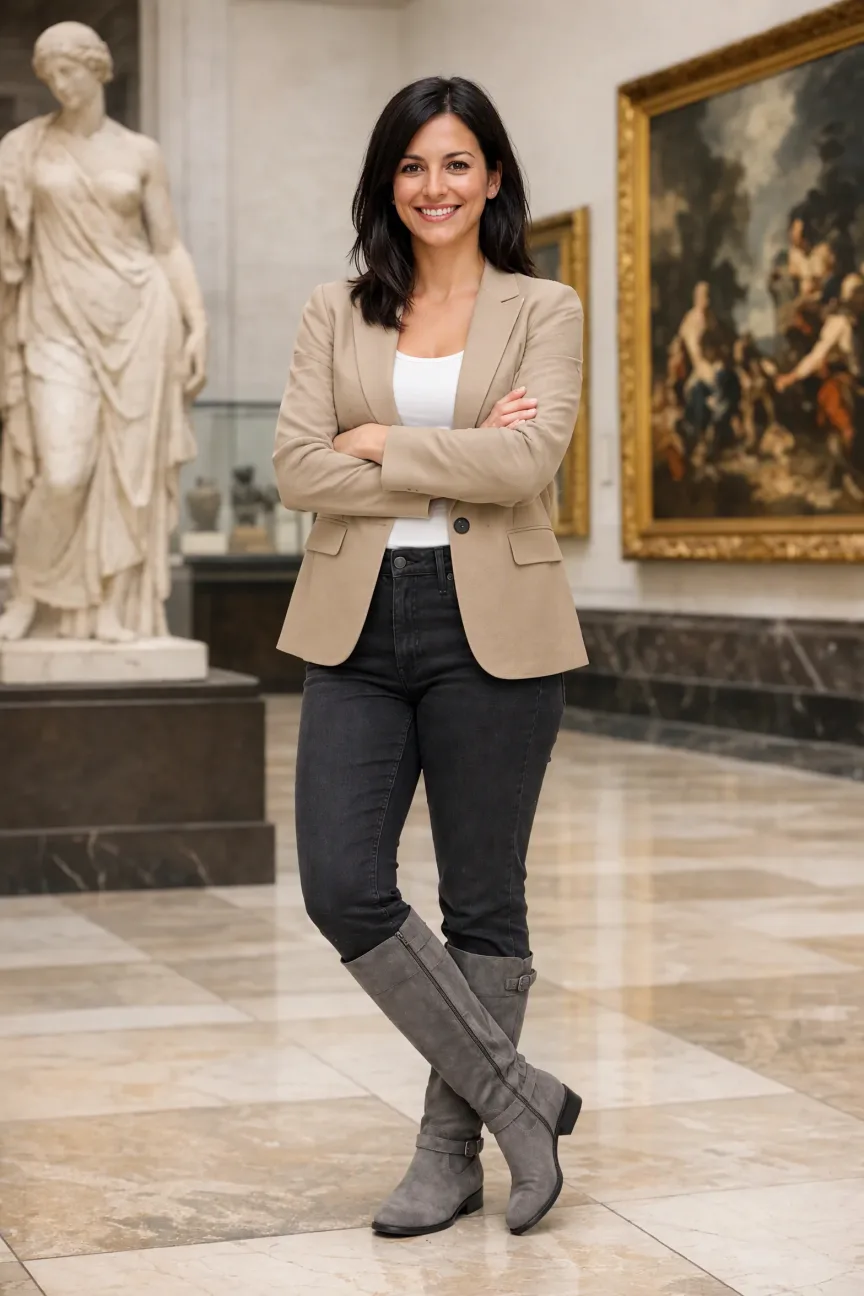
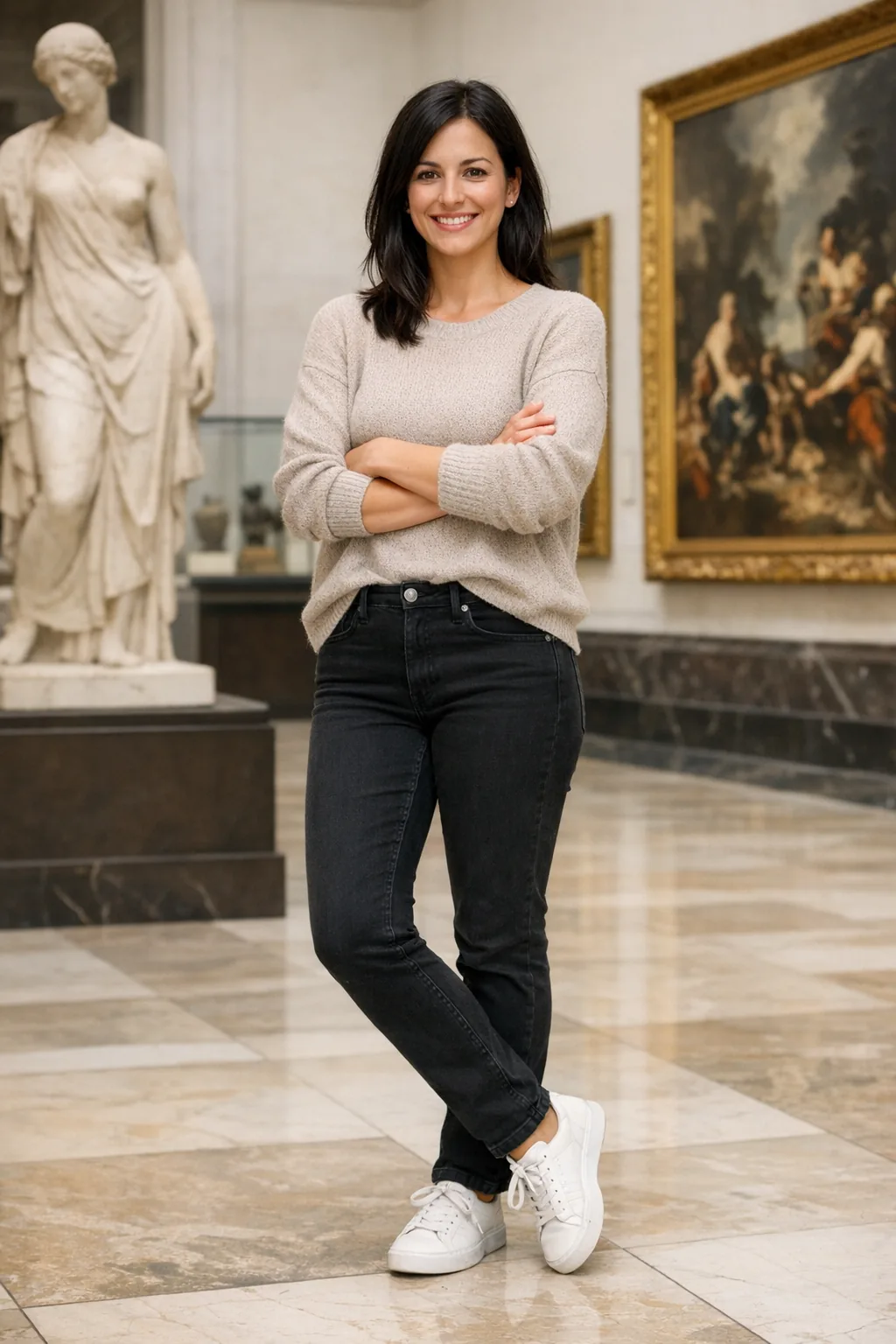
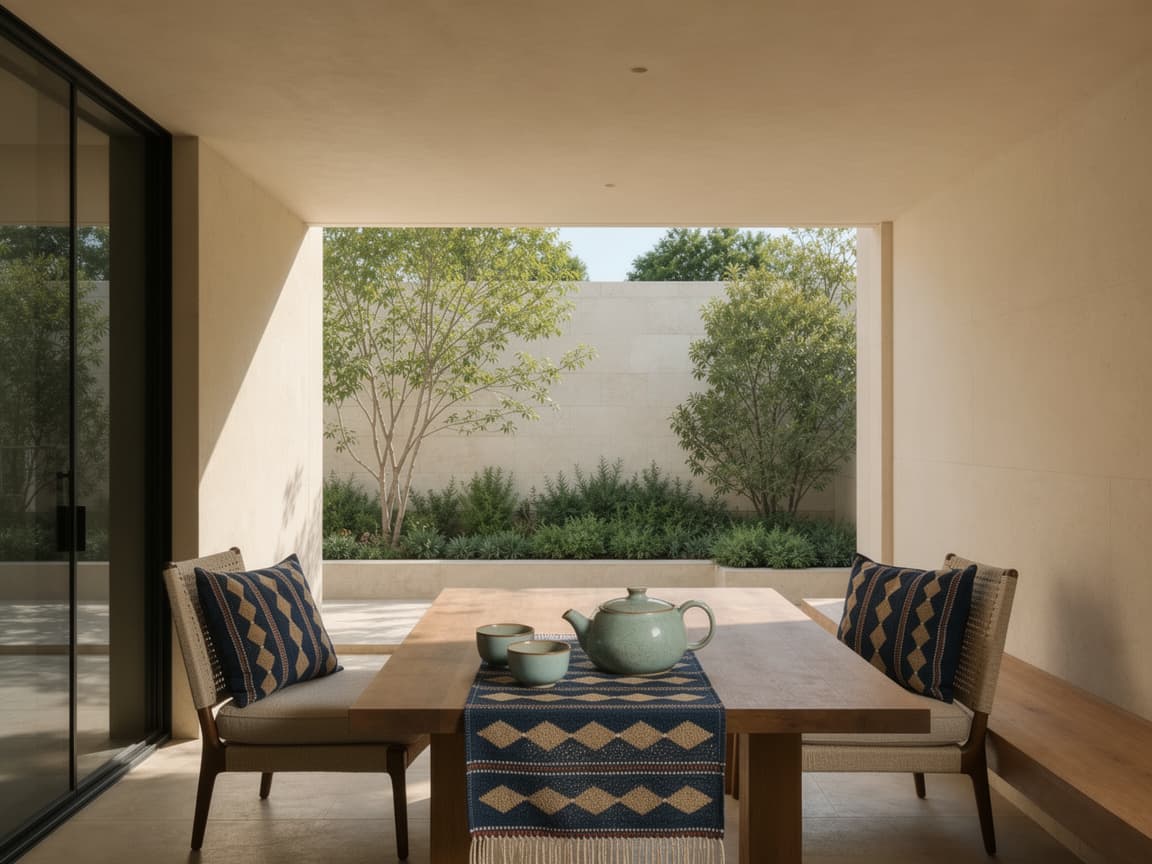
Use image to image AI to explore a new background, visual style, lighting, or product presentation from your own images. Choose a model that supports the references and output options you need. The cards below link to each model's capabilities and limits; use the generator above to set up your edit.
From a perfume product photo to a promotional poster
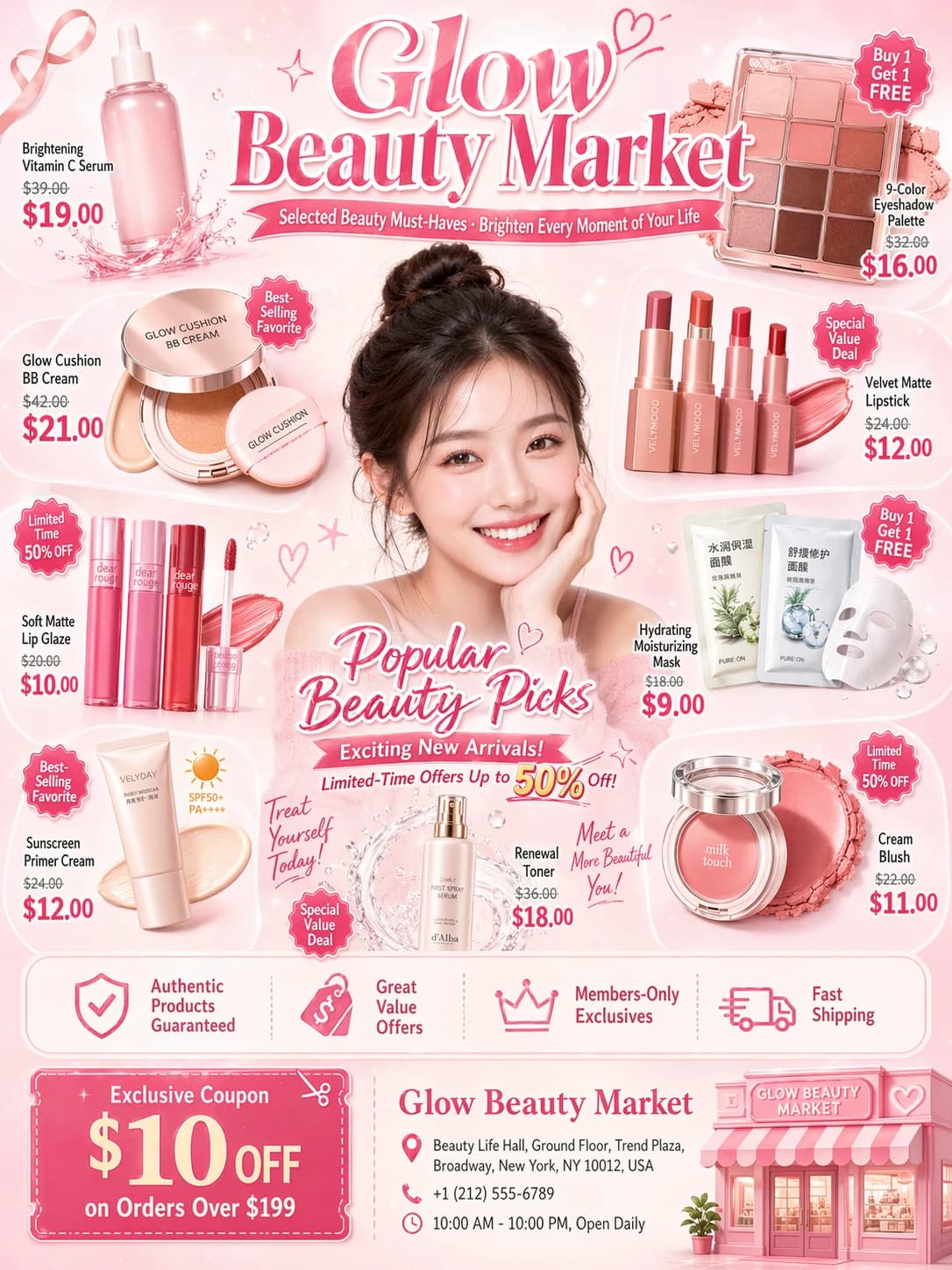
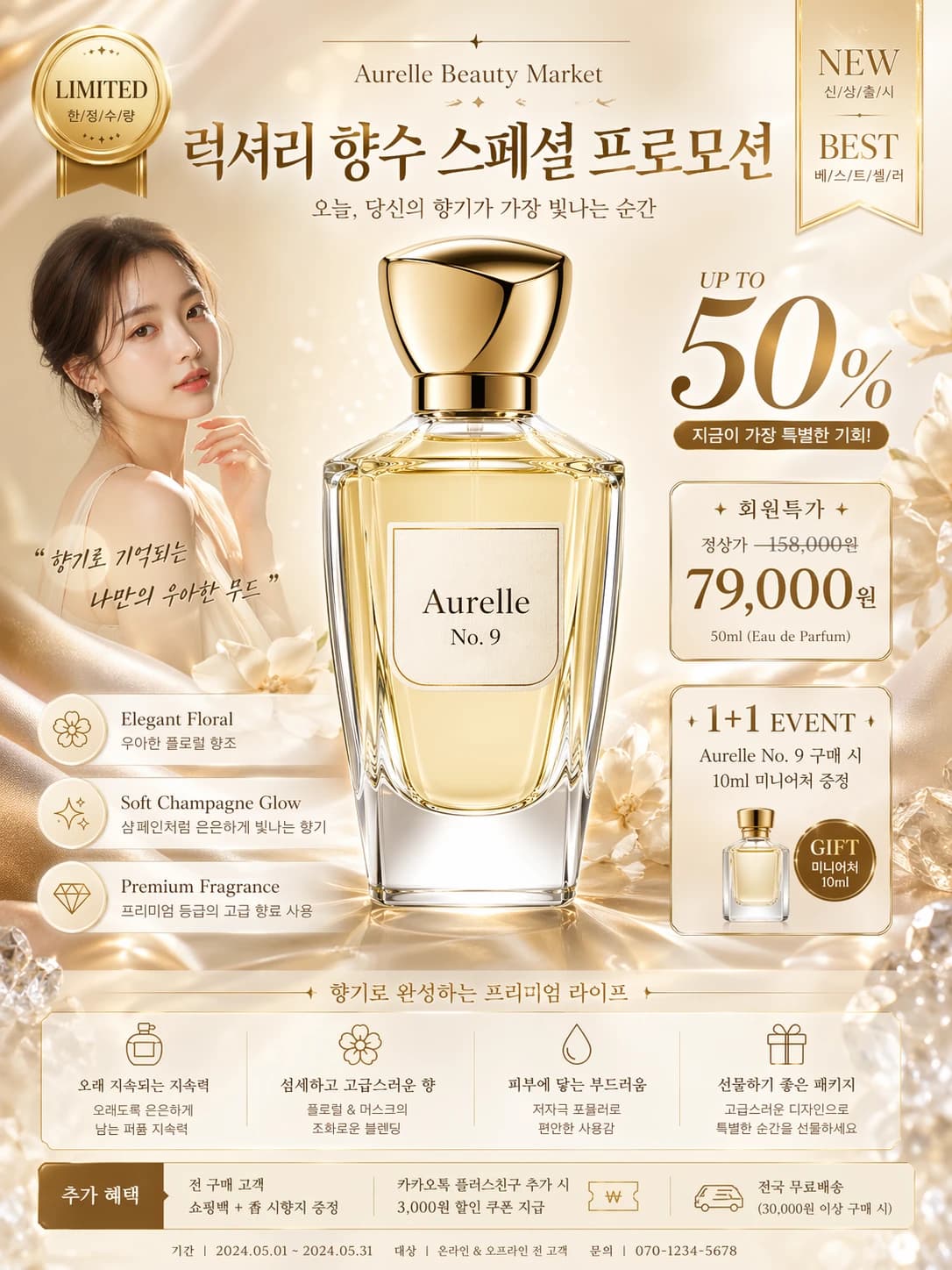
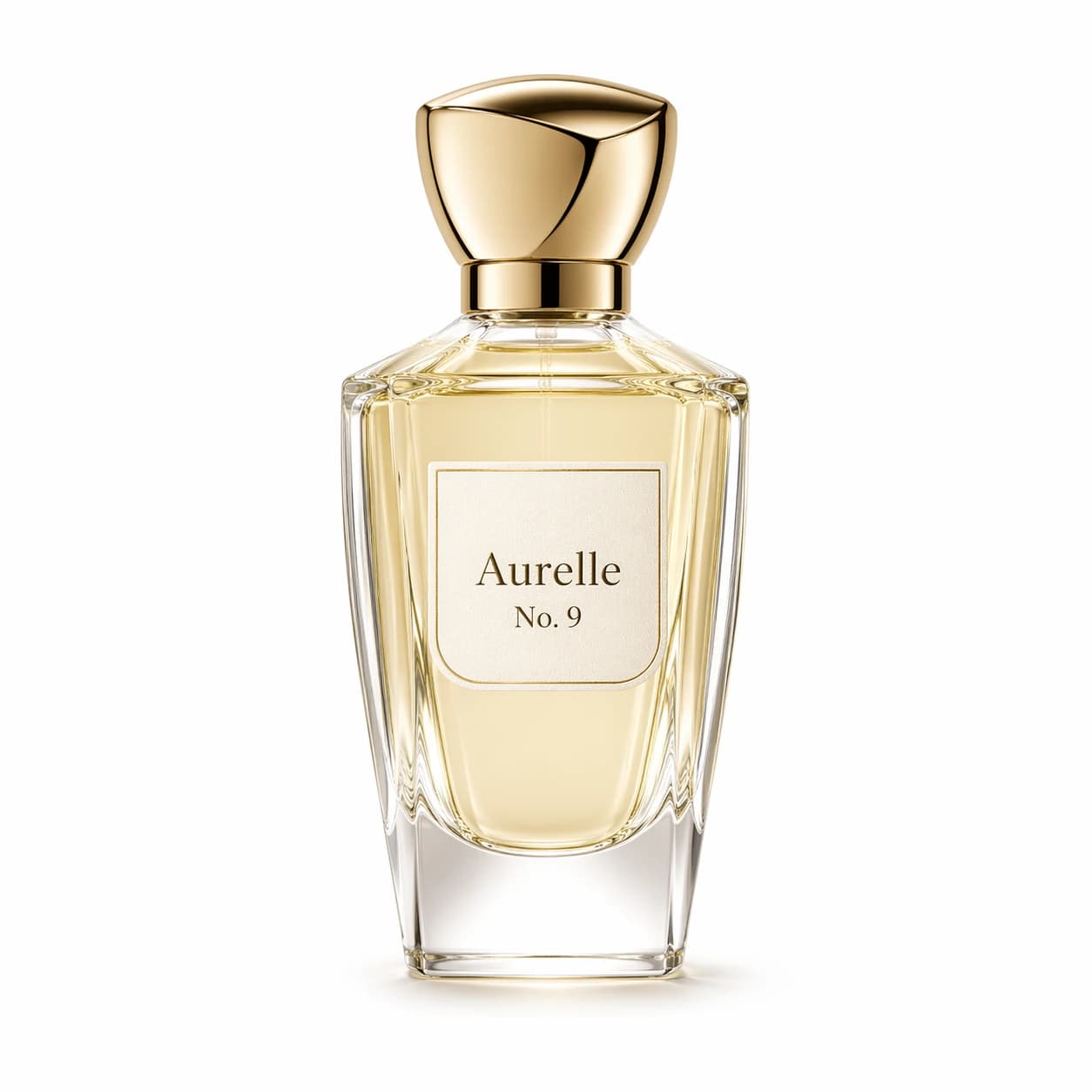
In this example, GPT Image 2 uses a perfume bottle photo and the complete prompt below to create a K-beauty promotional poster. When using an AI product photo editor, compare the bottle's shape, proportions, label, and colors with the original, then inspect the poster text and layout. The prompt states the desired changes; the output still needs review.
Source image and full prompt
Create a Korean beauty promotion flyer-style poster, inspired by trendy K-beauty store advertising layouts. The composition should feel rich, lively, and commercially appealing, with dense but organized product placement, promotional stickers, pricing highlights, headline typography, and a polished retail flyer aesthetic. However, do not use the typical pink color scheme. Instead, adapt the entire design to match the perfume product's color palette and mood: champagne gold, cream white, warm beige, soft ivory, and light gold. The atmosphere should feel elegant, luxurious, refined, feminine, and premium. Use the perfume bottle Aurelle No. 9 as the hero product. Keep the bottle design unchanged: the sculptural transparent glass bottle, pale champagne liquid, cream label, gold cap, and original proportions must remain accurate. Place it as the primary focal point in the center or dominant visual position. Design the layout like a Korean cosmetics sale flyer: eye-catching headline, promotional badges, discount labels, feature callouts, decorative product blocks, and a bottom information section. Add refined supporting visuals such as silky fabric, soft golden reflections, perfume mist, glass highlights, subtle floral or fragrance-inspired decorative elements, and elegant commercial lighting. Optionally include a stylish fictional young Korean woman model with a bright, elegant, premium beauty-advertising look, but she should remain secondary to the perfume bottle. The design should feel energetic and promotional like a K-beauty leaflet, yet more upscale and luxurious. No bright pink palette, no cheap look, no cluttered chaos, no watermark, no real brand logos.
Generated image
How to edit images with AI
Choose your references, describe the edit, and compare the result with the original.
Step 1 — Choose a model and upload images
Choose a model with the reference-image count and output options you need. Upload a clear source image, or add several references when supported. Use images where faces, product shapes, and important text are easy to inspect.
Step 2 — Describe the edit and set the output
Explain what should change, what the new result should look like, and which details you want to keep. For multiple references, state each image's role. Select the available output settings and check the estimated credits before generating.
Step 3 — Compare, refine, and download
Review the result alongside the original. Zoom in on faces, hands, product proportions, lettering, edges, and the background. Download the result you want to use. If you need another version, identify the change first; each new generation uses credits.
Tools for preparing images and using your results
Image to image AI questions
What is image to image AI, and how is it different from text to image?
An image to image AI generator uses an existing image or several references together with your prompt to create a new result. Text to image starts from a text description. Reference images guide appearance and composition, but the generated details can change.
How should I choose a model?
Start with how many reference images you need, then compare the available output settings and estimated credits. Open a model card above for its specific capabilities and limits. Trying a focused edit with the same image and prompt can help you compare results before spending credits on more versions.
Can I upload multiple reference images? Is that batch editing?
Some models accept one image, while others accept several. Multiple references guide the same generation—for example, a product photo for appearance and another image for the setting or style. Explain each image's role in your prompt and follow the selected model's upload limit. Uploading several references does not create a separate editing task for each image.
Which image formats and file sizes can I upload?
The current upload controls accept JPG/JPEG, PNG, and WebP, with a maximum of 10 MB per image. The number of images depends on the selected model. Use clear files where important details are visible, and check the upload preview before submitting.
What should I write in an image to image prompt?
Describe where to edit, what you want to change, and which details you want to preserve. For example: “Replace the background with a light gray studio setting. Keep the perfume bottle centered and its label readable.” For AI style transfer, describe the desired visual style as well. Follow the selected model's prompt length limit, then inspect how the edit was applied.
Can I edit only the background or a small part of a photo?
You can ask for a targeted change, such as a new background, different clothing color, or adjusted lighting. This page uses image references and text instructions; it does not provide a brush or mask for selecting an exact editing area. Other parts of the image may also change, so compare the full result with the original.
Will faces, product details, text, and logos stay exactly the same?
Exact preservation is not guaranteed. Images and prompts can guide the edit, but faces, proportions, lettering, or logos may change. If you ask AI to edit text in an image, provide the wording you want and check every character afterward. For exact typography or layout, a dedicated image or design editor may be needed.
Which aspect ratios, resolutions, and output formats can I choose?
Use the options shown for the selected model. Some models offer resolution, quality, or output-format choices; others do not expose all of these controls. Choosing PNG alone does not create a transparent background. If you need transparency, use a supported background option or a dedicated background remover. The model cards above explain each model's output options.
Can I try image to image AI for free, and how do credits work?
Sign in to generate. If your account has signup credits available, you can use them toward a task, but they may not cover a full generation. Required credits depend on the model and selected settings. Compare the estimate with your balance before submitting. Each new generation, including a rerun, uses credits.
How long does generation take, and what if the result looks wrong?
Processing time varies, so follow the task status. If the result changes too much or misses your instructions, try a clearer source image, fewer conflicting requests, or a more focused edit. Check the whole image before using it. Another generation may help, but it does not guarantee improvement.
When should I use Background Remover or Image Upscaler instead?
Use Background Remover when your goal is to remove a background, or Image Upscaler when you mainly want a larger image. Use image to image AI for creative changes to the setting, style, or details. Replacing a background creates a new scene; removing it aims to leave the subject on a transparent background. Choose the tool for the result you need.