
AI Hair Color Changer
Upload a photo and choose a new hair color. AI will realistically change the hair color while preserving all other features.
AI Hair Color Changer
Upload a photo and choose a new hair color. AI will realistically change the hair color while preserving all other features.


AI hair color changer for quick hair color previews
VidGen gives you an AI hair color changer and a practical AI hair color change workflow for portraits. If you want to preview a new shade before a salon visit, or test a free AI hair color changer online, you can compare blonde, black, red, brown, silver, pastel, and more in minutes.
See AI hair color change on a real portrait
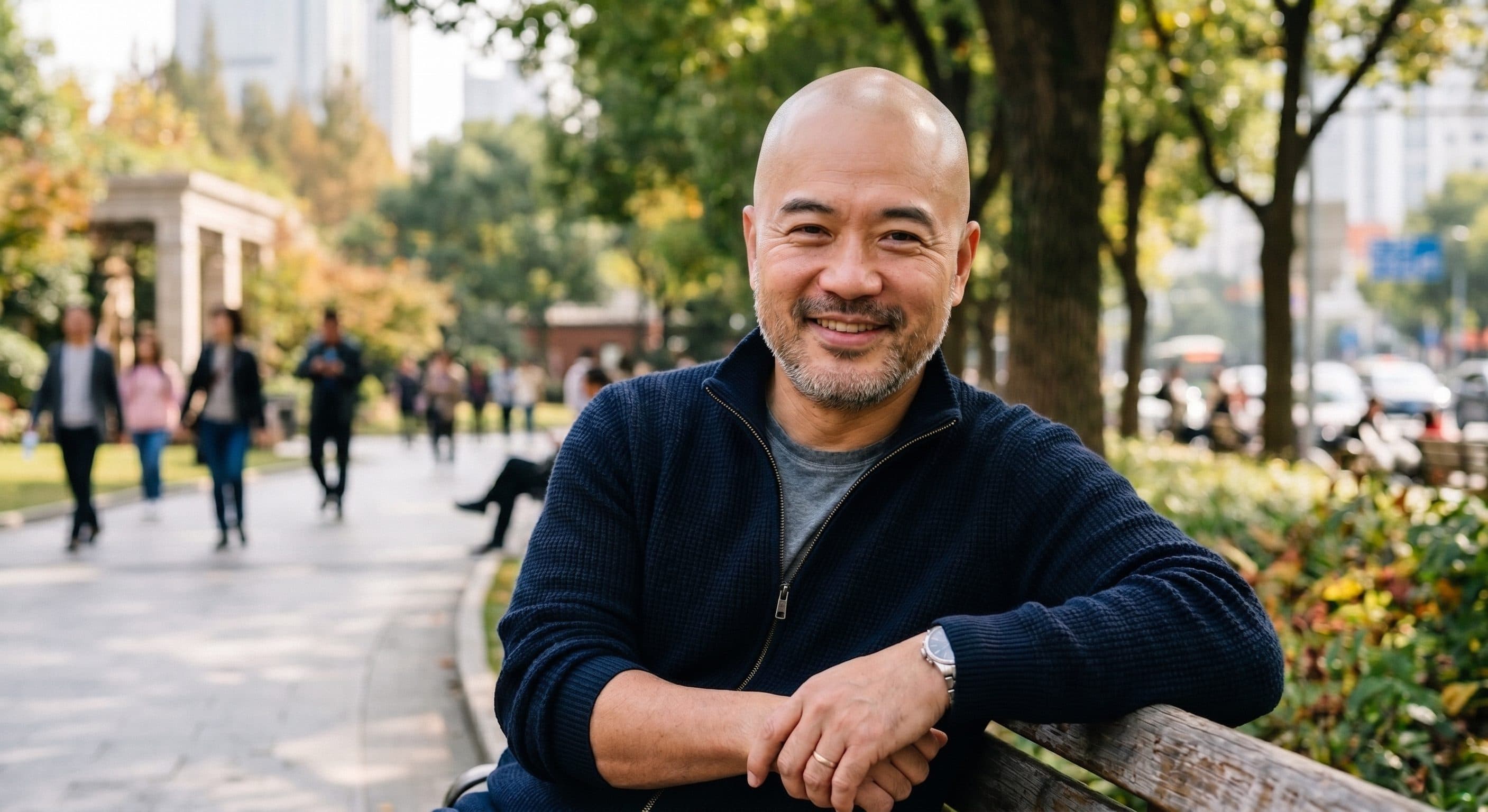
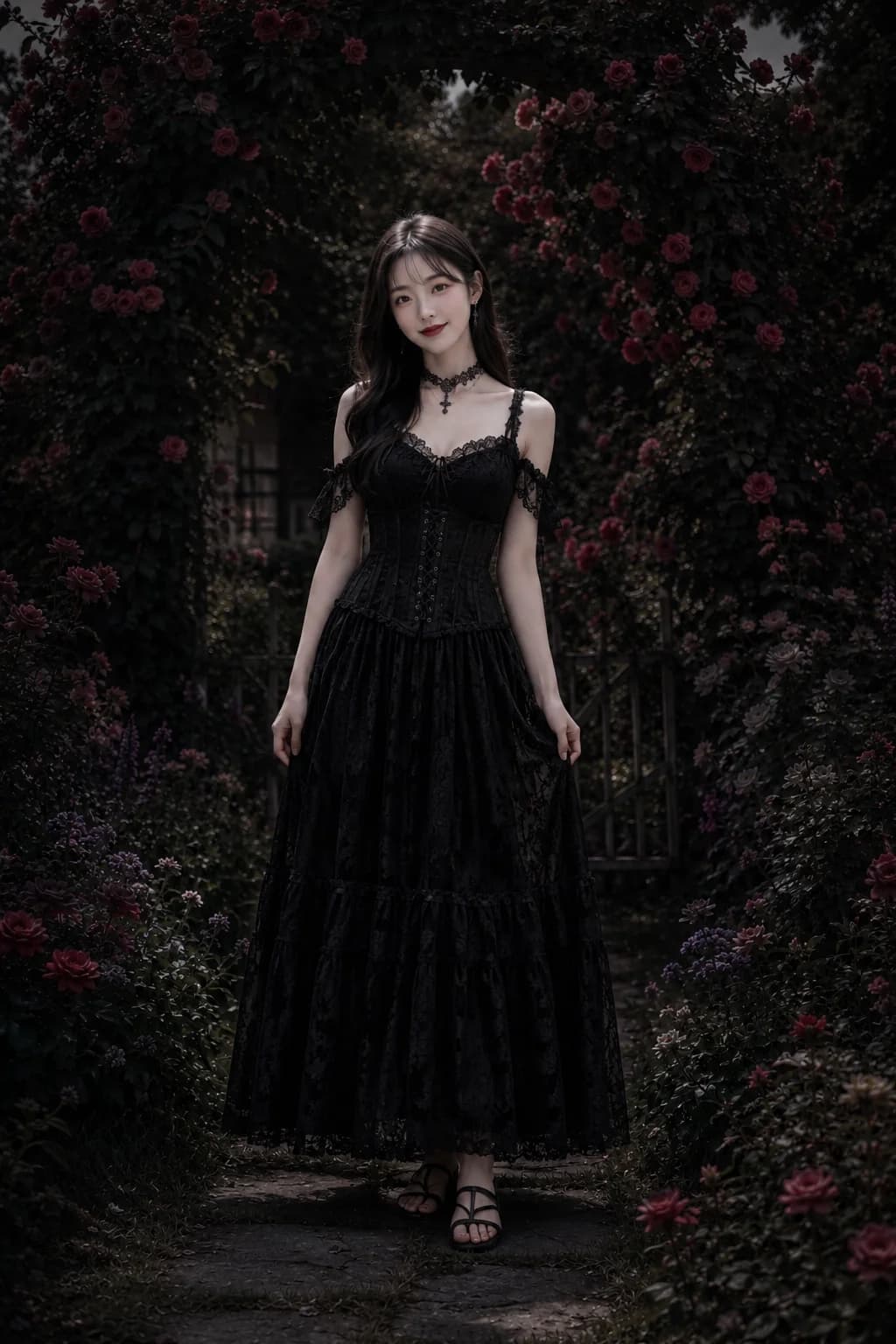
This example shows how a change hair color AI workflow can recolor visible hair while keeping the face, skin tone, and background natural.
Before
After
How to use AI hair color changer to change hair color in photo
Follow these three steps if you want to change hair color online free with AI and preview a new shade before dyeing your hair for real.
Step 1 — Upload a clear portrait photo
Add a JPG, PNG, or WebP image up to 5 MB. Photos with visible hair edges and even lighting usually produce cleaner recoloring.
Step 2 — Enter your target hair color
Type the shade you want to try, such as blonde, black, red, brown, silver, blue, or pastel pink. This prompt tells the model exactly what color result you want.
Step 3 — Generate and download
Click Create and wait for the result. Open My Assets to preview the new look, compare reruns, and download the updated image. Starter credits make it easy to test a free AI hair color changer workflow first.
Explore more AI effects


Frequently Asked Questions
What is AI hair color change?
AI hair color change means using an AI hair color changer to recolor hair from a text prompt. Some users search for hair color changer AI or AI change hair color tools, but the idea is the same: upload a portrait, enter a target shade, and generate a new look.
Can I change hair color in photo without affecting the face?
Yes. VidGen is designed to change the hair color while keeping the face, skin tone, background, and other visible details as consistent as possible.
Is this a free AI hair color changer?
Yes. New users receive starter credits, so you can try a free AI hair color changer workflow online before upgrading. Extra usage depends on your remaining credits or plan.
Can I change hair color online free with this tool?
Yes. If you want to change hair color online free, VidGen gives new users starter credits so you can test the workflow first. It also works well if you want a hair color changer online free for a quick preview before committing to a real dye job.
Is there an AI hair color changer free to try online?
Yes. You can start with a free AI hair color changer workflow. Some users also search for ai hair color changer free, ai hair color change free, or ai hair color changer online free before trying this kind of tool.
Can I use AI to change my hair color before I dye it?
Yes. Many people use this tool as a quick change my hair color AI preview before a salon visit. If you are looking for AI to change hair color on your own portrait, it is useful for comparing blonde, black, red, brown, silver, and fashion shades before a real color change.
Do I need an AI hair color changer app or Photoshop?
No. You can use this hair color changer AI tool directly in your browser without installing Photoshop or a separate app.
What colors can this AI change hair color tool handle?
You can try common shades such as blonde, brunette, black, red, auburn, silver, white, blue, purple, or pastel colors. It can also work on many hair types, including dark hair and textured styles, as long as the hair area is visible in the image.