Create a talking avatar from your photo and audio
Upload a portrait and your audio to create a speaking video with AI lip sync, facial expressions, and head movement.
Create a talking avatar from your photo and audio
Upload a portrait and your audio to create a speaking video with AI lip sync, facial expressions, and head movement.
AI avatar generator for talking photos
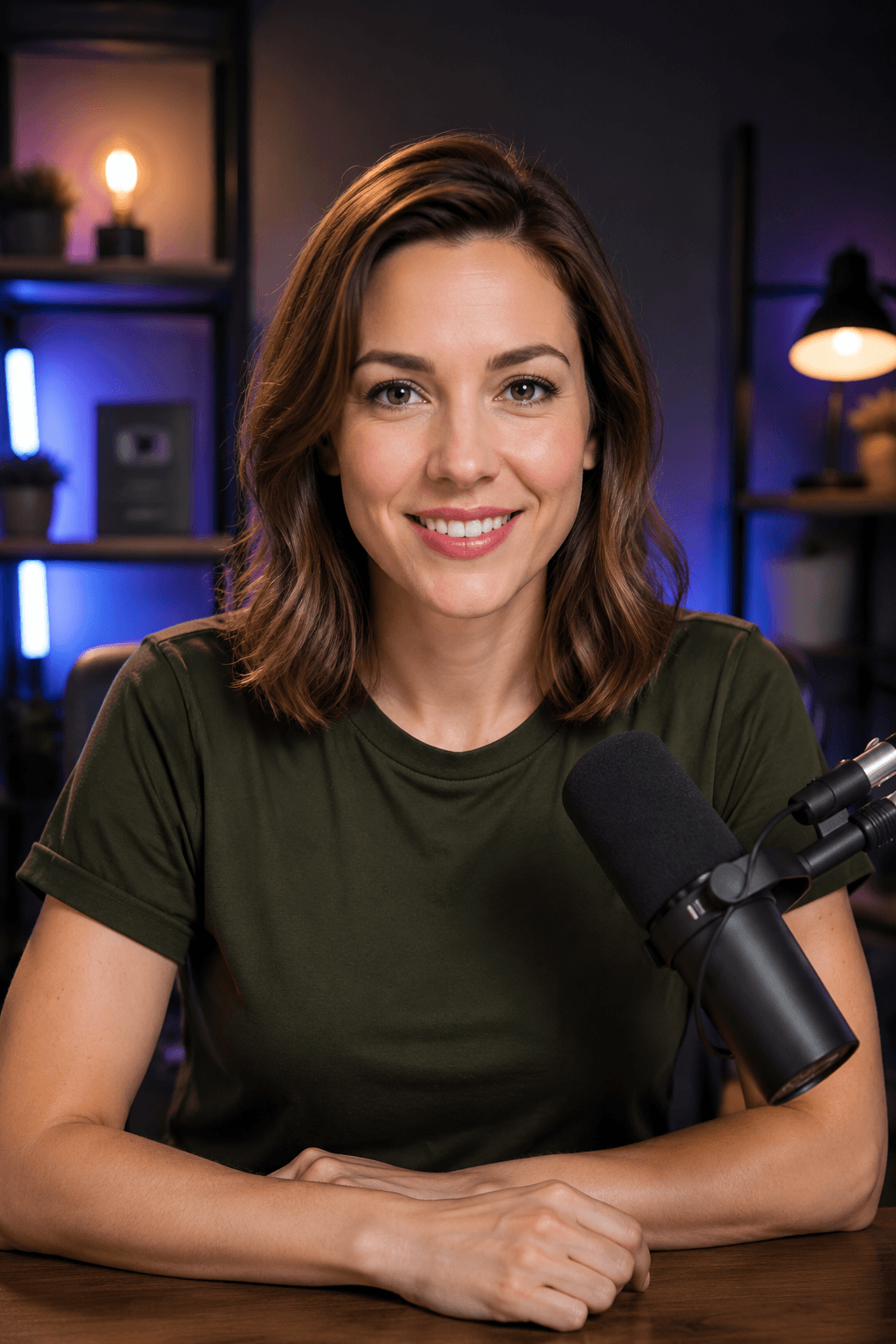
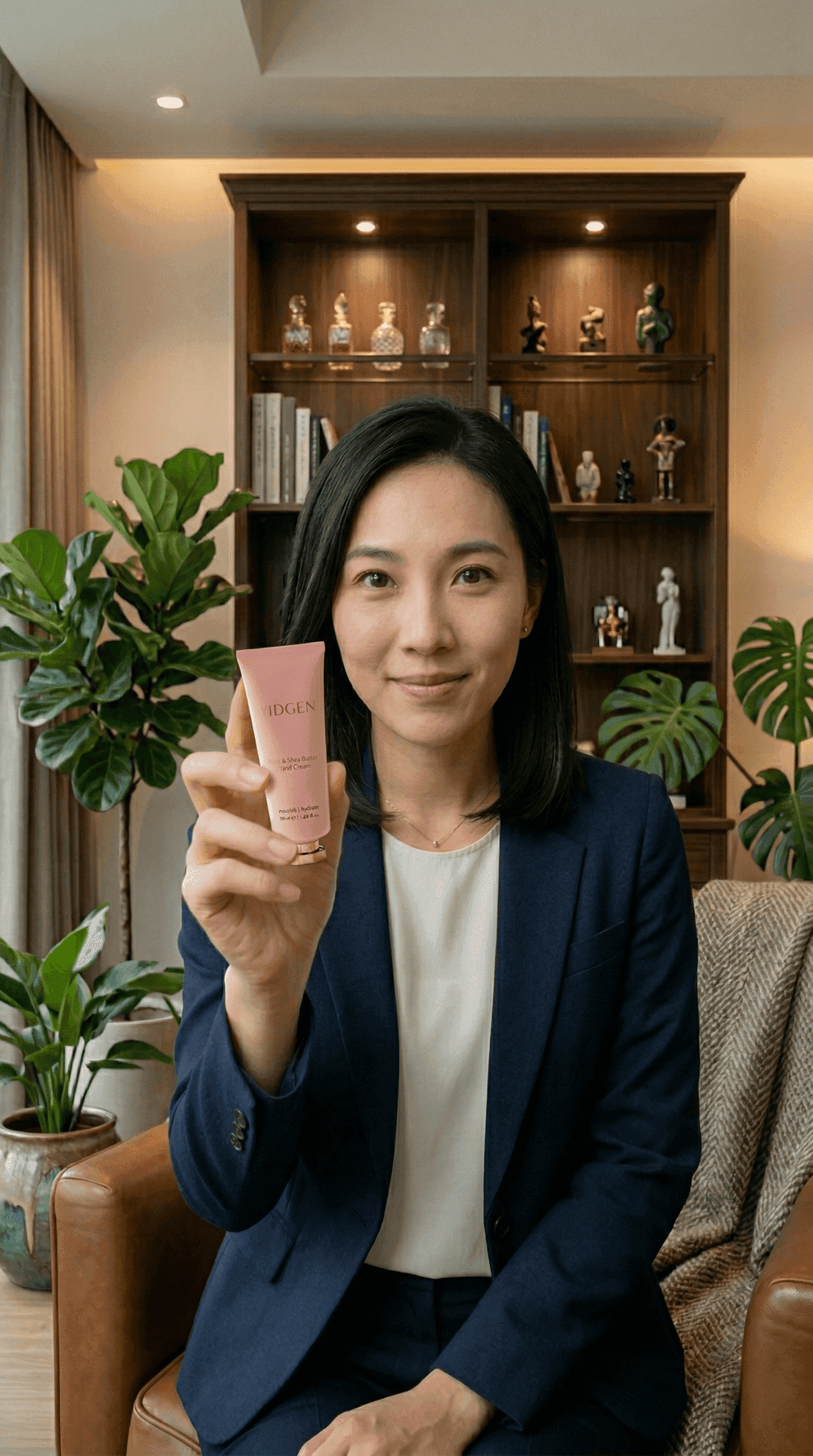
Turn a portrait and an audio recording into a talking avatar video. You can upload your own photo or use a preset portrait. VidGen AI Avatar 1.0 Standard supports 480p and 720p with audio up to 10 minutes. Kling AI Avatar 2.0 supports 720p and 1080p with audio up to 5 minutes.
Talking photo example
The example below combines a portrait with an audio clip. Listen to the audio and compare it with the lip sync, expressions, and head movement in the video. A short recording can help you assess the result before making a longer video.
Portrait and audio
Talking avatar video
How to make a photo talk with your own audio
Prepare a clear portrait and a recording of at least 5 seconds, then choose a model and preview the result.
Step 1 — Upload a portrait and audio
Choose a clear, front-facing portrait with one visible face, or select a preset avatar. Upload an image up to 10 MB, then add your audio file. WAV and MP3 work with both models. Check the audio size and duration limits for your selected model.
Step 2 — Choose a model and describe the movement
Select 480p or 720p with VidGen AI Avatar 1.0 Standard, or 720p or 1080p with Kling AI Avatar 2.0. Keep the default description of natural speech and subtle movement, or replace it with your own expression and movement guidance. The recording determines what the avatar says.
Step 3 — Generate, preview, and download
Check the required credits and start generation. Preview the video with sound to check lip sync and facial movement. If needed, try a clearer recording, a different portrait, or revised movement guidance, then download the result you want to use.
Related image and video tools
Talking avatar questions
What does this AI avatar generator create?
It turns a still portrait and an audio file into a talking avatar video. The photo provides the character's appearance, while the recording provides the words and voice. You can create an AI talking head for introductions, explanations, and other recorded content without filming a new take.
Can I make a photo talk by typing a script?
This page requires an uploaded audio file. Record your script or create the audio with a separate voice tool, then upload it with your portrait. The performance prompt guides expressions and movement; it does not convert text into speech or create a voice from the photo.
Which avatar model and resolution should I choose?
VidGen AI Avatar 1.0 Standard supports 480p and 720p and accepts recordings up to 10 minutes. Kling AI Avatar 2.0 supports 720p and 1080p and accepts recordings up to 5 minutes. Choose Kling for a 1080p output, or Standard when your recording exceeds 5 minutes. Start with a short clip to compare the result for your portrait.
What photo and audio files can I upload?
Both models accept JPG, PNG, BMP, and WebP portraits up to 10 MB, with width and height between 400 and 7000 pixels. Standard accepts WAV or MP3 audio from 5 to 600 seconds, up to 50 MB. Kling accepts MP3, WAV, AAC, M4A, and OGG audio from 5 to 300 seconds, up to 100 MB.
Can I keep the default performance prompt?
Yes. Keep the supplied description of natural speech, facial expressions, and head movement, or replace it with your own direction. For example, describe a relaxed expression and subtle head movement. Keep a movement description in the field; the words and voice still come from your uploaded audio.
Can I use audio in another language? Does it translate?
The avatar follows the audio you upload in the language recorded. This page does not translate speech, so prepare audio in your target language first. Lip-sync results can vary with pronunciation, recording quality, and the chosen model; preview a short clip before making a longer version.
How can I get a clearer talking photo result?
Choose a sharp portrait with a visible, well-lit face and use a clear recording with one speaker. Background noise, overlapping voices, and an obscured face can affect lip sync and facial movement. Preview with sound and check the mouth timing, eyes, and head movement before using the video.
Can I try the talking avatar generator with free credits?
New accounts receive starter credits. Whether your balance covers a video depends on the model, resolution, and audio length. Check the required credits before generating; a longer recording or higher resolution may need more credits than your starter balance.
How is a talking avatar different from Lip Sync AI?
AI Avatar starts with a still portrait and creates a speaking video. Lip Sync AI works with existing video footage and another audio track to synchronize the mouth movement. Use AI Avatar when you have a photo, and Lip Sync AI when you already have a video.
What can I use a talking avatar video for?
Use it for a personal introduction, a lesson explanation, a product presentation, or a short social post. Record the message first and choose a portrait suited to the setting. For multiple versions, reuse the portrait with a different audio file and review each generated result.