
Explosion Video Effect
Upload one photo and create a cinematic explosion video with realistic flames, smoke, debris, and shockwave — no editing skills required.
Explosion Video Effect
Upload one photo and create a cinematic explosion video with realistic flames, smoke, debris, and shockwave — no editing skills required.
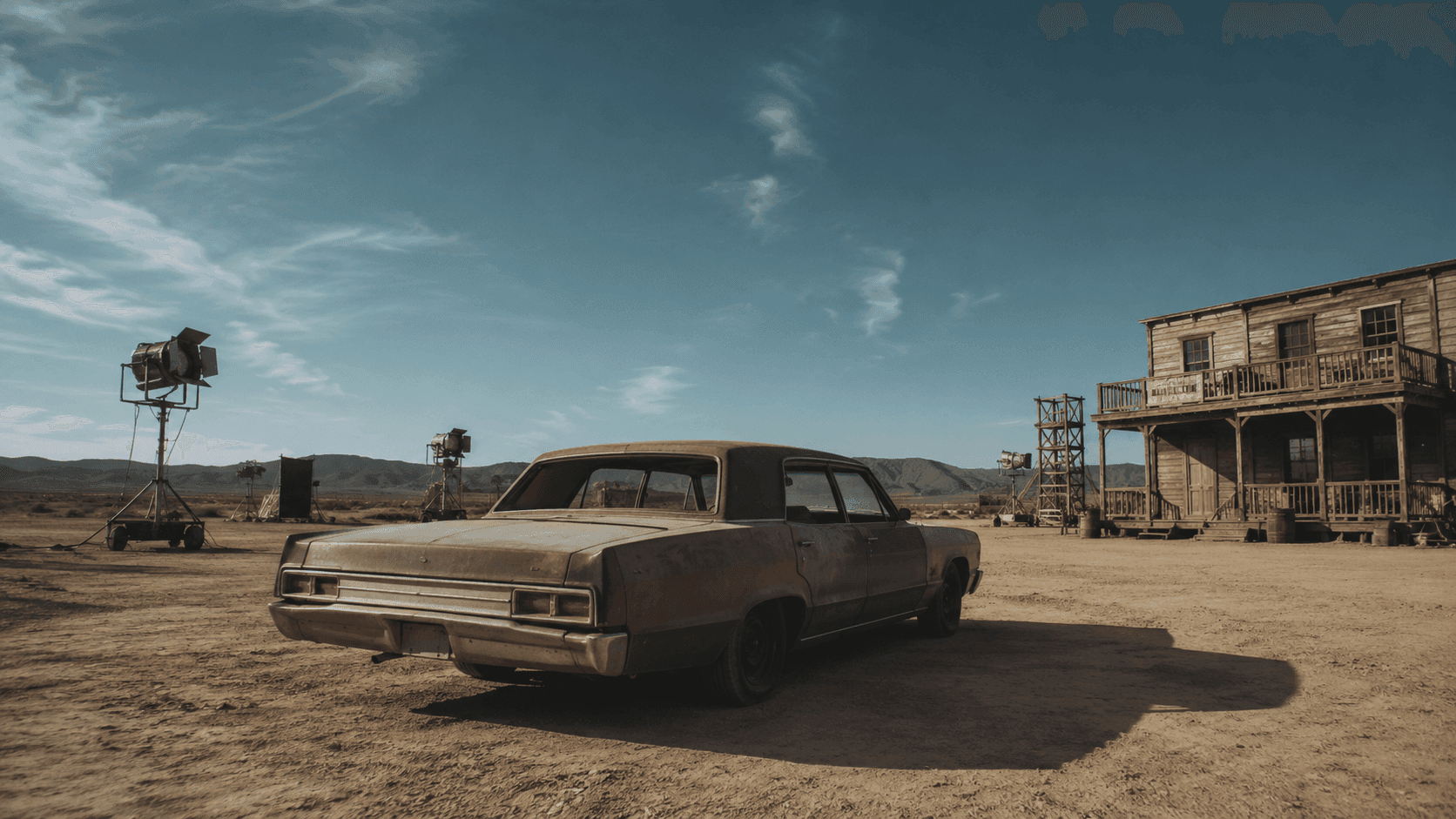
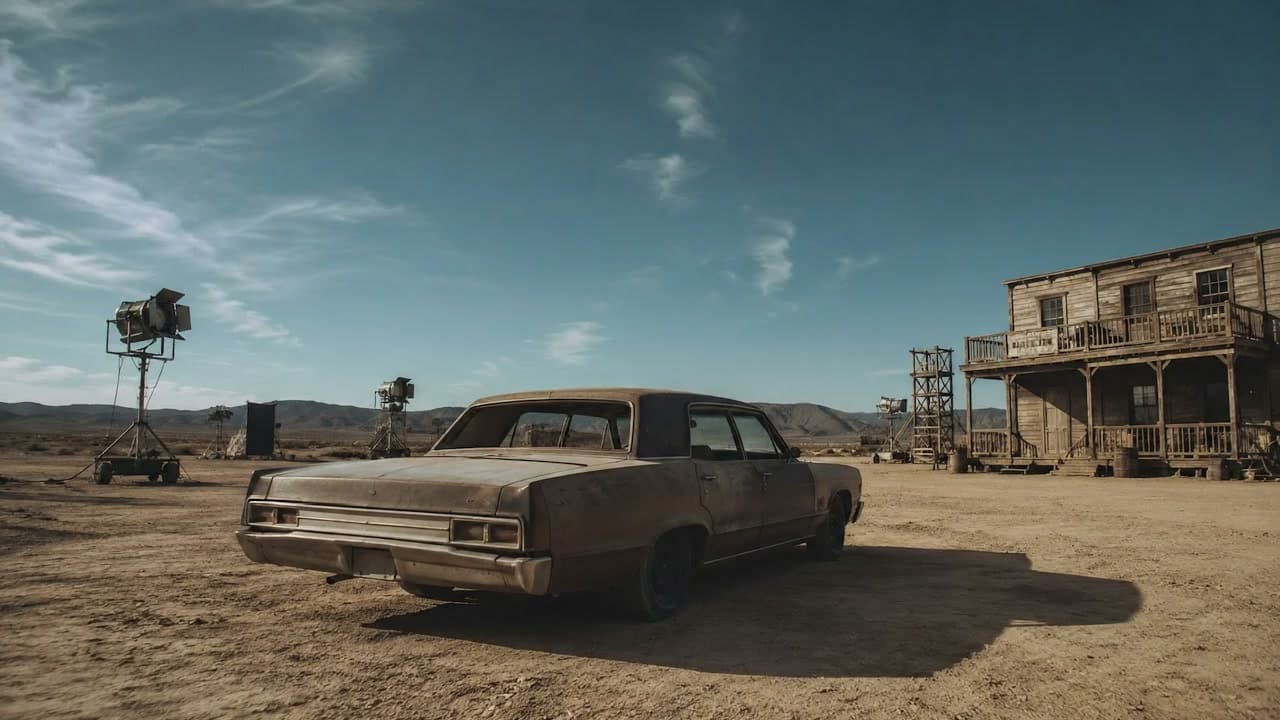
Explosion Video Effect — Make an AI Explosion Video From One Photo
VidGen's Explosion Video Effect turns one photo into a short AI explosion video with realistic flames, dense smoke, shockwave, and flying debris. It gives you the kind of video explosion effect people usually build by hand in After Effects or CapCut, but you only need a single image — no plugins, no green screen footage, no manual keyframing. Use it for action shots, vehicle blasts, bomb-style scenes, intros, and short social edits that need a cinematic explosion moment.
See an AI explosion video example
The effect starts from your uploaded scene, then triggers a cinematic explosion with flames, dense smoke, sparks, and flying debris. Whether you want a generic explosion video effect, a bomb explosion video effect, or a fire or smoke blast for a short edit, this is the workflow this page is built for.
Uploaded image
Generated video
How to add an explosion effect to your video from one photo
You only need one reference image. VidGen handles the explosion build-up, fireball, smoke, and debris automatically, so you can make an AI explosion video online in a few clicks — without learning After Effects or downloading green screen footage.
Step 1 — Upload one clear reference image
Choose a JPG, PNG, or WebP photo with a clear main subject or scene, such as a vehicle, building, street view, or open landscape. The clearer the scene, the more grounded the AI explosion video looks.
Step 2 — Generate the AI explosion video
Click Create and let VidGen build the explosion automatically. The model keeps your scene composition while triggering a cinematic blast with fireball, dense smoke, shockwave, sparks, and flying debris.
Step 3 — Review, rerun, and download
Preview the explosion video effect, rerun with the same image if you want a different feel, and download the version that best fits your action edit, intro, promo, or social short.
Explore more AI video and effect tools




Frequently Asked Questions
What is an AI explosion video effect?
An AI explosion video effect generates a short video that triggers a realistic explosion from your uploaded photo. It is useful for action shots, vehicle explosions, bomb-style scenes, intros, and short edits that need a dramatic blast moment.
How to add explosions to videos from one photo?
Upload one reference photo, click Create, and let VidGen generate the explosion automatically with flames, smoke, shockwave, and debris. You don't need After Effects, particle plugins, or manual keyframing.
What kinds of photos work best for the explosion video effect?
Photos with a clear main subject or scene usually work best — cars, trucks, buildings, streets, open landscapes, or props. A clear, well-lit reference helps the explosion feel grounded in the scene.
Can I create a car explosion, bomb explosion, or big explosion video effect?
Yes. The effect supports car explosion video effect shots, bomb explosion video effect scenes, and big cinematic explosion looks with fire, dust, flying debris and screen shake. Use a photo that clearly shows the subject you want to blow up so the explosion erupts from the right area.
Is this safe for short-form social videos?
The output is stylized, cinematic, and watermark-free, which makes it usable for short-form action videos, intros, trailers, and promo edits. Always follow each platform's content rules when posting.
Is there a free explosion video effect option on VidGen?
Yes. New users can start with free credits, so you can try the AI explosion video workflow before deciding whether to generate more versions.
Do I need green screen footage, a transparent PNG, or prekeyed explosion clips to use this?
No. Most online "explosion video effect download free" results are explosion video effect green screen overlays, explosion video effect transparent clips, or explosion effect PNG video assets that you have to composite in another editor. VidGen instead generates a finished MP4 explosion video from your photo, so you can post it directly without keying or compositing.
How is this different from a CapCut explosion effect or an After Effects explosion plugin?
A CapCut explosion effect or an Adobe After Effects explosions Video Copilot resource, such as Video Copilot Action Essentials, is a preset overlay you apply on top of your own footage. VidGen's explosion video effect is generated by AI from a single photo, so you don't need existing video footage, manual masking, or paid plugins.
Can I make fire, smoke, nuclear, or cartoon explosion video effects too?
Yes. The same workflow can produce a fire explosion video effect (intense flames and ember sparks for stunt and combat scenes), smoke explosion video effect (dense plume with slow dissipation for tactical and military looks), stylized nuclear explosion video effect (mushroom cloud and shockwave for sci-fi shorts), and cartoon explosion video effect (exaggerated, comic-book or meme-style edits). The style follows the photo you upload and the scene you choose.
Can I use this explosion video effect online on iPhone or Android, or do I need a desktop app?
It runs entirely online in the browser. If you are looking for an explosion video effect maker, you can use the explosion video effect iPhone workflow, the explosion video effect Android workflow, or the same page on desktop — there is no separate explosion video effect app to install.