AI Halloween Filter
Upload a photo and create a Halloween-themed image with spooky lighting, pumpkin glow, and seasonal styling.
AI Halloween Filter
Upload a photo and create a Halloween-themed image with spooky lighting, pumpkin glow, and seasonal styling.
AI Halloween filter and Halloween photo editor online
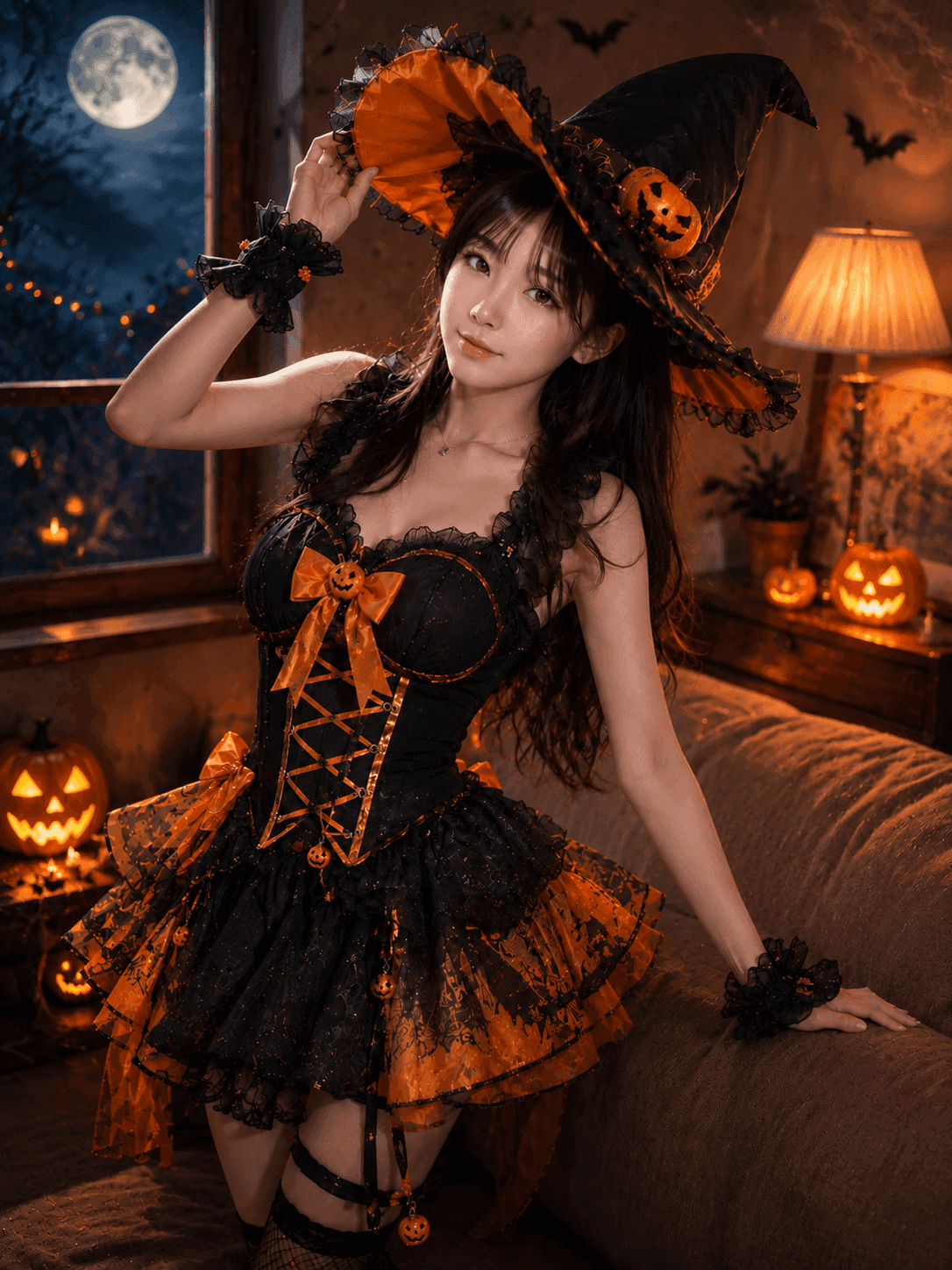
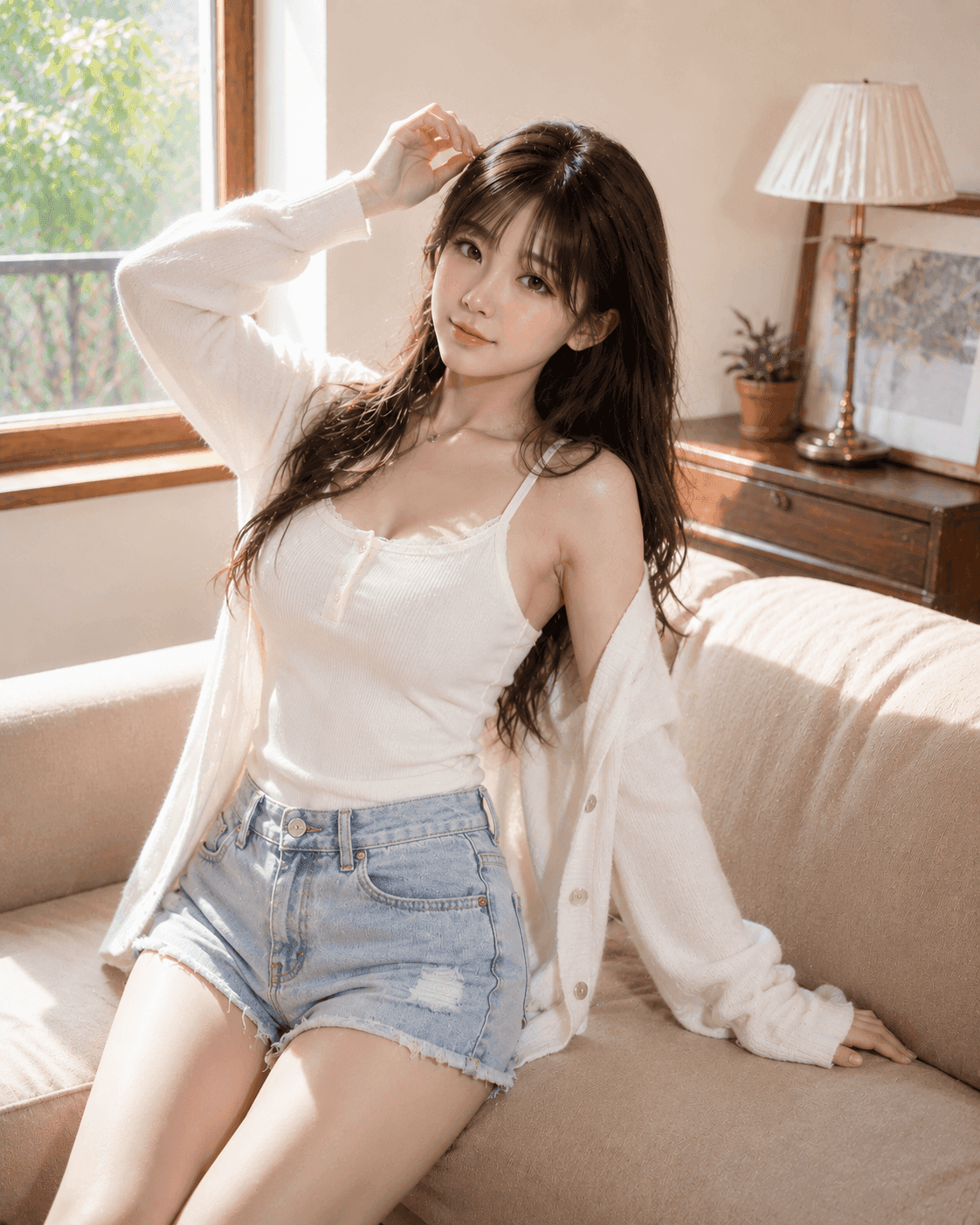
VidGen provides an AI Halloween filter and online Halloween photo editor. Upload one photo, then add a Halloween filter for photos with spooky lighting, pumpkin glow, costume-inspired styling, and profile-ready effects while keeping the main subject recognizable.
See Halloween filters for photos before and after
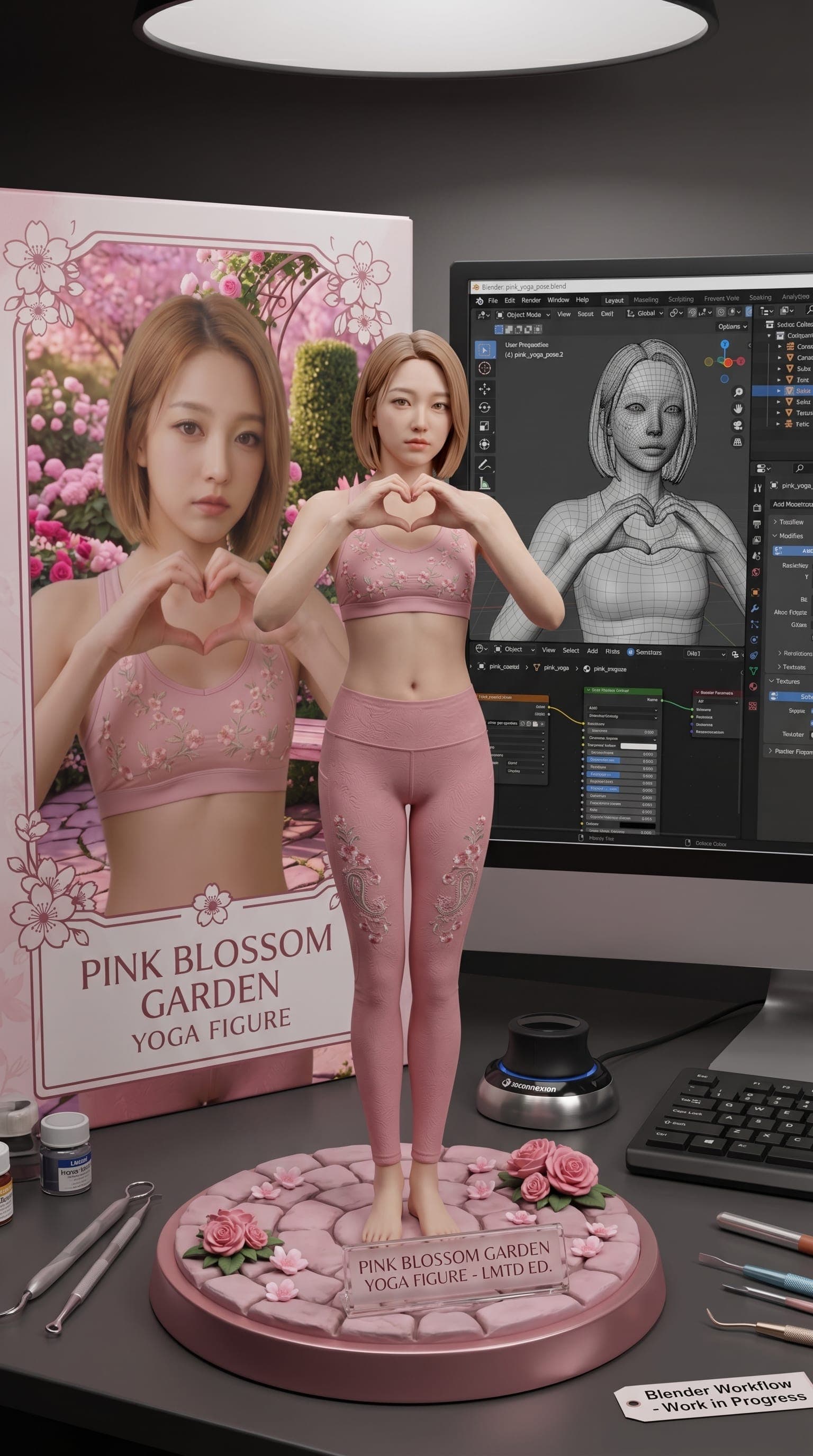
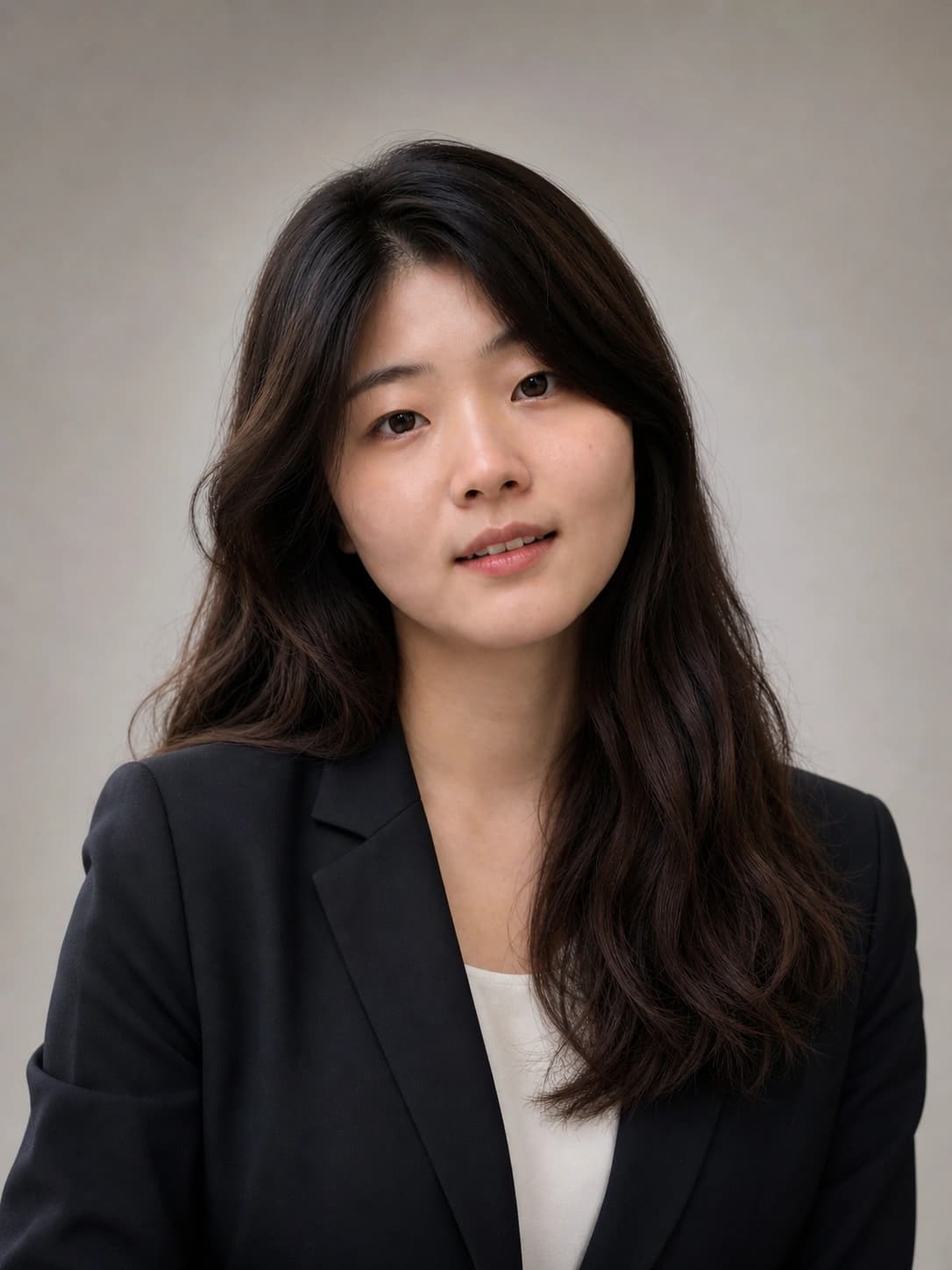
This before-and-after example shows how a normal photo can become a Halloween photo filter result with spooky atmosphere, seasonal color, and profile-ready styling while preserving the subject.
Before
After
How to use this Halloween photo editor
Upload your picture, apply an AI Halloween filter, and create a spooky Halloween photo edit online in three simple steps.
Step 1 — Upload a clear photo
Add a JPG, PNG, or WebP image up to 5 MB. Photos with a visible subject and balanced lighting give this Halloween photo editor the best starting point.
Step 2 — Apply an AI Halloween filter
Start the AI Halloween filter and let it add spooky lighting, pumpkin glow, costume-inspired details, and a seasonal Halloween atmosphere while preserving the original subject.
Step 3 — Review, rerun, and download
Open My Assets to compare results, rerun if needed, and download the finished Halloween photo filter result for profile pics, party invites, social posts, or seasonal campaigns.
Explore more AI effects

Frequently Asked Questions
What is AI Halloween filter?
AI Halloween filter is a photo effect that turns an uploaded picture into a Halloween-style edit with spooky lighting, seasonal color, costume-inspired styling, and profile-ready atmosphere while keeping the subject recognizable.
Can I use it as a Halloween photo editor online?
Yes. Upload your own photo, choose an aspect ratio, and use VidGen's online Halloween photo editor without opening a separate design app.
Can I add Halloween filters for photos?
Yes. The tool applies an AI Halloween filter for photos, with eerie lighting, pumpkin glow, darker seasonal color, costume-inspired details, and a festive spooky atmosphere. It is one guided effect rather than a menu of separate filter presets.
Is this a Halloween image editor or an AI Halloween generator?
It works more like a Halloween image editor because it starts from your uploaded photo, adds Halloween costumes, lighting, and seasonal atmosphere, and tries to keep the subject recognizable. People may search for an AI Halloween generator too, but this page is focused on editing your own image into a Halloween style rather than generating a brand-new image from text only.
Can I make a Halloween profile pic?
Yes. Square 1:1 output works well for a Halloween profile pic, while portrait and landscape ratios can be used for posts, invitations, and seasonal campaign visuals.
What styles can this Halloween photo filter create?
It can create spooky photo filter looks such as moonlit lighting, pumpkin glow, darker seasonal color, costume accents, and a friendly Halloween atmosphere. Results vary based on the uploaded photo.
Is there a free Halloween photo editor online to try?
New users get starter credits, so you can try the Halloween photo editor online before deciding whether you need more generations.