Gothic AI
Upload a photo and create a gothic portrait, goth PFP, or dark fantasy profile image with moody styling.
Gothic AI
Upload a photo and create a gothic portrait, goth PFP, or dark fantasy profile image with moody styling.
Gothic AI portrait generator and goth filter
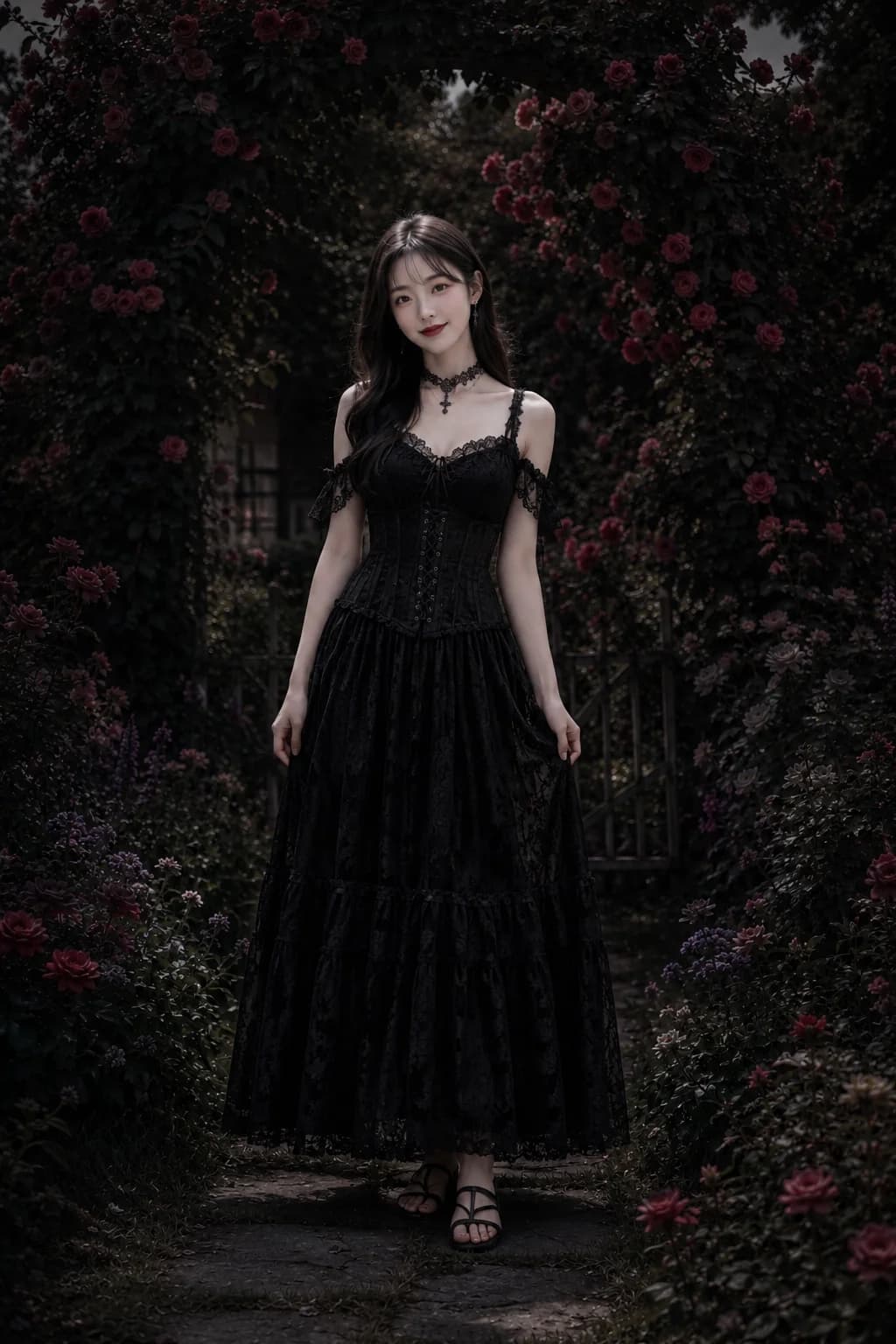
Use VidGen Gothic AI as a goth AI generator for photos. Upload one portrait and create an elegant gothic portrait, goth PFP, or dark fantasy profile image with black lace or velvet styling, smoky makeup, moody lighting, and a recognizable subject.
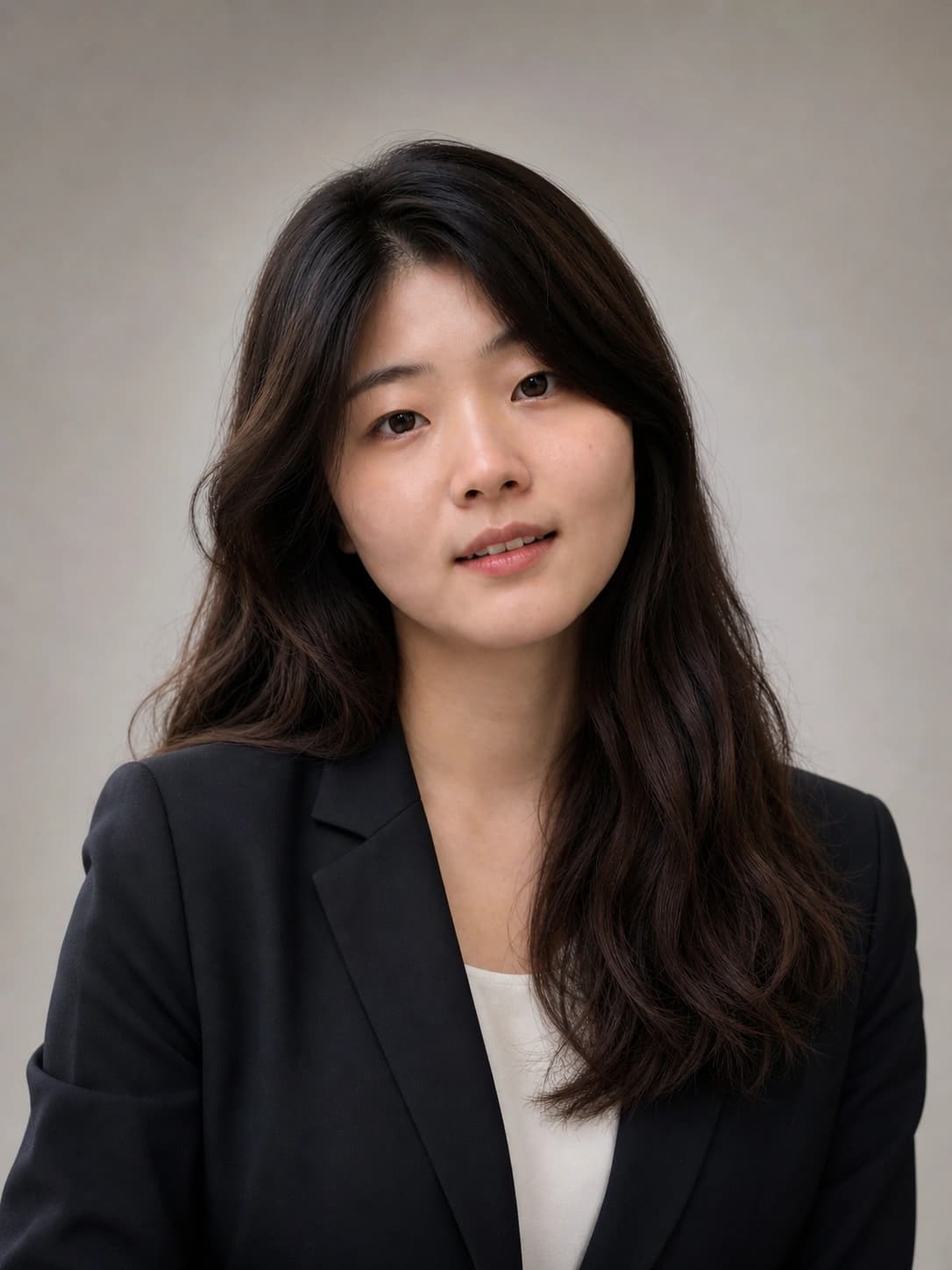
See a Gothic AI portrait before and after
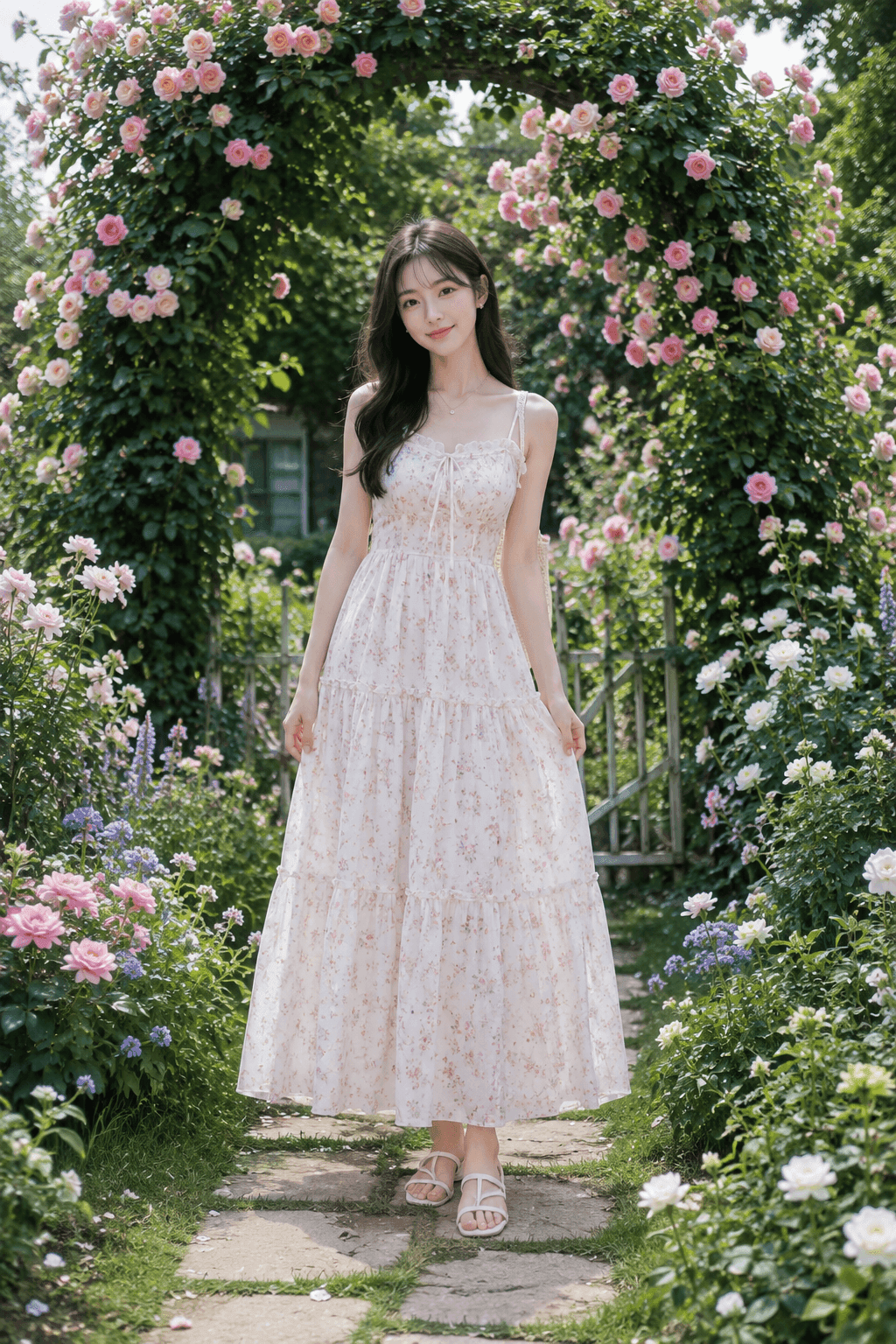
This example shows how a standard portrait can become a refined gothic aesthetic image for a goth PFP, profile picture, or dark fantasy portrait while preserving the original face and framing.
Before
After
How to create a gothic portrait with AI
Upload your photo, choose an aspect ratio, and use the Gothic AI filter to create a polished gothic portrait in three simple steps.
Step 1 — Upload a clear portrait
Add a JPG, PNG, or WebP photo up to 5 MB. A clear face, visible outfit area, and balanced lighting give the goth AI generator a better starting point.
Step 2 — Apply the Gothic AI effect
Start the gothic filter and let it add black lace or velvet details, subtle silver accessories, smoky makeup, deep lip color, moody lighting, and a dark fantasy portrait atmosphere.
Step 3 — Review, rerun, and download
Open My Assets to compare results, rerun if needed, and download the finished gothic portrait for a goth PFP, profile picture, social post, or style exploration.
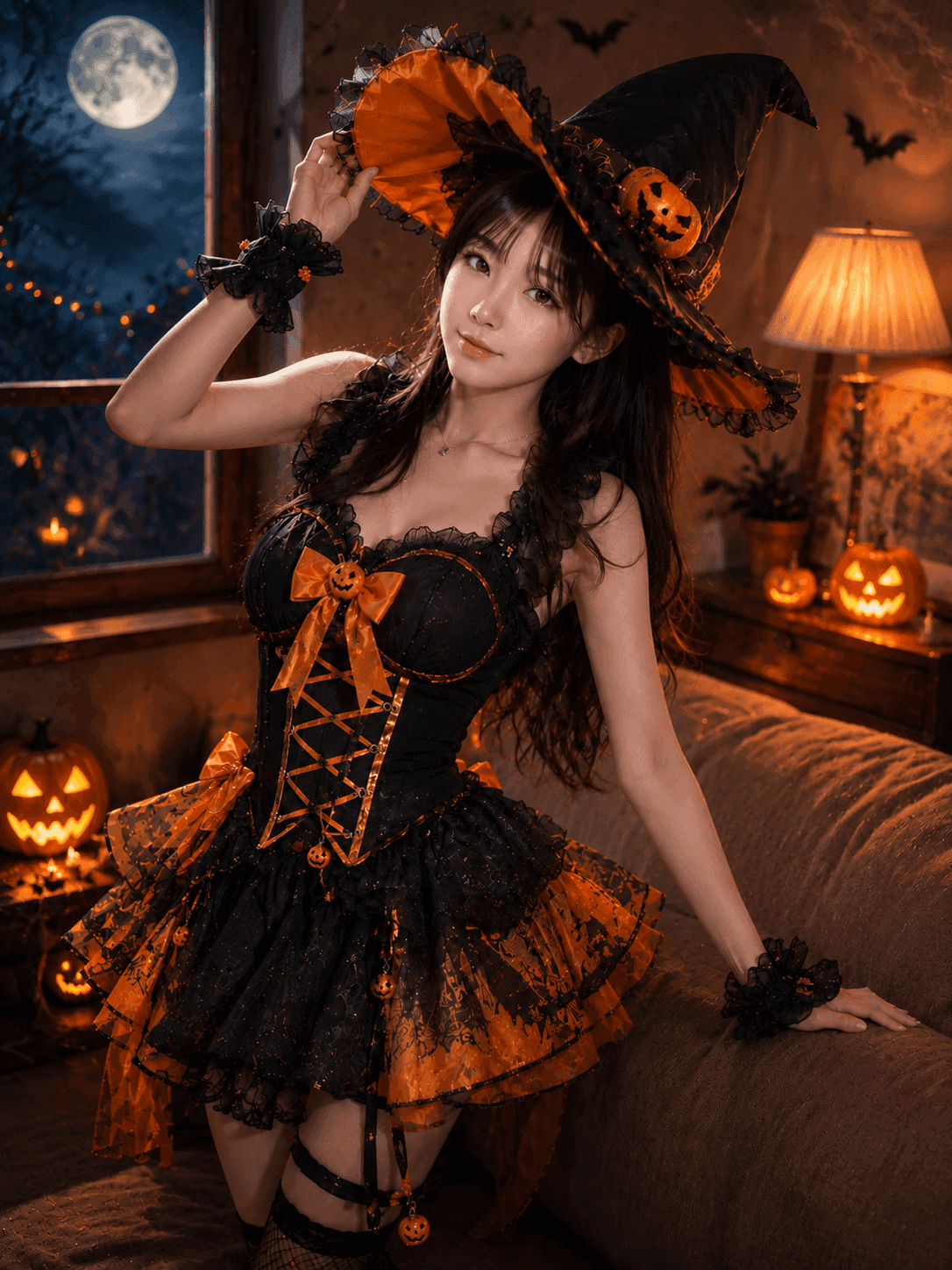
Explore more AI effects

Frequently Asked Questions
What is Gothic AI?
Gothic AI is a photo effect that works like a goth AI portrait generator. It transforms an uploaded portrait into a gothic aesthetic image with dark romantic styling, smoky makeup, moody lighting, and a dark fantasy feel while preserving the subject identity.
Can I use it as a goth filter online?
Yes. Upload your own photo, choose an aspect ratio, and use VidGen's guided gothic filter without manually building the look in a design app.
Can I make a goth PFP or gothic profile picture?
Yes. The square 1:1 option works well for a goth PFP, gothic PFP, avatar, or profile picture, while the portrait ratios are better for vertical social posts.
Will Gothic AI keep the face recognizable?
The built-in prompt asks the model to preserve identity, face shape, pose, composition, and original framing while changing the styling and atmosphere.
What styles can this gothic filter create?
It focuses on elegant gothic fashion, black lace or velvet details, subtle silver accessories, smoky eye makeup, deep red or black lipstick, moody shadows, and dark fantasy portrait lighting.
Is Gothic AI free to try?
New users get starter credits, so you can test Gothic AI and the goth filter workflow before deciding whether you need more generations.
Which aspect ratio should I use?
Use 1:1 for avatars and profile images, 3:4 or 9:16 for portrait posts, and 16:9 or 4:3 for wider editorial compositions.