
Earth Zoom In
Upload one photo and create an Earth Zoom In AI video that starts in orbit, zooms in to earth, and lands on your destination scene.
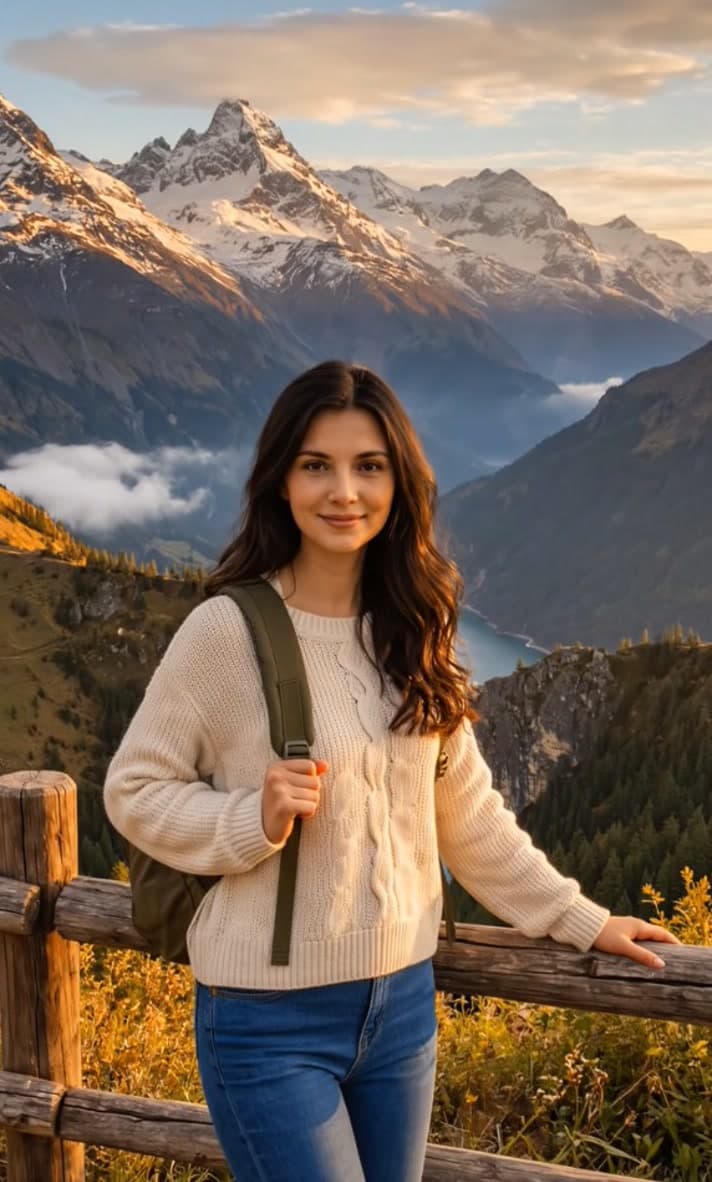
Earth zoom in AI effect for space-to-scene reveal videos
VidGen turns one photo into an earth zoom in AI video that starts with Earth in orbit and lands on your uploaded destination frame. It works well for intros, travel reveals, location-style shots, and short edits that need a smooth space-to-ground scale change from a single image.
See a space-to-scene earth zoom in example
The effect opens on a wide Earth view, then keeps pushing until it reaches the scene you upload. If you want an earth zoom in effect, an earth zoom in video, or even a light zoom in on the earth style intro before landing on a real frame, this is the workflow the page is designed for.
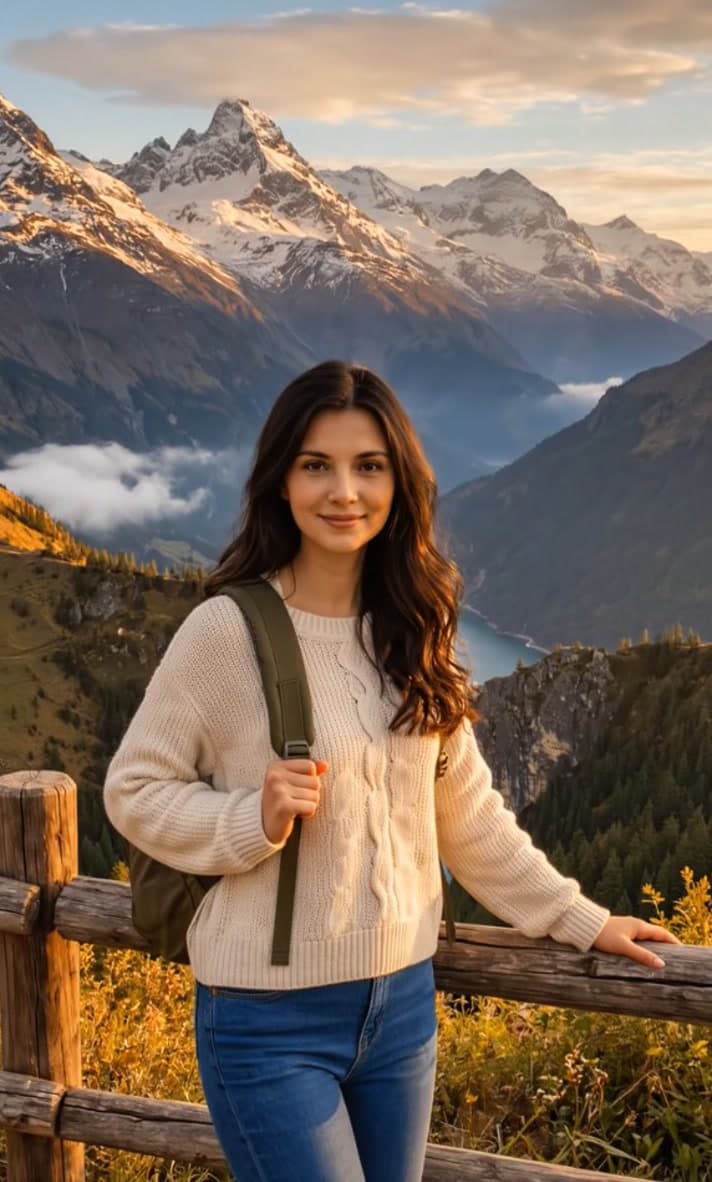
Uploaded image
Generated video
How to make an earth zoom in video from one photo
You only need one destination image. VidGen handles the orbit-to-ground move automatically, so you can create a cinematic earth zoom in shot online in a few clicks.
Step 1 - Upload one clear destination image
Choose a JPG, PNG, or WebP photo with a clear place to land on. City views, coastlines, landmarks, roads, rooftops, and wide outdoor scenes usually work best for earth zoom in AI.
Step 2 - Generate the space-to-scene reveal
Click Create and let VidGen start from Earth in space, zoom in to earth, and land on your uploaded scene. The motion is built to feel smooth, readable, and cinematic rather than like a map animation.
Step 3 - Review, rerun, and download
Preview the result, rerun the same image if you want a different feel, and keep the version that fits your intro, travel edit, promo, or concept video.
Explore more AI video and effect tools


Frequently Asked Questions
What is an earth zoom in AI effect?
An earth zoom in AI effect creates a video that begins with Earth in orbit and pushes toward your uploaded destination image. It is useful for intros, travel reveals, location shots, and short videos that need a dramatic space-to-scene transition.
How do I make an earth zoom in video from one photo?
Upload one destination photo, click Create, and let VidGen generate the orbit-to-ground motion automatically. You do not need to build camera moves, map zooms, or manual keyframes.
What kinds of photos work best for earth zoom in AI?
Wide outdoor images usually work best, especially city views, coastlines, landmarks, roads, rooftops, and travel scenes. A clear destination frame gives the AI a stronger final shot to land on.
Can I create a zoom in on the earth style intro?
Yes. The effect is designed to borrow that zoom in on the earth feeling, then turn it into a cinematic AI video that lands on your uploaded scene rather than staying in a map interface.
Is this the same as zooming in with Google Earth?
No. Google Earth is a map and globe navigation tool. VidGen generates a stylized video transition from a fixed Earth start frame to your uploaded destination image, which is better suited for storytelling and social edits.
Is there an earth zoom in AI free option on VidGen?
Yes. New users can start with free credits, so you can try the earth zoom in AI workflow before deciding whether to generate more versions.