Text to Speech
Convert text to speech with AI voices, multilingual support, and flexible narration settings
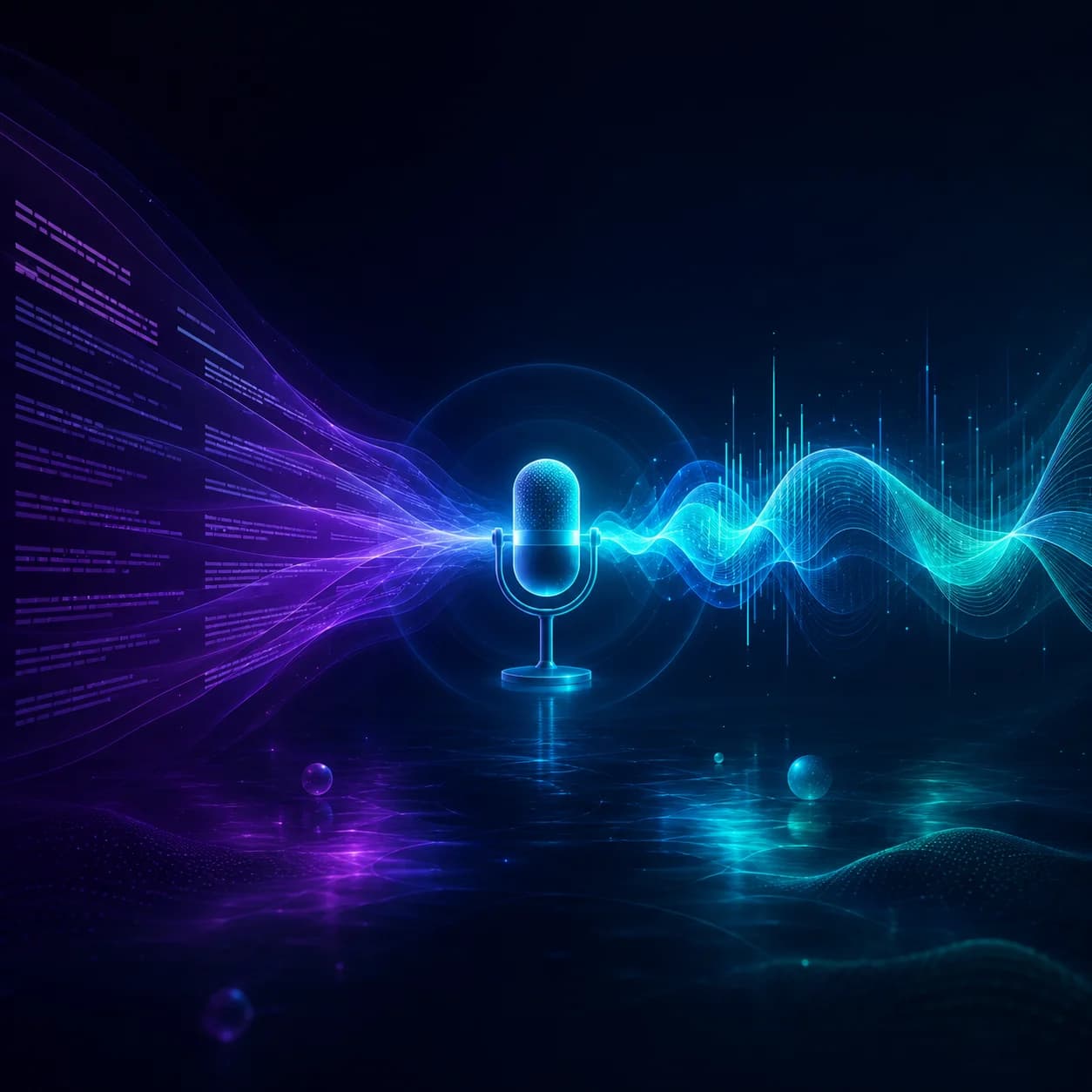
All-in-one text-to-speech in one workspace
Turn scripts into expressive narration with MiniMax Speech 2.8, including Turbo / HD modes, reusable voices, and emotion controls in one VidGen flow.
See a text to speech AI example
This text to speech walkthrough shows a short script and a generated narration sample from VidGen's MiniMax speech workflow.
Script
Once upon a time, there was a mountain, and in the mountain there was a temple. In the temple, an old monk was telling a story to a young monk. The old monk said: "Once upon a time, there was a mountain, and in the mountain there was a temple. In the temple lived two monks, one old and one young. Every night, moonlight would spill across the stone steps in front of the temple, and the old monk would always tell the young monk one touching story after another. In those stories, there were kind princesses, brave princes, and magical spells."
Output
How to use VidGen text to speech AI
Follow these steps to convert text to speech.
Step 1 — Choose a MiniMax voice
Open the voice picker, browse the built-in library or your saved cloned voices, and choose the voice that best fits your script.
Step 2 — Paste your script
Enter up to 10,000 characters per run. Structure your script with line breaks and punctuation so the spoken result sounds more natural.
Step 3 — Tune emotion and generate
Choose Turbo or HD, adjust emotion, speed, volume, and pitch, then generate and download clean MP3 audio for narration and voiceover work.
Explore more AI tools
Frequently Asked Questions
Is there a free text to speech AI option?
Yes. New users receive free credits, so you can test text to speech AI right away and generate your first AI text to speech audio before upgrading.
Will there be any watermark or branding in the audio?
No. All audio generated by VidGen is completely clean — no watermarks, no branding, no attribution required.
How much text can I input per generation?
You can enter up to 2,000 characters per submission. Well-structured text usually produces smoother text to speech results and more natural pauses.
Can I use VidGen as an AI text to speech generator for videos and narration?
Yes. VidGen works well for video voiceovers, tutorials, podcast narration, presentations, and other AI text to speech use cases where you need clean, natural audio fast.
What languages are supported?
VidGen supports a wide range of languages including English, Spanish, Mandarin Chinese, Arabic, German, French, Japanese, Korean, Italian, and many more, with multiple accent options available.
Can I create text to speech audio for free before upgrading?
Yes. Free starter credits let you test text to speech free workflows, compare voices, and generate sample outputs before moving to a paid plan.
Does VidGen support multilingual text to speech?
Yes. You can generate multilingual text to speech audio by selecting different supported languages and voices in the same workflow.